02.On the graphs (North or South) supplied in the PF kit instruction man-
ual, locate the curve for the location’s latitude (e.g: 45°N).
03.Choose the period of the year on which to base the calculation, or
select the lowest point
of the curve to calculate the worst period of
the year; then read the corresponding value Am (e.g. December,
January: Am= 200).
04.Calculate the value of energy available Ed (produced by the panel)
multiplying Ea x Am = Ed (example: Ea = 14; Am = 200, i.e. Ed =
2800).
• Calculating the energy consumed
To calculate the energy consumed by the automation, proceed as follows:
05.On the table below, select the box corresponding to the intersection
between the line with the weight and the column with the opening
angle of the leaf. The box contains the value of the severity index (K)
for each manoeuvre (e.g. gearmotor with standard arm on leaf of 130
Kg and 95° opening; K = 84).
06.On the table 4, select the box corresponding to the intersection
between the line with the Ed value and the column with the K value.
The box contains the maximum possible number of cycles per day
(e.g. Ed= 2800; K= 84; cycles per day = 30).
If the number obtained is too low for the envisaged use or is located in the
“area not recommended for use”, the use of 2 or more photovoltaic pan-
els may be considered, or the use of a photovoltaic panel with a higher
power. Contact the Mhouse technical assistance service for further infor-
mation.
The method described enables the calculation of the maximum possible
number of cycles per day that can be completed by the automation while
running on solar power. The calculated value is considered an average
value and the same for all days of the week. Considering the presence of
the battery, which acts as an energy “storage depot”, and the fact that the
battery enables automation autonomy also for long periods of bad weath-
er (when the photovoltaic panel produces very little energy) it may be pos-
sible to exceed the calculated maximum possible number of cycles per
day, provided that the average of 10-15 days remains within the envis-
aged limits.
Table 5 specifies the maximum possible number of cycles, according to
the manoeuvre’s severity index (K), using exclusively the energy stored
by the battery. It is considered that initially the battery is completely
charged (e.g. after a prolonged period of good weather or recharging via
the optional PCB power supply unit) and that the manoeuvres are per-
formed within a period of 30 days.
When the battery runs out of the stored energy, the led starts to indicate
the battery low signal by flashing briefly every 5 seconds, accompanied by
a “beep”.
If the “WT” is used on a single leaf gate (with only one gearmotor), the
maximum possible number of cycles corresponds to the value in the
tables, multiplied by
1.5. For example, if the calculated number of cycles
is 30 and the gate has one leaf only, the number of cycles will be: 30 x
1,5 = 45.
A.6 - “Stand-by” function when the device PR2
and/or PF is installed (optional devices)
When the automation is powered by the backup battery PR2 or the pho-
tovoltaic system PF, the “standby” function is activated automatically 60
seconds after completion of an automatic manoeuvre cycle. This turns off
the “ECSbus” output and all connected devices, the outputs “Flash”, “Els”
and all leds, with the exception of the ECSbus led which flashes more
slowly (1 flash every 5 seconds). After this, as soon as the user sends a
command, the control unit restores power and starts the manoeuvre (this
may start with a short delay).
A.7 - Using the “ECSBus” input/output
Only devices compatible with ESCBus technology must be connected to
the terminal “ESCBus” (this is explained in detail in paragraph 3.3.3).
Important – Following testing of the automation, each time new
devices are connected to (or removed from) the “ECSBus” terminal,
the learning procedure must be performed as described in para-
graph A.10.
A.8 - Using the “STOP” input
STOP is the input that causes immediate shutdown of the manoeuvre
(with brief inversion). This input can be connected to devices with contact
types Normally Open (NO, as in the case of the KS100 selector switch),
Normally Closed (NC) or devices with a constant resistance of 8.2 KΩ,
such as sensitive edges.
When set accordingly, more than one device can be connected to the
STOP input, also different from one another. For this function, refer to
Table 6 and the following notes to the table.
Note 1. The combination NO and NC is possible by connecting the 2
contacts in parallel, taking care to connect a 8.2k
Ω
resistance to
the NC contact (this enabling the combination of 3 devices: NO,
NC and 8,2k
Ω
).
Note 2. Any number of NO devices can be connected to each other in
parallel.
Note 3. Any number of NC devices can be connected to each other in
series.
Note 4. Two devices with a 8,2k
Ω
constant resistance can be connected
in parallel. However if there are more than two of these devices,
they must be connected “in cascade” placing only one terminat-
ing resistance of 8,2k
Ω
.
Warning! – If devices with safety functions are connected to the “STOP”
input, only devices with a constant 8,2kΩ resistance output can guaran-
tee fault safety category 3.
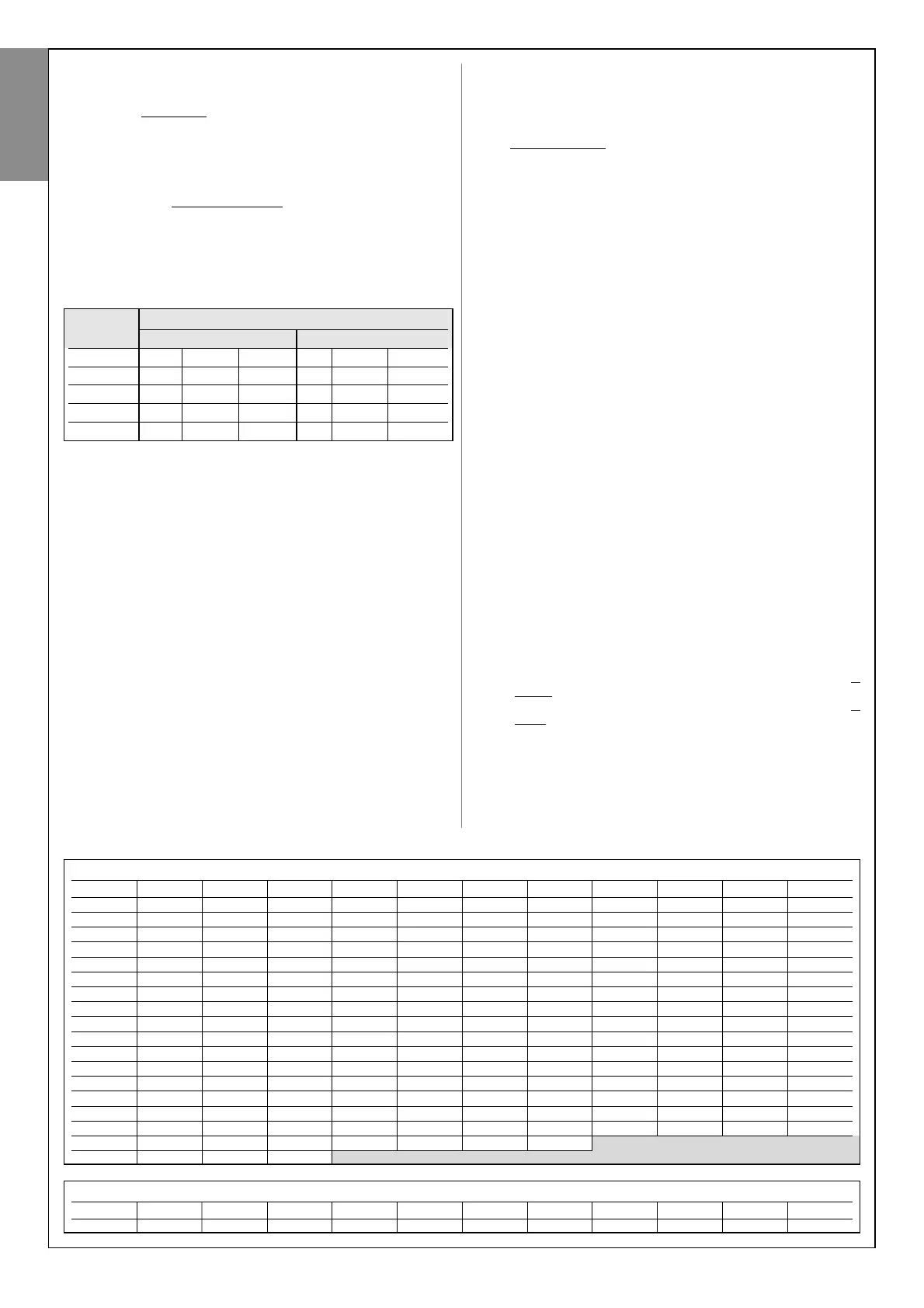
TABLE 4 - Maximum number of cycles per day (see paragraph A.5.1)
Ed K≤50 K≤75 K=100 K=125 K=150 K=175 K=200 K=225 K=250 K=275 K=300
9500 183 122 92 73 61 52 46 41 37 33 31
9000 173 115 87 69 58 49 43 38 35 31 29
8500 163 109 82 65 54 47 41 36 33 30 27
8000 153 102 77 61 51 44 38 34 31 28 2
7500 143 95 72 57 48 41 36 32 29 26 24
7000 133 89 67 53 44 38 33 30 27 24 22
6500 123 82 62 49 41 35 31 27 25 22 21
6000 113 75 57 45 38 32 28 25 23 21 19
5500 103 69 52 41 34 29 26 23 21 19 17
5000 93 62 47 37 31 27 23 21 19 17 16
4500 83 55 42 33 28 24 21 18 17 15 14
4000 73 49 37 29 24 21 18 16 15 13 12
3500 63 42 32 25 21 18 16 14 13 11 11
3000 53 35 27 21 18 15 13 12 11 10 9
2500 43 29 22 17 14 12 11 10 9 8 7
2000 3322171311987766
1500 2315129876
1000 13 9 7
Area of use not recommended
TABLE 5 - Maximum number of cycles using exclusively battery power (see paragraph A.5.1)
K≤50 K≤75 K=100 K=125 K=150 K=175 K=200 K=225 K=250 K=275 K=300
1082 721 541 433 361 309 271 240 216 197 180
Opening angle
with standard arm with short arm
Leaf weight ≤90° 90÷100° 100÷110° ≤90° 90÷100° 100÷110°
< 80 Kg 30 44 60 60 84 112
80-120 Kg 42 58 90 90 128 200
120-150 Kg 55 84 144 144 220 288
150-180 Kg 86 126 220
motor
English
26 – English



 To Next Page