Familiarization with MICOM-3 Radios
15
What you can Select
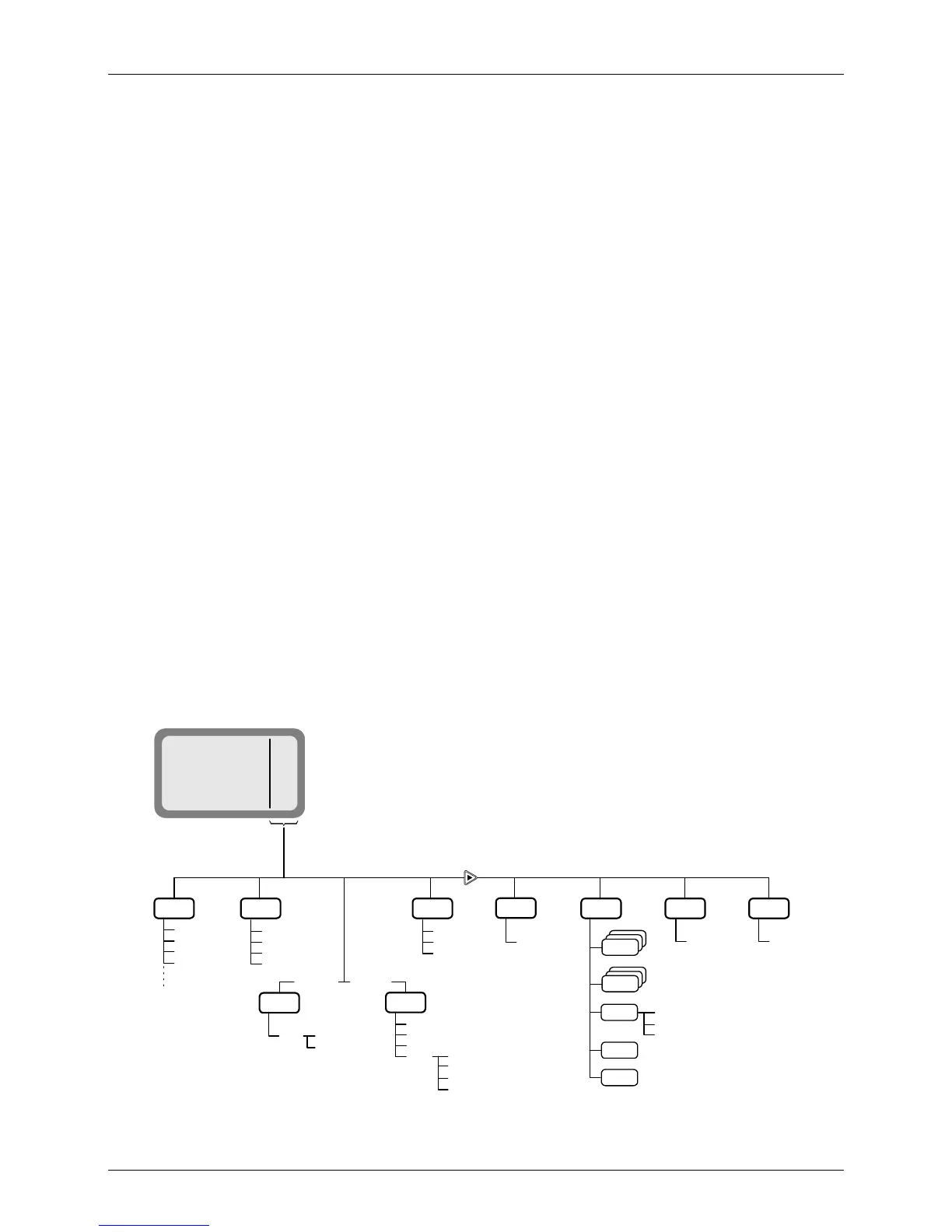
Use the following description with Figure 1, which shows the details of the main menu. Additional
options are available for a MICOM-3 with the GPS receiver option (see the Using the MICOM-3 GPS
Receiver section starting on page 104).
Menu item ... and its purpose
CHAN Channel mode: the radio uses a set of preset parameters. Up to 200 sets of
parameters can be defined and stored in the MICOM-3 where each set is
assigned a channel number (1 to 200). You can use Figure 2 (page 21) to find
details on the selections available on the CHAN menu.
FREQ Frequency mode: you can select manually the frequency and the other
parameters to be used. You can use Figure 3 (page 27) to find details on the
selections available on the FREQ menu.
ALE ALE mode: when you want to call other radio, the radio automatically sets up a
link on the best free frequency that can be found. The sets of parameters needed
for this operation mode are stored under net numbers (1 to 20).
SCAN SCAN mode: when ALE is not used, you can define a set of channels to be
scanned before starting a call. The scan parameters are always loaded with the
MRC together with the other operational parameters, but cannot be changed
using the MICOM-3 panel.
BIT BIT mode: lets you check that the MICOM-3 is OK.
LOCK Lock the radio to prevent unauthorized use. To lock and unlock, you enter a
password.
PROG Programming mode: lets you program (select and store) the required parameters.
You can use Figure 6 (page 79) and Figure 7 (page 80) to find details on the
selections available on the PROG menu.
DIM
1
2
3
4
LEVEL
0 1 2 3
CHAN FREQ
FULL
CHAN
L.RF
BIT
LOCK
PSW
LOCK
PROG
PSW
OLD
PSW
More
SMPX
DPLX
RXO
TXO
MICOM-3
MENU
I
CHAN
FREQ
ALE
BIT
NET
ALE
ENTER
NO
ALE = YES
ALE = NO
SCAN
RAD
ALE
LANG
ENGLISH
FRENCH
ESPA
VCD
VP
Option
Option
STOP
SLOW
FAST
GRP
A
B
C
D
Figure 1. Main Menu



 To Next Page