- 50 -
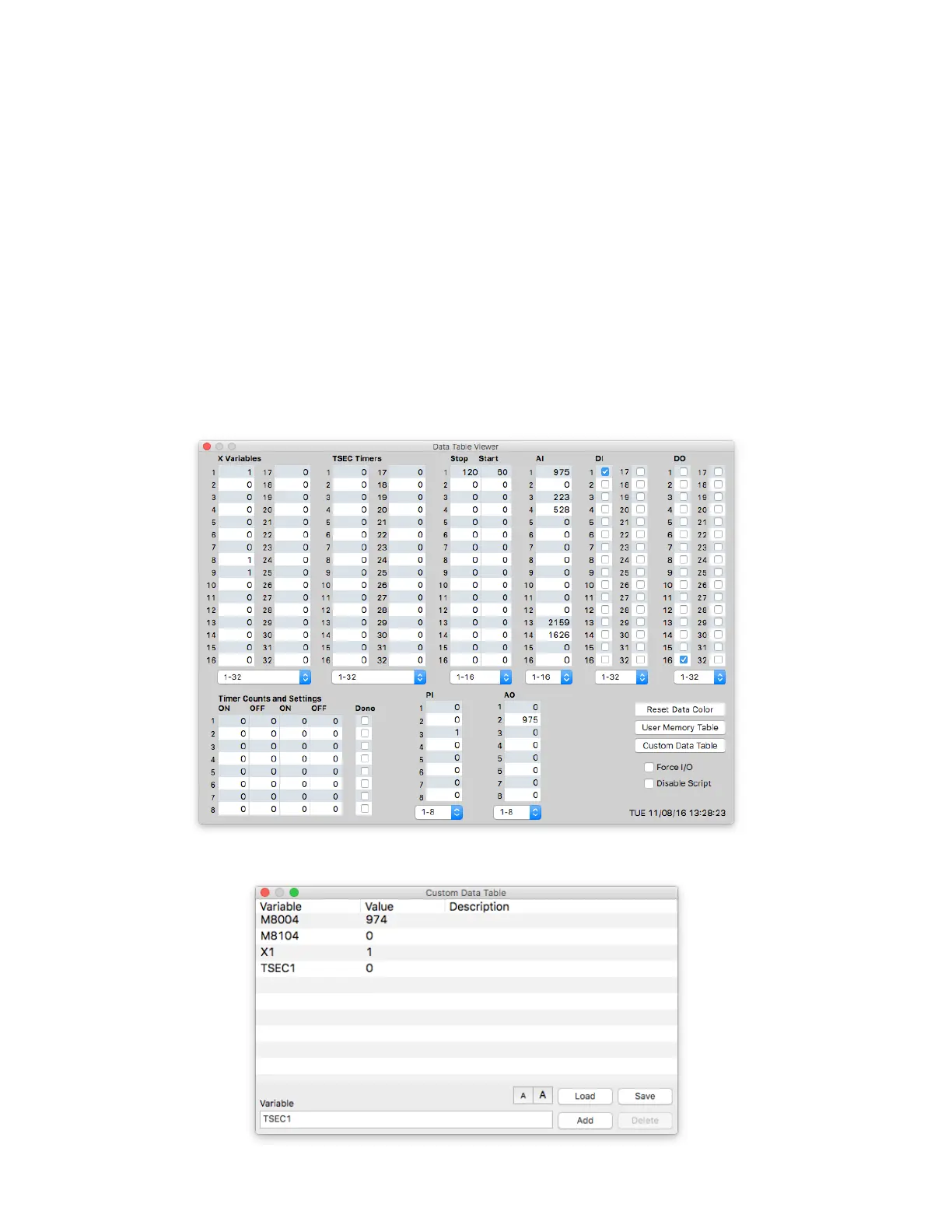
Data Table Viewer
The Data Table Viewer screen allows the operator to see and change I/O variables, User variables and the Stop/
Start setpoints in real-time when connected to an RTU. This screen can be very useful when debugging script lan-
guage code. The User Memory Table can display all user memory. The Custom Data table can be used to display
a customizable list of variables.
Analog inputs and Stop/Start setpoints are displayed as raw 12-bit numbers (0-4095) or can optionally be scaled
based on the range/oset values entered in the analog setup screen. Pressing the “S” key on this display will
toggle scaling on and o. Discrete inputs and outputs are shown as either 1 or 0 (on or o).
When the “Force I/O” option is selected, the I/O variables shown in red may be changed to the desired value
by clicking on the readout box, typing a new value and pressing enter. When the “Disable Script” option is also
checked, the script will stop running and any I/O that it was controlling can then be forced.



 To Next Page