39
The TOTAL AREA, SUB AREA, DISTANCE and TOTAL FLOW
counters maintain a running count during operation
regardless of the position of the rotary switch. When any of
these counters reach their maximum capacity, or when you
want to start a new count, the value in the register may be
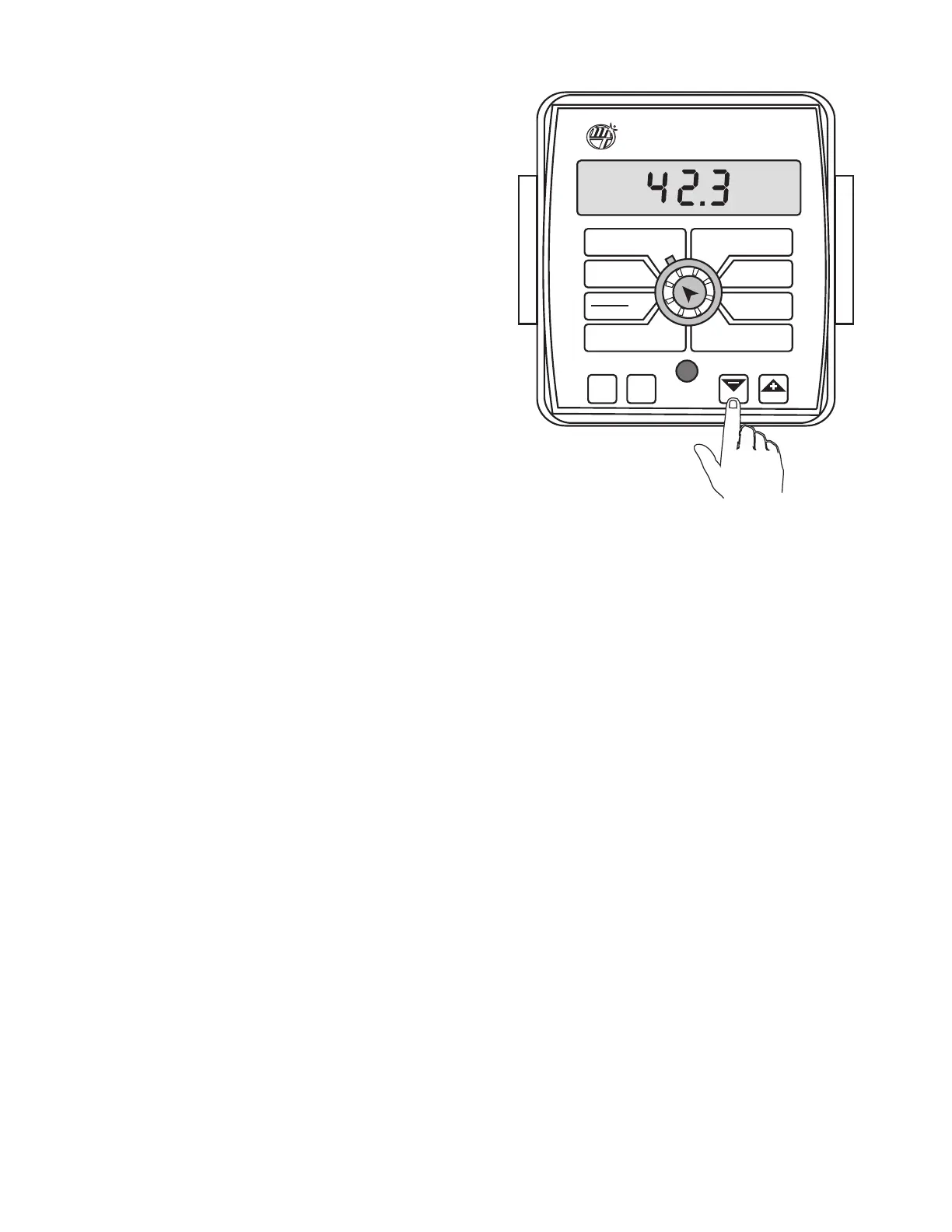
reset to zero by performing the following routine. Counters
may be reset independently of each other.
1. Turn the booms OFF.
2. Turn the rotary switch to the counter position to be
reset.
3. Press and hold the RESET button until the display
reads zero.
4. Release the RESET button and resume normal operation.
See Illustration 43.
Illustration 43
WIDTH
CIRC
MIN
FLOW
FLOW
CAL
AREA
HOUR
APP. RATE
TOTAL AREA
SPEED
DISTANCE
FLOW
RATE
TOTAL FLOW
SUB AREA
BOOM
SEL
TEST
SPEED
ADJUST
RATE
TARGET
RATE
AUTO
MAN
CAL
RESET
MANAUTO
HOLD
MT-2400
™
LR
V 1
2
3 4
Operation (cont)
Resetting System Counters



 To Next Page