September 2012
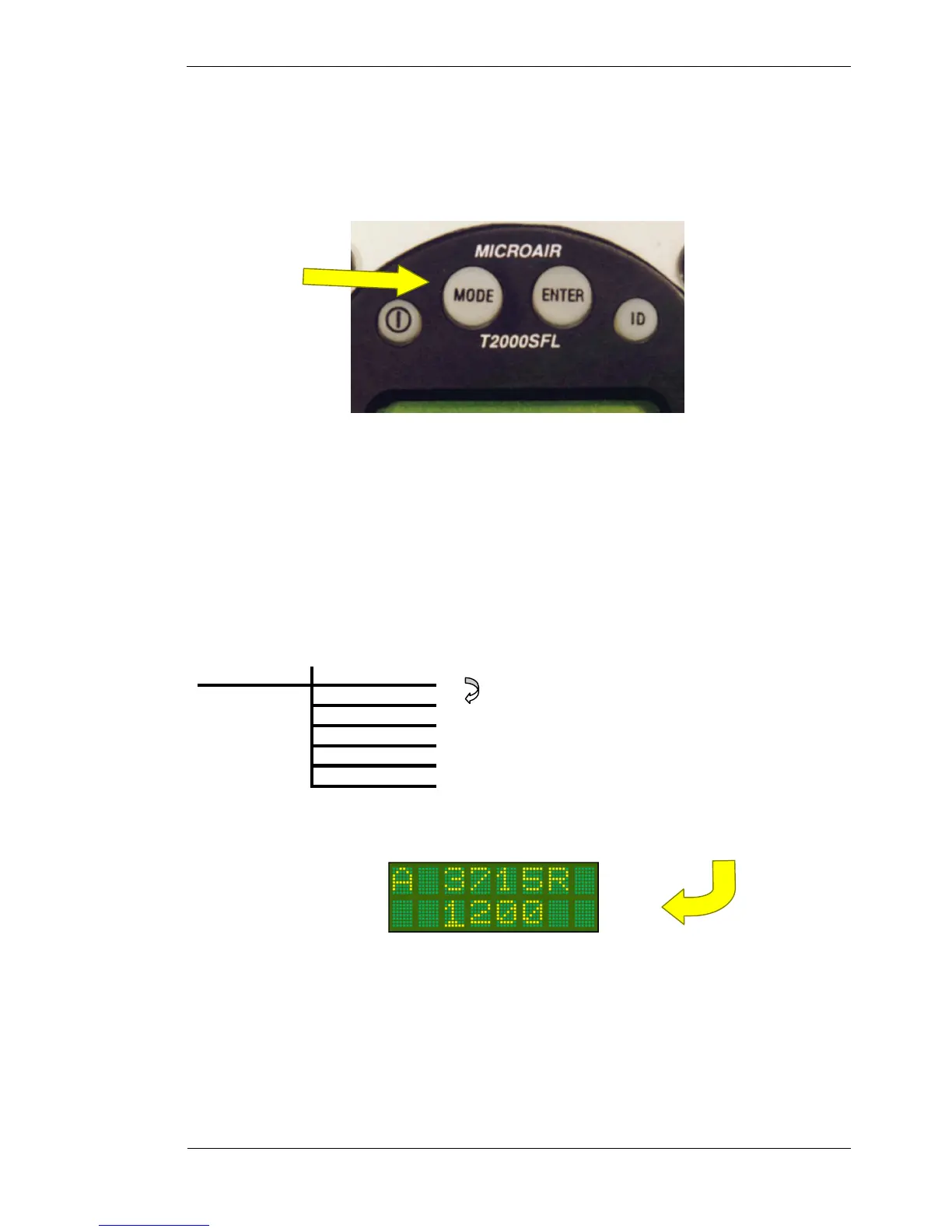
3.4 MODE KEY
The MODE key can be used to access two separate menus:
• If the transponder is turned on, by holding down the MODE key, and pressing the ON key, the T2000SFL
will start in PROGRAM MODE. The MODE key must be held down, until the start-up self-test messages
have been displayed.
• If the transponder is ON and in normal operation, press the MODE key to access the MODE MENU. The
first item of the MODE MENU is displayed. Step through the MODE MENU by pressing the MODE key.
After the last menu item the T2000SFL returns to the operational display currently in use.
The MODE MENU is designed to allow the operator fast easy access to functions and parameters, which may
need to be adjusted in flight.
MODE MENU QNH or BARO
Assigned
Buffer
Dsp Alt
Backlits
Alert Tone
Mode Key
USE MODE KEY TO STEP
THROUGH MENU OPTIONS
OR
USE THE Toggle KEY TO RETURN
TO THE OPERATIONAL DISPLAY



 To Next Page