September 2012
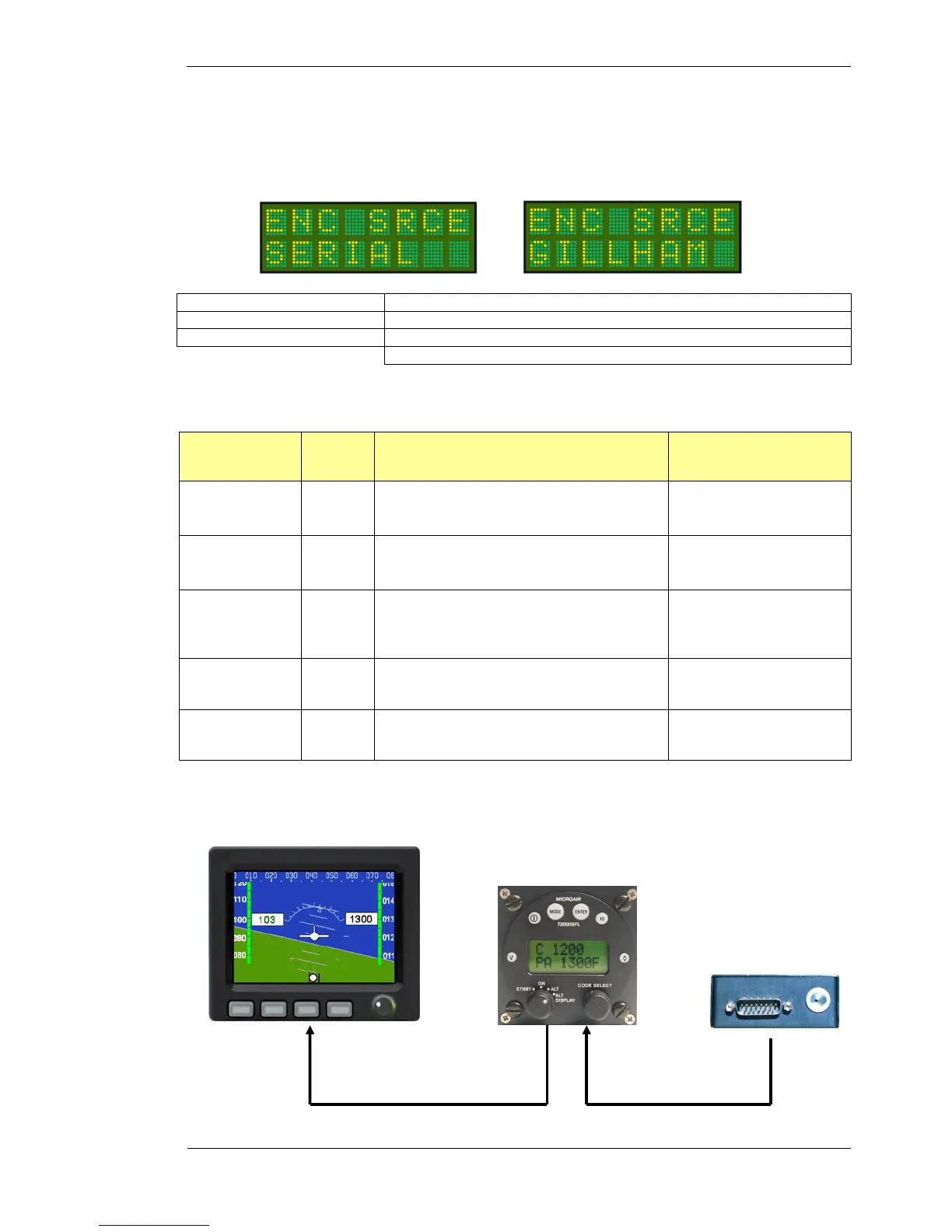
4.1.2 ENC SRCE
The T2000SFL can accept altitude data from the 10 line Gillham input or the RS232 serial input. The user can
select from Gillham or serial as the encoder source.
Press MODE key Until ENC SRCE message appears
Rotate CODE SELECT knob Set ENC SRCE Gillham/Serial. The default is SERIAL.
Press ENTER key The message SAVED appears briefly on the display
The display moves to Altitude menu item
Where serial is selected the T2000SFL will self detect at start up the data speed, data format, and altitude
resolution from the following commonly used altitude data protocols:
Format
Baud
Rate
Message Formatting
Example Message
(5200 feet above MSL)
Garmin AT
1200bps
#AL, space, +/- sign, five altitude digits, T+25, checksum,
carriage return
#AL +05200T+25D8[CR]
Magellan
1200bps
$MGL, +/- sign, five altitude digits, T+25, checksum,
carriage return
$MGL+05200T+250C[CR]
Northstar,
Garmin
4800bps
ALT, space, five altitude digits, carriage return
ALT 05200[CR]
Trimble, Garmin
9600bps
ALT, space, five altitude digits, carriage return
ALT 05200[CR]
Microair
9600bps
STX, a=, - (if negative), five altitude digits, ETX,
checksum
[STX]a=05200[ETX]9A
Where the ENC SRCE is set to GILLHAM, the T2000SFL will convert and output the altitude data as SERIAL
data at a rate of once a second in the Garmin AT format in 100ft increments.
Gillham
Altitude Data
Serial
Altitude Data



 To Next Page