September 2012
3.4.5 BACKLITS
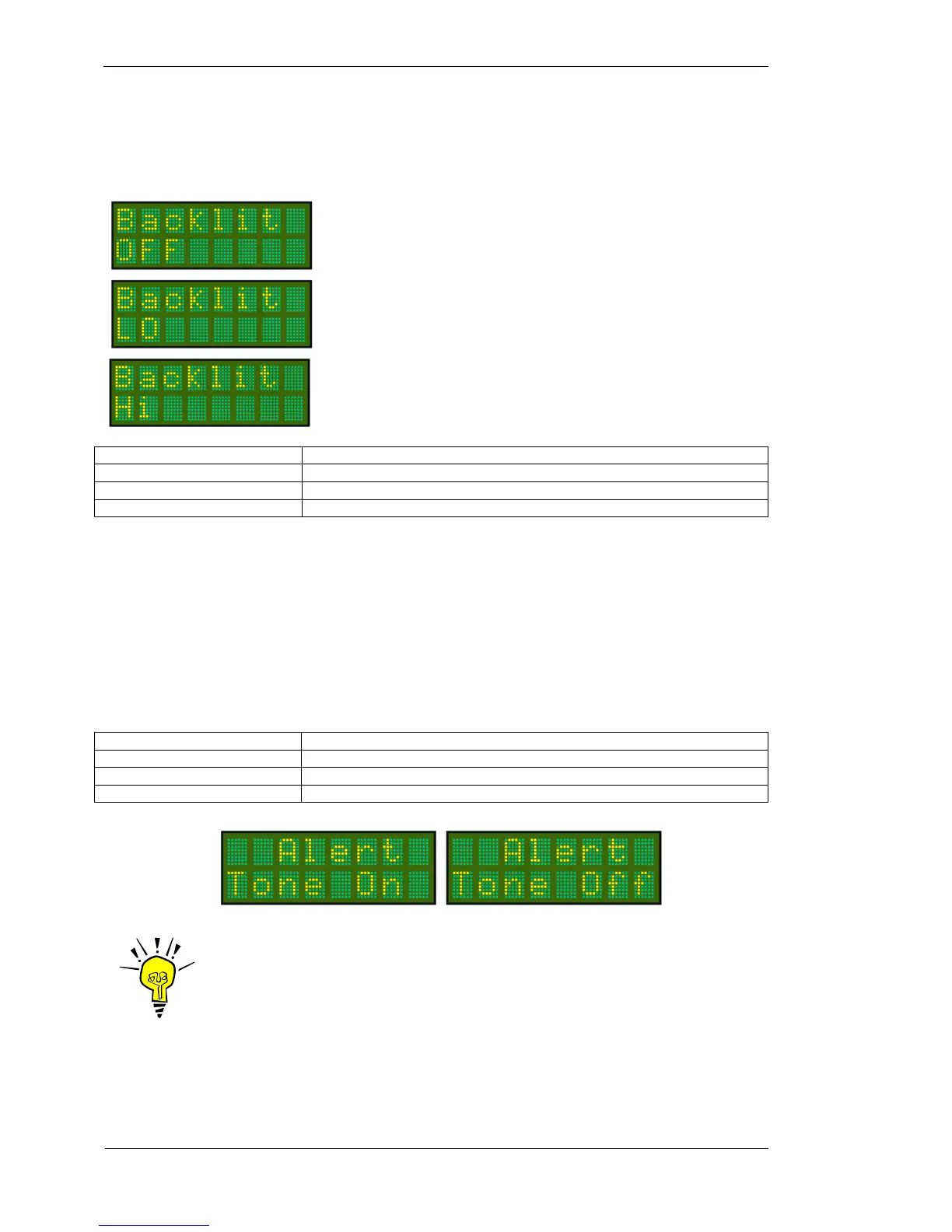
The T2000SFL display is backlit by a series of LEDS. The level of backlight can be selected from three options:
Press MODE key (5 times) To select Backlits option. The current setting is displayed.
Rotate CODE SELECT knob To select from OFF / LO / HI
Rotate ENTER key To save backlist level
Press Toggle key Display returns to current operational display
The BACKLITS setting is saved to memory. When the transponder is next turned on, the backlighting level will
be recalled from memory.
3.4.6 ALERT TONE
The Alert Tone function is used by the T2000SFL’s altitude alert function. When set ON, the Alert can be
heard through the headphones, when connected to the headphone circuit.
Press MODE key (6 times) To select Alert Tone option
Rotate CODE SELECT knob Scroll lower line to select ON or OFF. The default is ON
Press ENTER key No operation. No default value.
Press Toggle key Display returns to current operational display
IMPORTANT NOTE
Pressing the MODE key again returns the display to the operational screen.
The user can press the toggle key at any point in the MODE menu to return to
the operational screen.
Backlighting is OFF
When the T2000SFL is turned on the backlighting
will default to OFF.
Backlighting is LO
When the T2000SFL is turned on the backlighting
will default to the LO or 50% level.
Backlighting is HI
When the T2000SFL is turned on the backlighting will
default to the HI or 100% level.



 To Next Page