September 2012
3.2 CODE SELECT KNOB
The CODE SELECT knob can be rotated clockwise to scroll
upwards, and counter-clockwise to scroll downwards. Each digit of
the code is adjusted separately. The adjust function starts with the left
hand digit, and is moved across to the next digit by pushing the
CODE SELECT knob inwards. After 10 seconds of inactivity the
cursor will revert to the left hand digit.
When operating in the Display Alt mode with altitude displayed, the
actual Gillham 4 digit altitude code can be displayed by pressing and
holding the code select knob in.
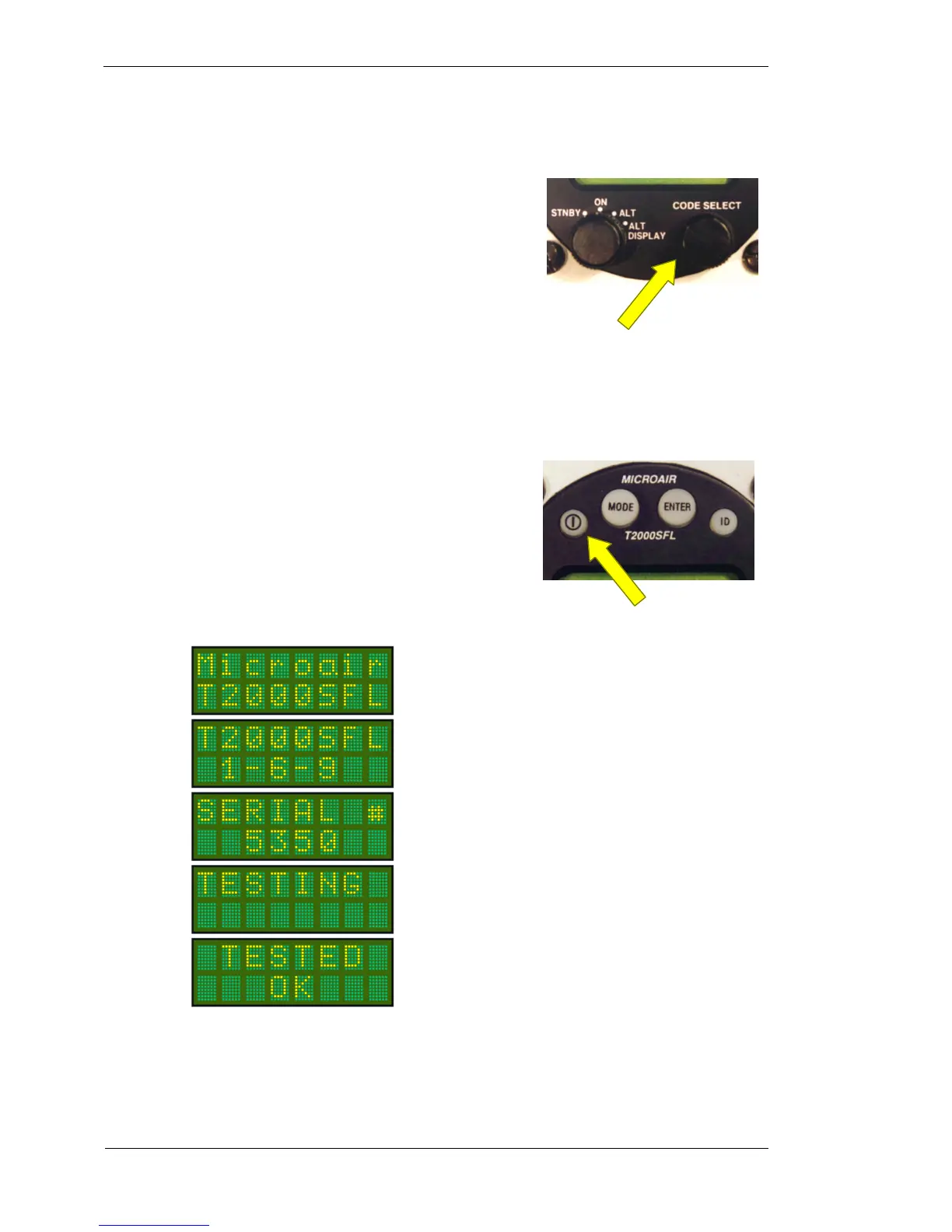
3.3 ON KEY
The T2000SFL is turned on by pressing the ON key.
The T2000SFL then performs a self test before moving on to the
operational screen, in whatever mode the select mode knob is set to.
This test sequence includes the display of the serial number and the
firmware version.
Code Select Knob
On Key



 To Next Page