Microair Avionics T2000SFL Transponder User Manual
T2000SFL User Manual 01R8-2 Page 22 of 28 18
September 2012
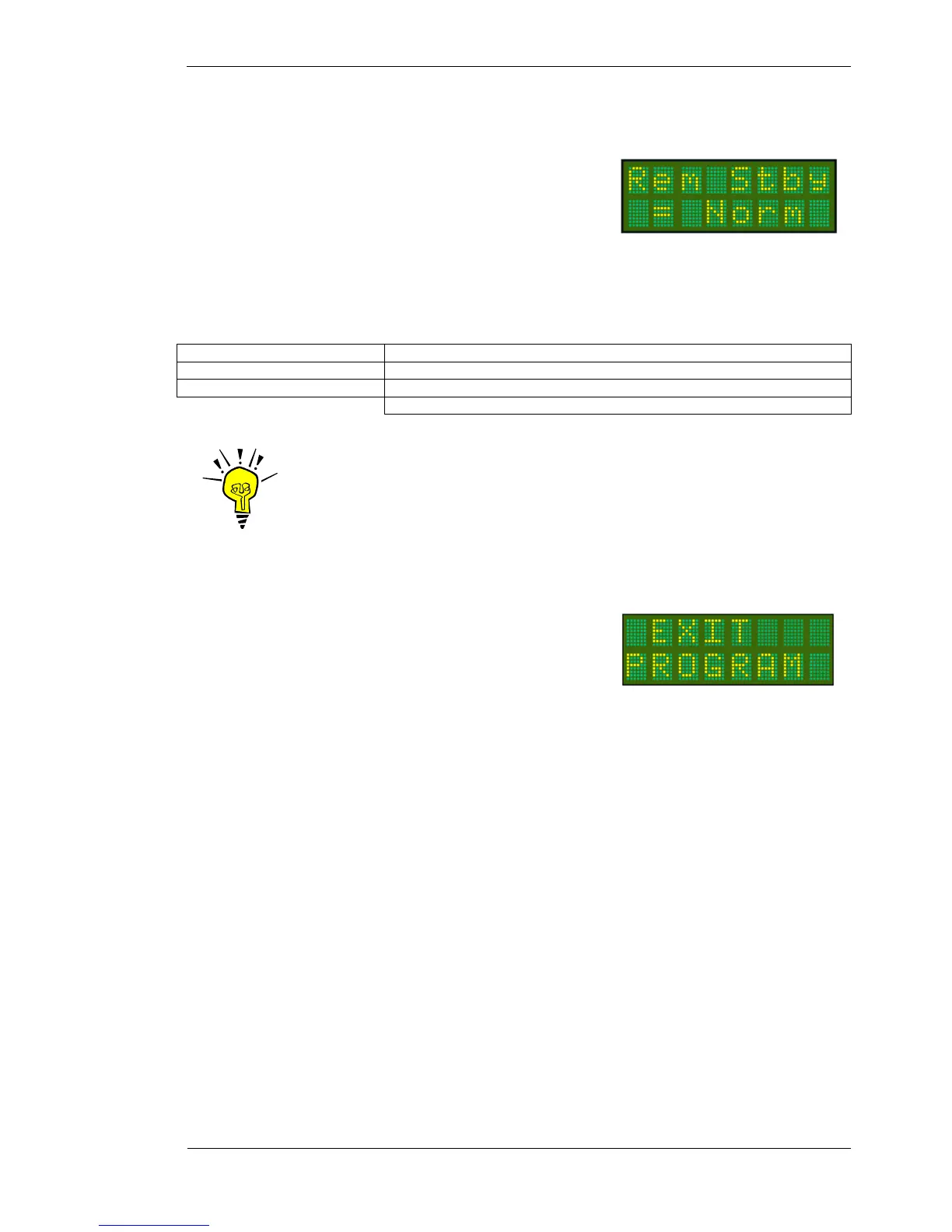
4.1.5 REM STBY
For aircraft using the remote standby line (pin 15), the operation of the
switch can be changed by the T2000SFL software. The remote switch
holds the T2000SFL in standby (S) regardless of what position the
SELECTMODE knob is in.
If the remote switch releases the T2000SFL from standby by closing, the operation is NORM (normal).
If the remote switch releases the T2000SFL from standby by opening, the operation is REV (reverse).
Press MODE key Until Rem Stby message appears
Rotate CODE SELECT knob Set Rem Stby = Norm/Rev The default is Norm
Press ENTER key The message SAVED appears briefly on the display
The display moves to EXIT PROGRAM menu item
IMPORTANT NOTE
If a remote switch is fitted, and it becomes faulty, the operation of the
switch can be changed with this feature. If the T2000SFL will not change
from standby, go to PROGRAM MODE and change the Rem Stdby. This
may release the T2000SFL.
4.1.6 EXIT PROGRAM
This is the end of the PROGRAM MODE menu. The user can exit
by pressing the MODE key. The T2000SFL will restart in the
operational mode.
The user can exit the PROGRAM MODE menu at any time, from
any menu item, by pressing the toggle key.
To re-enter the PROGRAM MODE menu the T2000SFL must be turned off, and re-started using the ON and
MODE keys (refer PROGRAM MODE section).



 To Next Page