September 2012
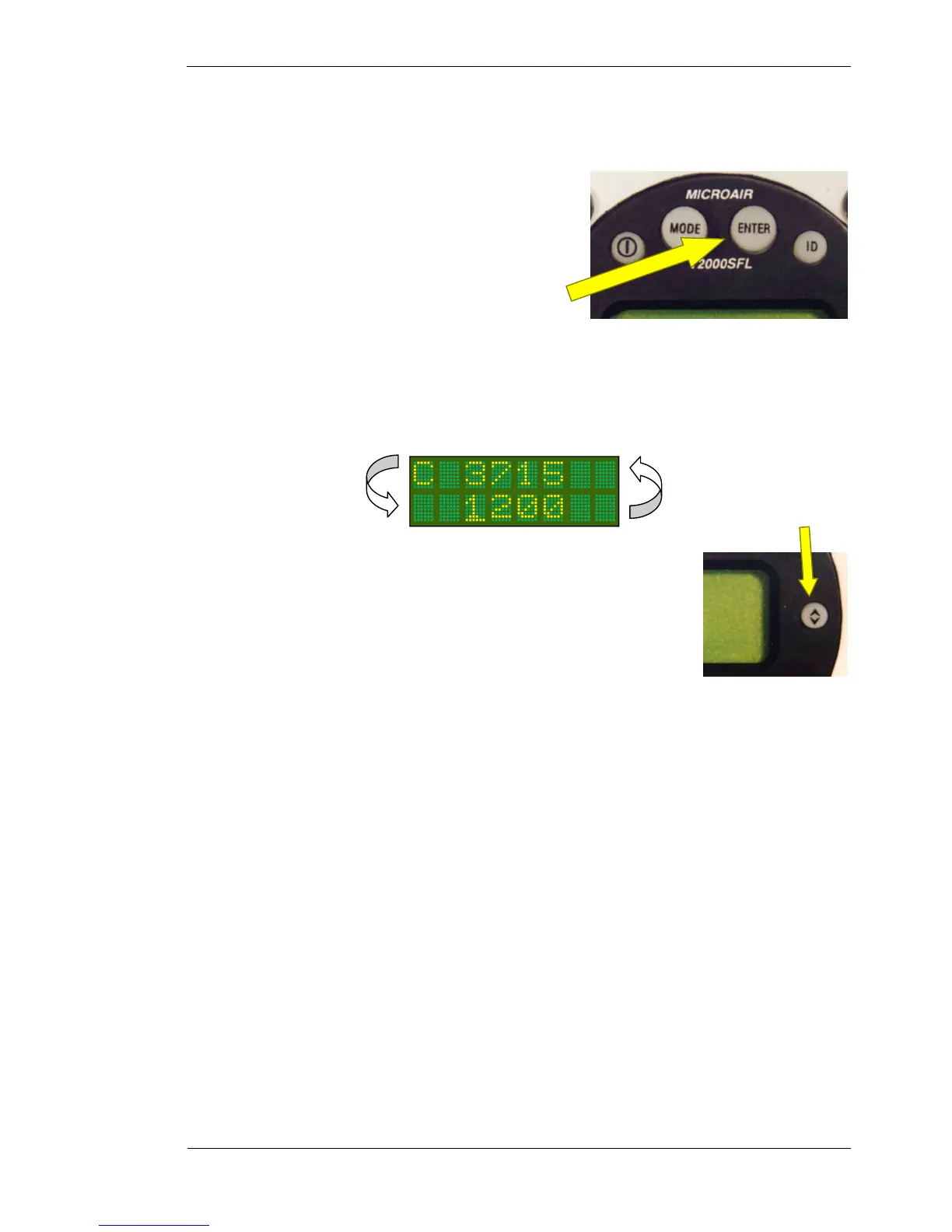
Enter Key
3.5 ENTER KEY
The ENTER key is a confirmation key used to confirm
information the user has inputted. After pressing the ENTER
key, the display will typically give the message SAVED, for a
short period.
The ENTER key is also used to quick-set a parameter to a
default value.
3.6 TOGGLE KEY
This key acts as a toggle switch, exchanging the active and standby codes.
When the transponder is operating in DISPLAY ALT the bottom line displays the
encoder altitude instead of the standby code. The standby code is stored in memory.
To toggle the active and standby codes in this mode, push the toggle key once to
display the standby code on the bottom line. The standby code is displayed for 10
seconds. Push the toggle key again to exchange the active and standby codes. Once
the codes have been exchanged, the display will revert back after 10 seconds, to
displaying the altitude on the bottom line.
In all modes of operation, only the active code is transmitted.
The toggle key is also used to return to the operational screen from the MODE and PROGRAM MODE
menus.
Toggle Key



 To Next Page