September 2012
4.0 INITIALISATION AND SETUP
The T2000SFL will operate as a conventional transponder when first installed and powered up. You will be
able to turn the transponder ON/OFF, adjust the standby code, and transfer the standby and active codes.
The T2000SFL has many other features, which can be programmed. Microair recommends that the full setup
procedure be carried out prior to first flight. This section provides detailed procedures on the various parameters
and functions that can be setup from the front panel.
The following procedures provide step by step instructions to program the transponder options.
PROGRAM MODE VFR CODE
ENC SRCE
ALTITUDE
BARO
REM STBY
EXIT PROGRAM
4.1 PROGRAM MODE
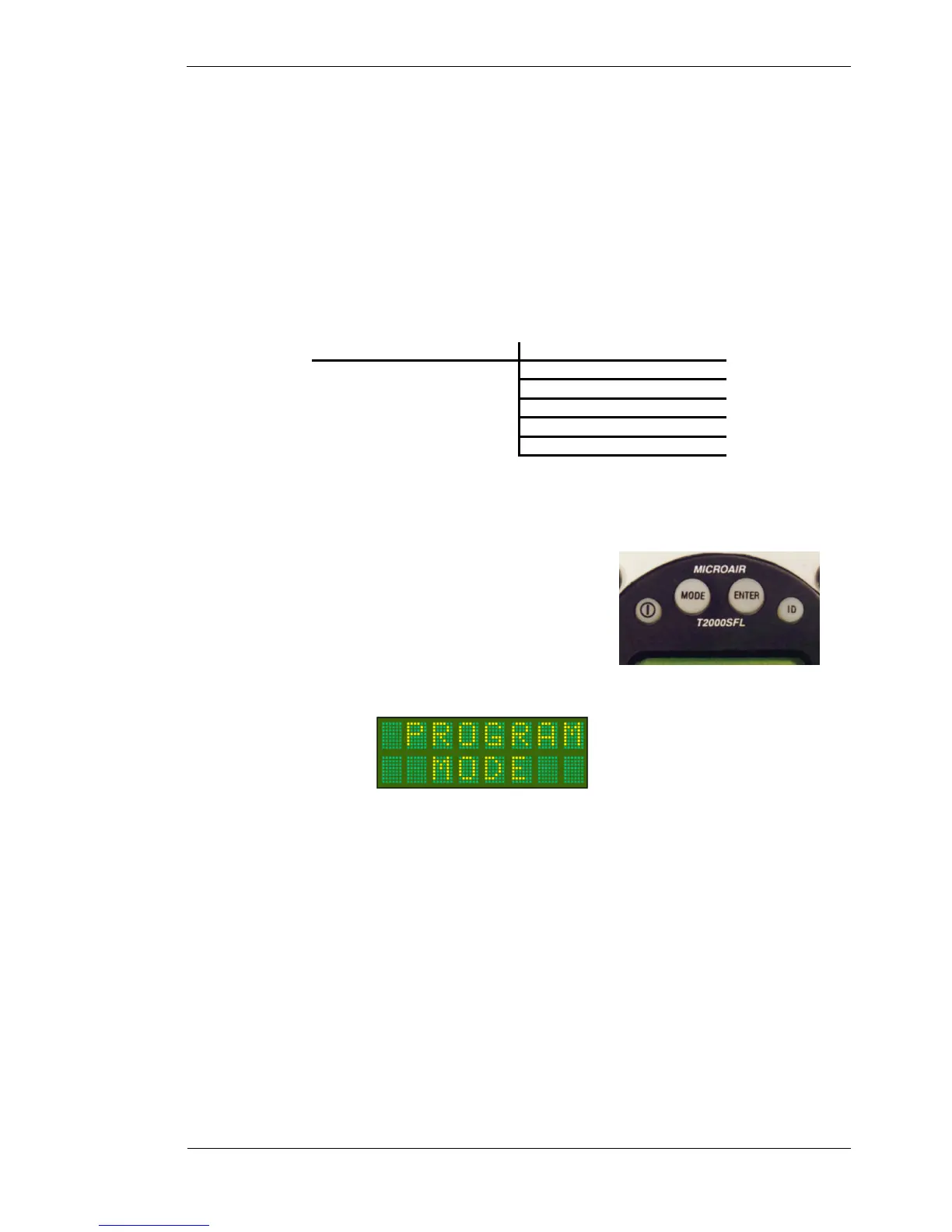
To start the T2000SFL in PROGRAM MODE, hold down the
MODE key, and then press the ON key. Keep the MODE key held
down until the start up self test messsages have been displayed.
Each item can be adjusted to the desired value or option by scrolling
the CODE ADJUST knob. The selected value or option can be saved
by pressing the ENTER key. PROGRAM MODE then moves to the
next menu item.



 To Next Page