September 2012
3.7 VFR – HOT KEY
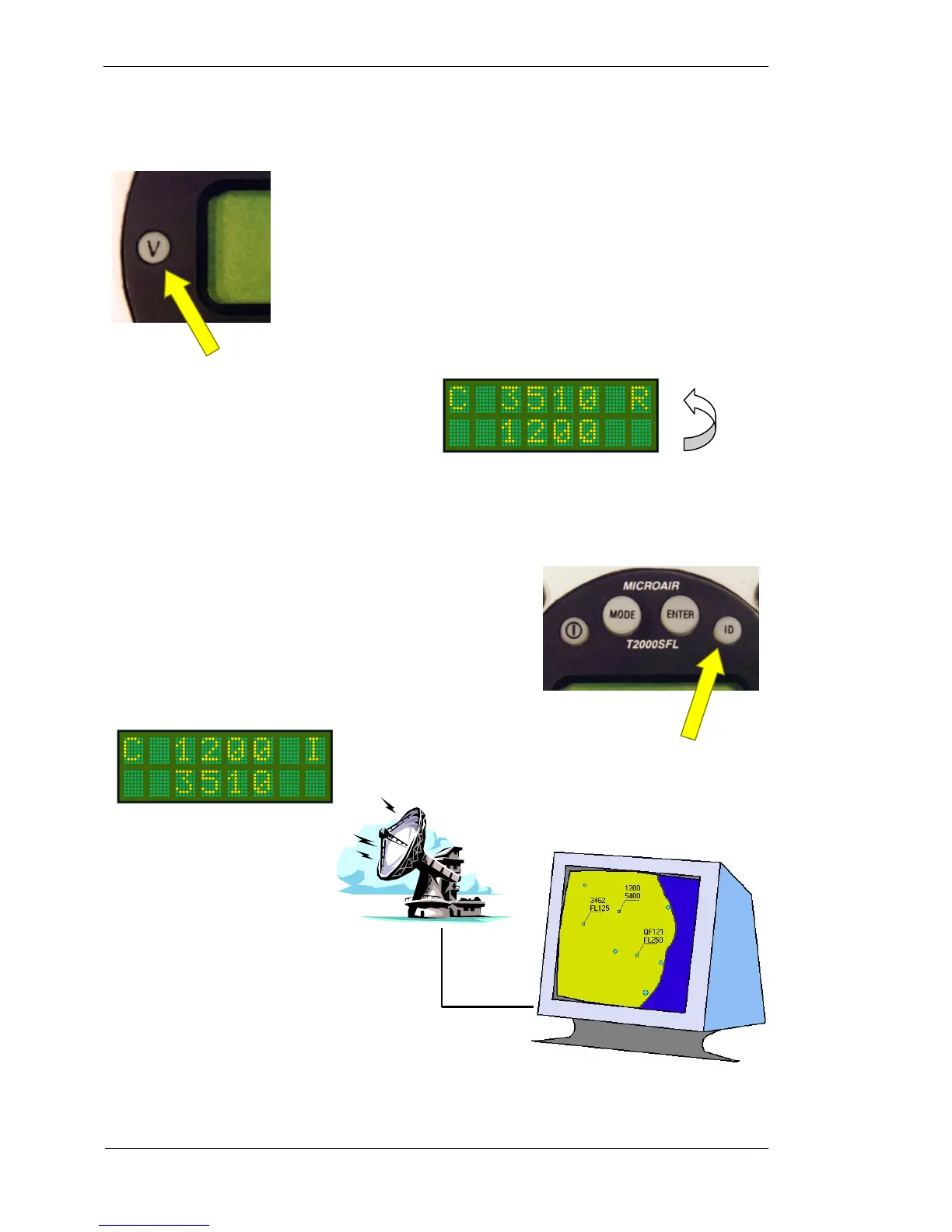
The VFR key will default the standby code immediately to the stored VFR code.
Typically this code will be 1200 for a General Aviation aircraft. The VFR key
calls the value set in the VFR option of the PROGRAM MODE menu.
To transfer the VFR code to the active position, press the toggle key. If no code is
entered, after 10 seconds idle the standby position will revert back to the original
VFR code.
3.8 ID KEY
The ID key ( Ident ) when pressed, adds additional code information
to the transmission for ATC. The code will flash on the ATC display
as a means of uniquely identifying the aircraft’s code from any other.
The T2000SFL has the option of a remote ID switch (pin 16).
The external switch should be a momentary-ON type. The switch or
ID key only need to be pressed briefly to activate the Ident function.
VFR Key
Ident Key
I character replaces the
code the
active code, press the toggle key
to bring VFR to the top line



 To Next Page