September 2012
Q Do I need to get my Transponder calibrated ?
A Yes. In most countries, transponder installations, regardless of the type of aircraft it is installed in, must
be calibrated at the time of installation, and every two years thereafter. The calibration will include the
aircraft’s altitude encoder, and primary altimeter. The test must be carried out with the equipment
installed in the aircraft, by a qualified avionics service centre.
There are some installation tips to make the calibration test easier to carry out.
The calibration test will check the aircraft’s primary altimeter, static system, and altitude encoder
together. It is a good idea to ensure the static line comes first to the altimeter and then the encoder. Install
an in-line joiner on the feed to the rest of the instrument panel. This makes isolating the unwanted
instruments (eg VSI) from the pressure test easy. It also makes a convenient connection pint for the
technician’s pressure test set.
When installing the encoder, ensure that it can be accessed to adjust the calibration controls. These are
typically trim pots or push keys located under holes in the case. Otherwise mount the encoder with a
quick release and sufficient harness length so it can be swung out from under the panel.
Q Is there anything inside the T2000SFL transponder I can adjust to get better performance ?
A No. Do not open the T2000SFL, or attempt to adjust any internal components. Service should only be
carried out by Microair Avionics or a certified avionics service centre which holds the T2000SFL Service
Manual. Refer to the Microair Avionics website for details of a service centre near you, or for instruction
on how to return your transponder to Microair Avionics.
Q Occasionally the message NO COMM will appear on the display, particularly when I turn the
transponder on. What does this message mean?
A No COMM is a loss of communications between microprocessors inside the transponder. This can occur
if the one of the microprocessors begins a task before the other is ready to respond. This can happen if
the transponder is turned on with the selectmode knob in the ON, ALT or ALT DISPLAY positions. It is
possible that the transponder may be interrogated and asked to respond before the start up sequence is
complete, and hence cause a conflict. Recycle the transponder’s power to clear the error message. If the
error message recurs often, send the transponder to a Microair service centre for adjustment.
Q I often pass through class E airspace, but I do not want to stray into the class C airspace above. Can I use
the altitude alert function to warn me if I go above a certain level?
A Yes. You can use the altitude alert function in the following way to give you a too HI alert at a given
altitude. An example of airspace low limit might be 4500 feet.
To remain clear of this airspace you must remain below 4500 feet.
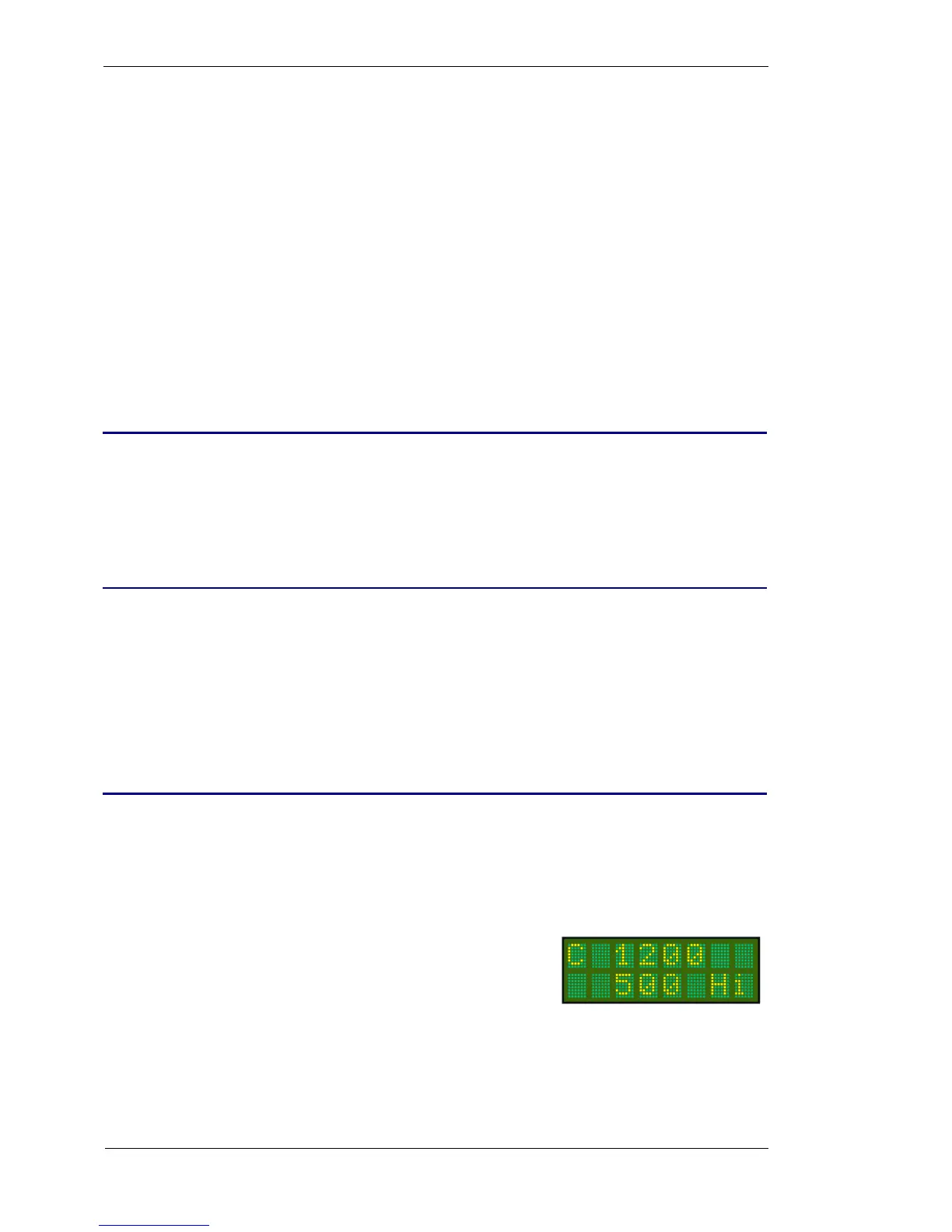
Go to the mode menu, and select altitude. Set the altitude to 100
feet. Move on to the Buffer value and set this to 4400 feet (4500-
100). The HI alert message and tone will now occur at 4500 feet,
to warn you of the airspace.



 To Next Page