mmiikkrrooIICCDD ((IINN--CCIIRRCCUUIITT DDEEBBUUGGGGEERR))
mikroICD (Real-Time Hardware In-Circuit Debugger)
mikroICD is highly effective tool for Real-Time debugging on hardware level.
mikroICD debugger enables you to execute a program on a PIC microcontroller and
view variable values, Special Function Registers (SFR) and EEPROM as the pro-
gram is running.
Start Debugger [F9]
Run/ Pause Debugger [F6]
Toggle Breakpoints [F5]
Run to cursor [F4]
Step Into [F7]
Step Over [F8]
Flush RAM [F2]
Stop Debugger [Ctrl+F2]
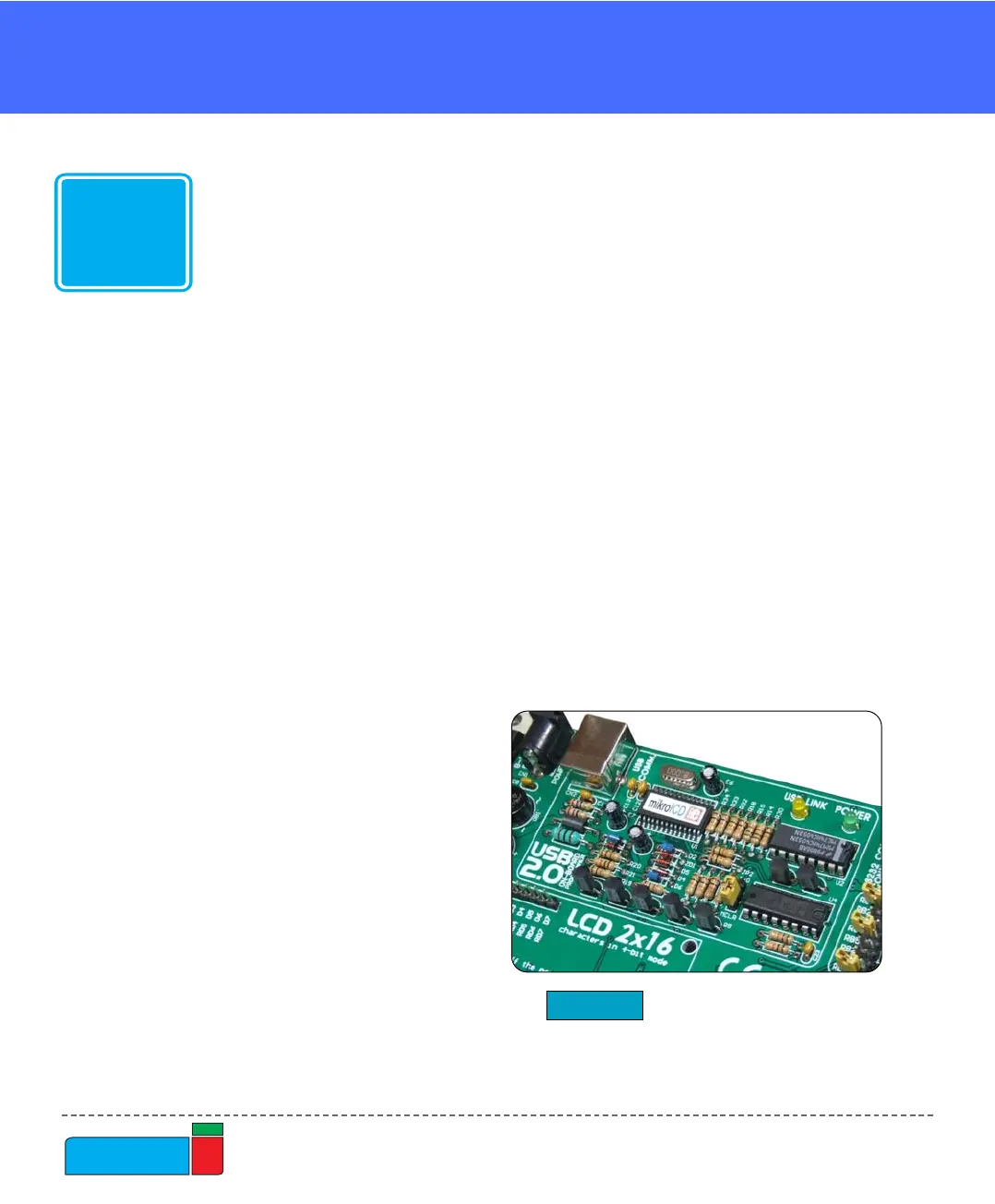
Figure 17.
On-Board USB programmer
with mikroICD
You can use mikroICD within any of MikroElektronika’s compilers for PIC
(mikroC, mikroBasic or mikroPascal). All you have to do is to select appropriate
build type (Release or ICD Debug), build the project, program the MCU, select
appropriate debugger (mikroICD Debugger) and you are ready to go.
Note: For more information on how to use mikroICD debugger please refer to the
mikroICD documentation: “mikroICD User’s Manual”. You can also find it within
the Help documentation inside any of the mentioned compilers.
mikroICD debugger uses on-board programmer to communicate with the compiler
and it supports common debugger commands:



 To Next Page