JJUUMMPPEERRSS
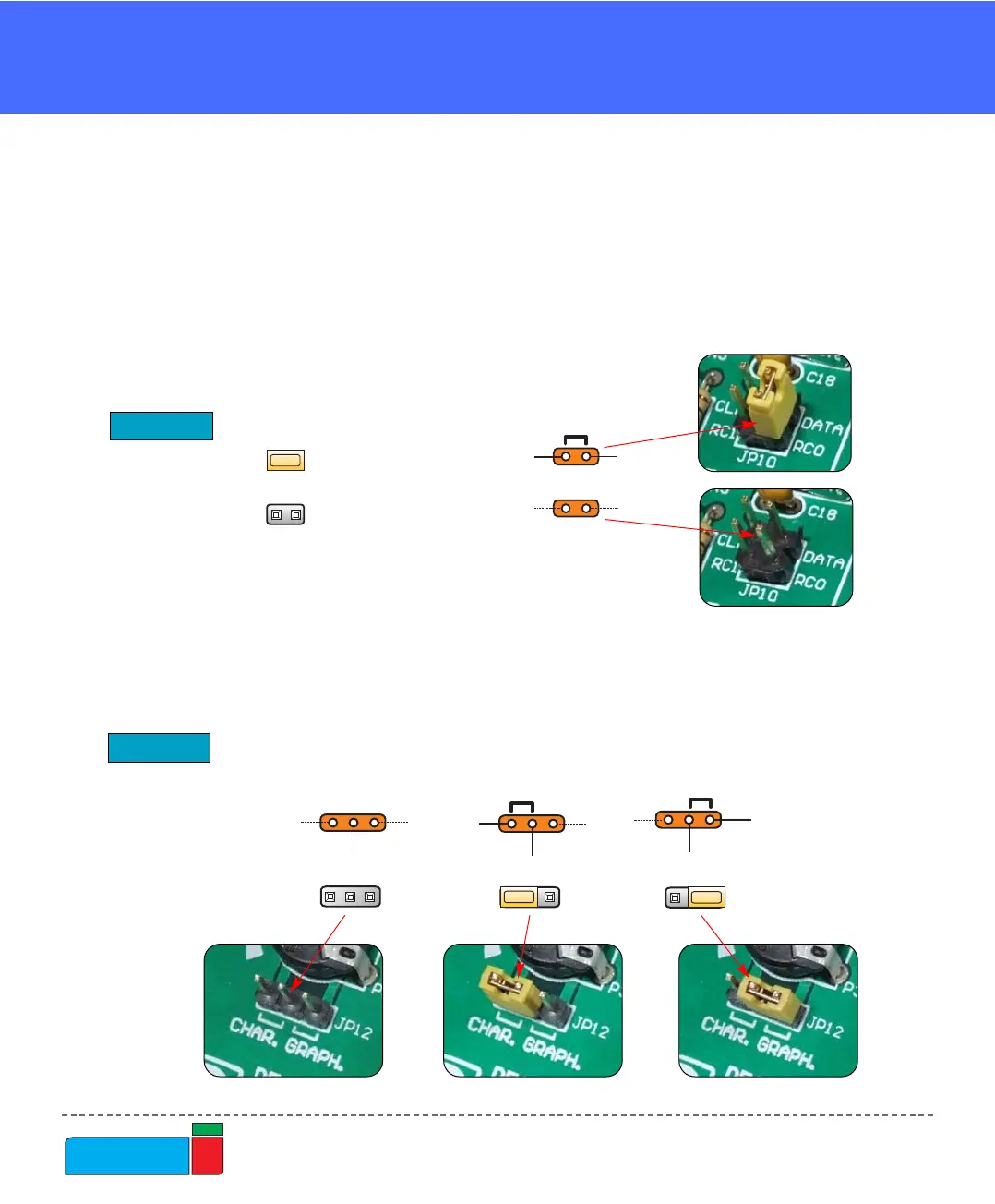
Jumpers, like switches, can break or establish a connection between two points.
Beneath the plastic cover of the jumper is a metal contact, which makes a connec-
tion if the jumper is placed between two disconnected pins.
For example, the jumper group JP10 have two jumpers used as switches. They are
used to connect or disconnect PS/2 CLK pin to RC1 and PS/2 DATA pin to RC0 pin
of the microcontroller. A connection is made when the jumpers are placed between
two contacts.
More often jumpers are used as a selector between two possible connections by
using a three pin connector. As illustrated in Fig. 4, the middle contact can be con-
nected to the left or right pin, depending on the jumper’s position.



 To Next Page