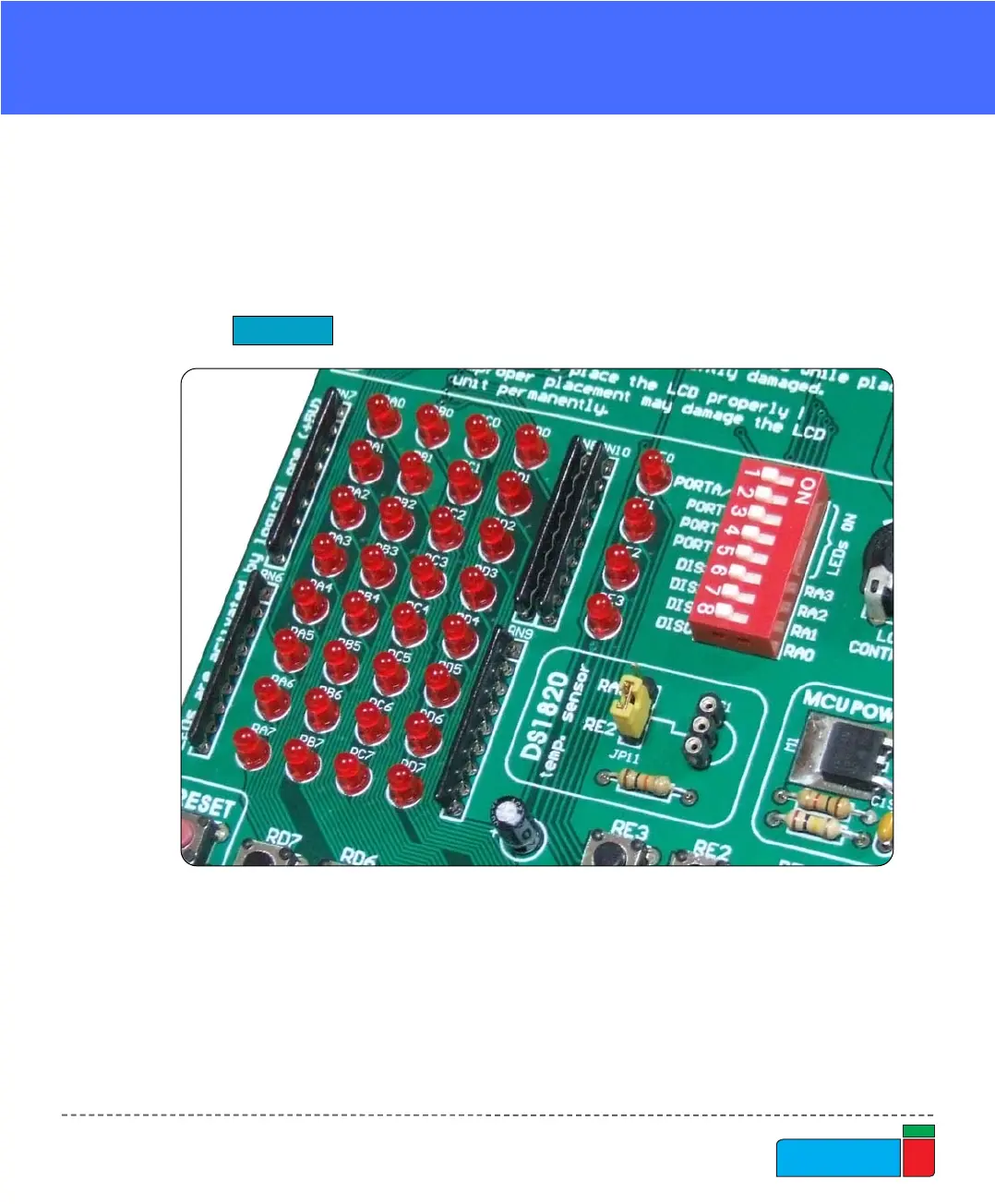
Light Emitting Diodes (LEDs) are the most commonly used components, usually for
displaying pin’s digital state. EasyPIC4 has 36 LEDs that are connected to the
microcontroller’s PORTA, PORTB, PORTC, PORTD and PORTE.
LEDs
Figure 18.
Light Emitting Diodes
Each group of eight LEDs can be enabled or disabled using the switch SW2. The
exception is PORTE which has 4 LEDs and is connected to the same switch as
PORTA.
Fig. 19. illustrates the connection of a LEDs to PORTB of the microcontroller. A
resistor is used in series with the LED to limit the LED's current. In this case the
resistor's value is 1K.



 To Next Page