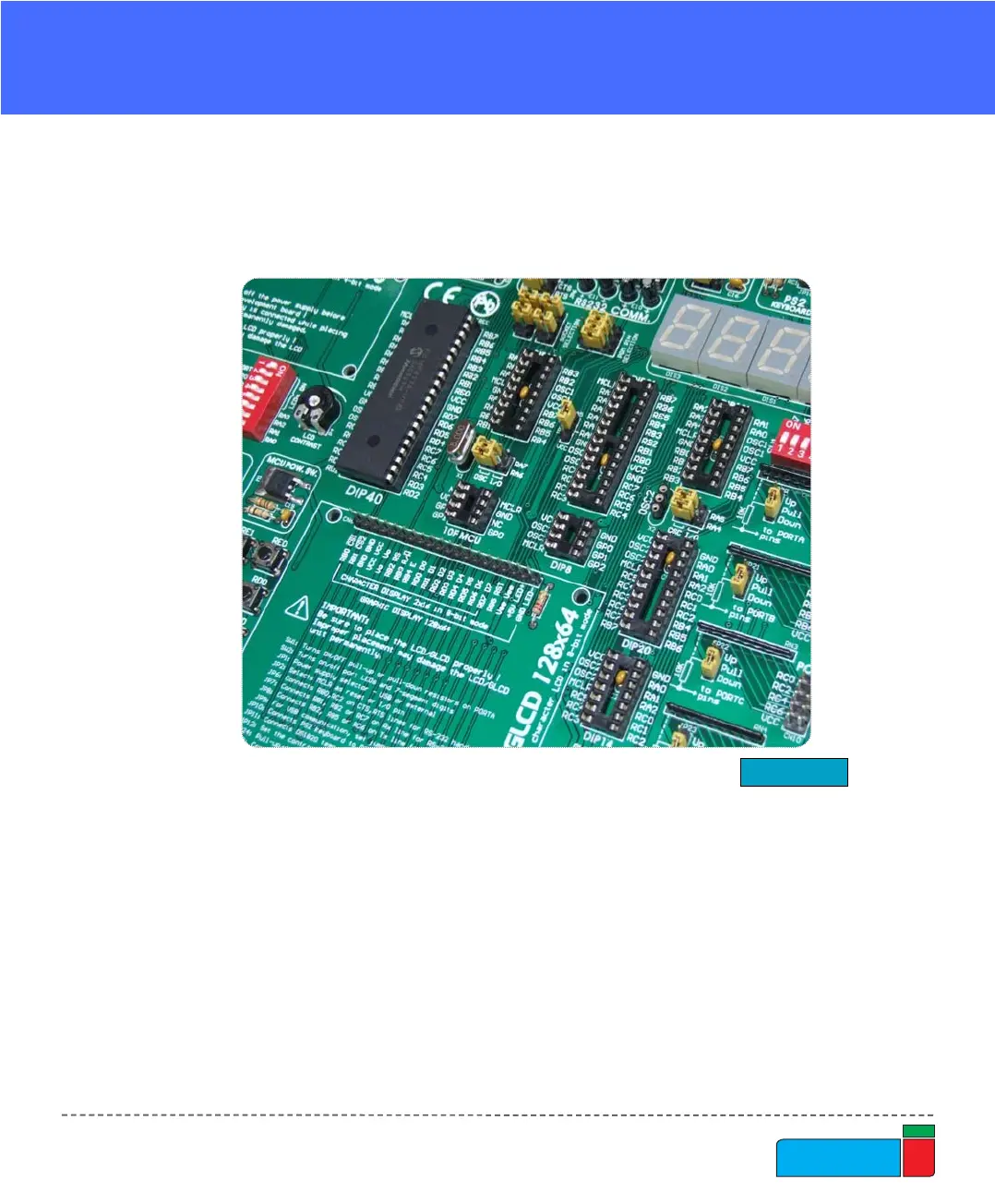
EasyPIC4 is delivered with a 40-pin microcontroller. Users can remove this one and
fit a different microcontroller in DIP40, DIP28, DIP20, DIP18, DIP14 or DIP8
packages of an adequate pinout.
MCU SOCKETS
Note: Since all packages have parallel connections, there must not be more than one
microcontroller on the board at a time.
Figure 5.
MCU sockets
Note: Make sure to place jumper JP18 in lower position (labeled as VCC) while
using PIC18F2331 microcontroller. When using some other 28-pin MCU this
jumper must be at upper position (labeled as RA5).
Note: There are two DIP18 sockets, with different pinouts (DIP18A and DIP18B).
When putting 18-pin microcontoller into DIP18 socket choose the one with corre-
sponding pinout. For example, PIC16F628A uses DIP18A socket, while
PIC18F1220 uses DIP18B socket. The 10F MCU socket is used only for PIC10F
family and the DIP8 socket is used for all other 8-pin microcontrollers.



 To Next Page