© Microhard Systems Inc. 100
4.0 Configuration
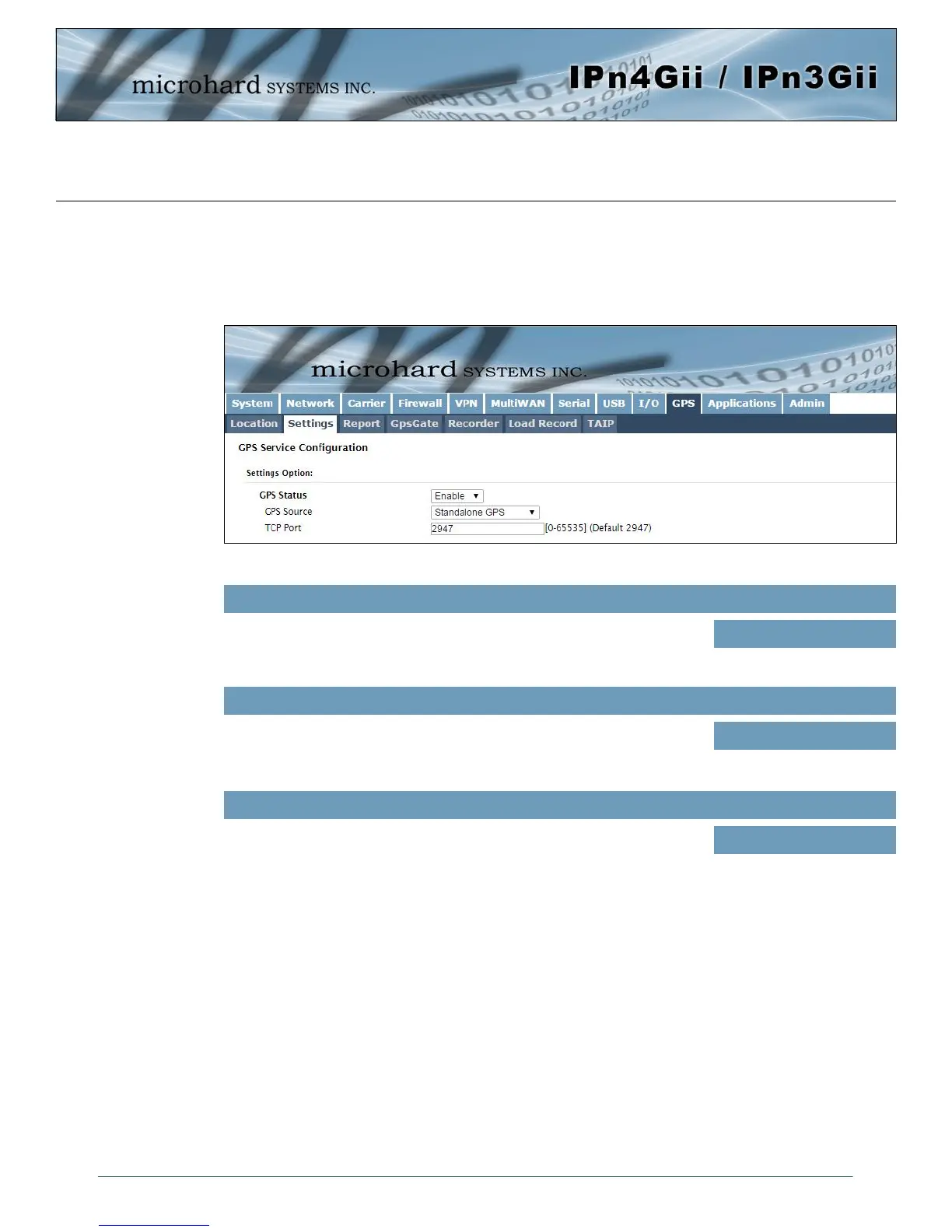
4.10.2 GPS > Settings
The IPnXGii can be polled for GPS data via GPSD standards and/or provide customizable reporting to up
to 4 different hosts using UDP or Email Reporting. GPS is an optional feature of the IPnXGii, and must be
specified at the time of order and factory prepared. If the screen below are not available on your unit, you
do not have a GPS enabled model.
Image 4-10-2: GPS > Settings
GPS Status
Enable or disable the GPS polling function of the IPnXGii.
Values
Disable / Enable
GPS Source
The IPnXGii contains an standalone GPS module built into the unit. To use
the GPS features of the IPnXGii a cellular antenna must be connected to
the GPS Antenna Port.
Values
Standalone GPS
TCP Port
Specify the TCP port on the IPnXGii where the GPS service is running and
remote systems can connect and poll for GPSD data.
Values
2947



 To Next Page