© Microhard Systems Inc. 96
4.0 Configuration
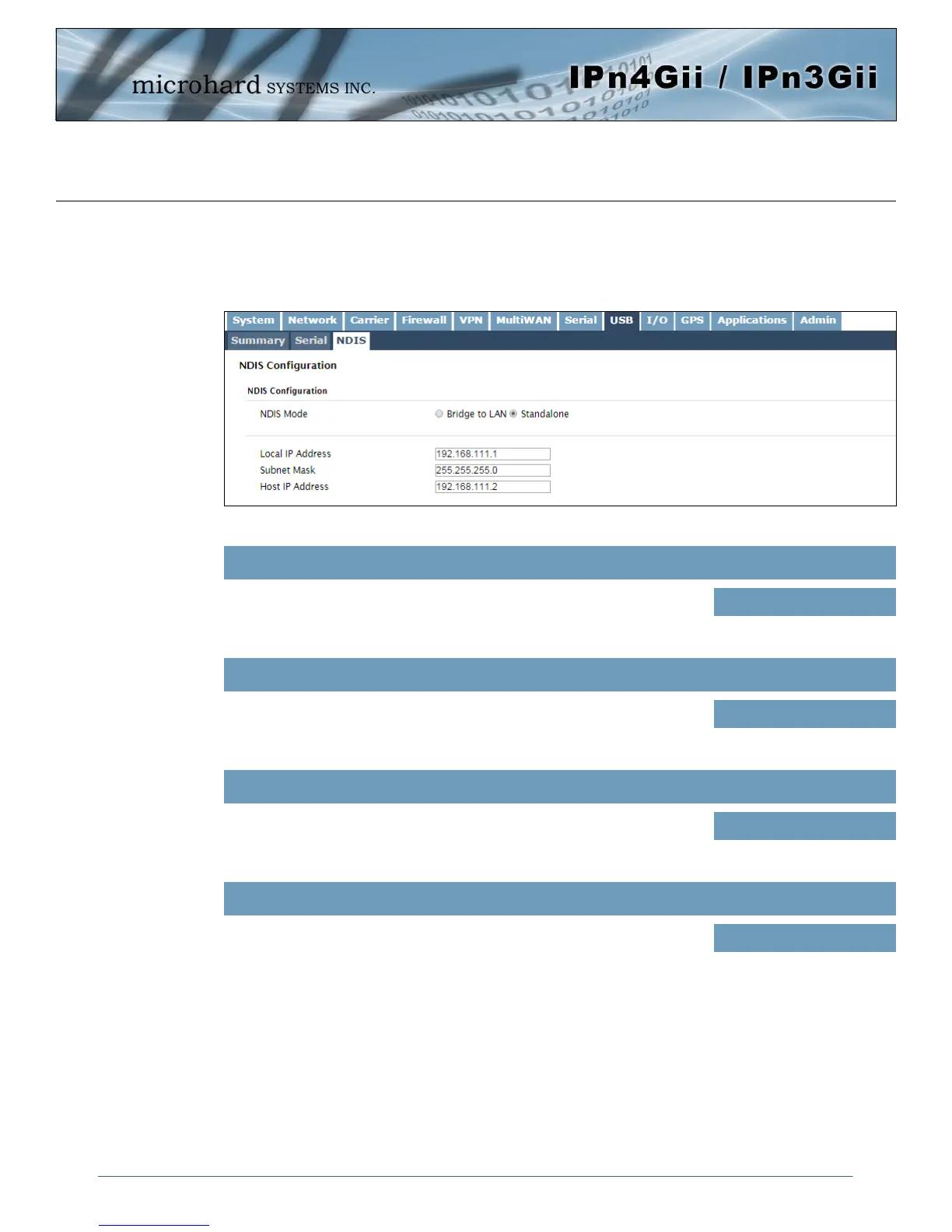
4.8.3 USB > NDIS
NDIS Mode:
NDIS Standalone Mode is enabled by default. This setting will allow the USB port to act as a network
interface card.
Image 4-8-3: USB Configuration: NDIS
NDIS Mode
In standalone Mode the USB port will act as a separate NIC for the
IPnXGii. In Bridge Mode the USB port will use the same settings as the
rear Ethernet port.
Bridge / Standalone
Values (selection)
Local IP Address
This is the IP Address of the USB NDIS adapter on the IPnXGii. The
IPnXGii acts as a DHCP server on this port and assigns an IP address to
connecting devices, i.e your PC.
192.168.111.1
Values
Subnet Mask
This will be the Subnet Mask automatically assigned to the device (PC)
connected to the USB port of the IPnXGii
255.255.255.0
Values
Host IP
This will be the IP Address automatically assigned to the device (PC)
connected to the USB port of the IPnXGii
192.168.111.2
Values



 To Next Page