© Microhard Systems Inc. 138
5.0 AT Command Line Interface
5.1 AT Command Overview
AT Commands can be issued to configure and manage the IPnXGii, via the back serial port (Console), or
by TCP/IP (telnet).
5.1.1 Serial Port
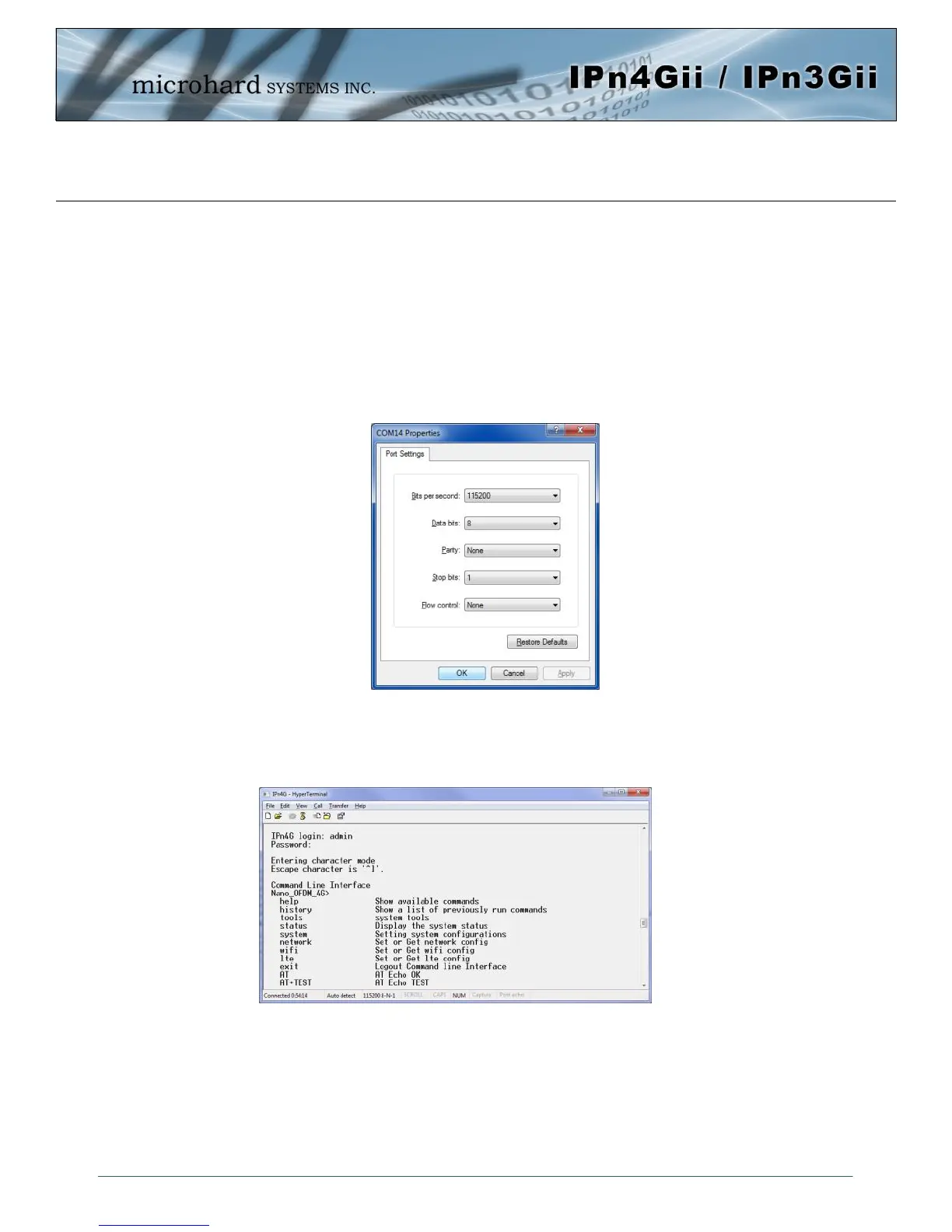
To connect and access the AT Command interface on the IPnXGii, a physical connection must be made on
the Console (TX/RX) serial port on the back of the IPnXGii A terminal emulation program (Hyperterminal,
Tera Term, ProComm, Putty etc) can then be used to communicate with the IPnXGii. The port settings of
this port can be modified by changing the settings of the Console Port, in the Serial configuration menus.
Image 5-1: Console Port Settings
Default Settings:
Baud rate: 115200
Data bits: 8
Parity: None
Stop Bits: 1
Flow Control: None
Once communication is established, a login is required to access the AT Command interface, once logged
in, the AT Command Line Interface menu is displayed. Type “?” or Help to list the menu commands.
Default Settings:
IPnXGii login: admin
Password: admin
Image 5-2: AT Command Window



 To Next Page