© Microhard 41
4.0 Configuration
4.0.1 Logon Window
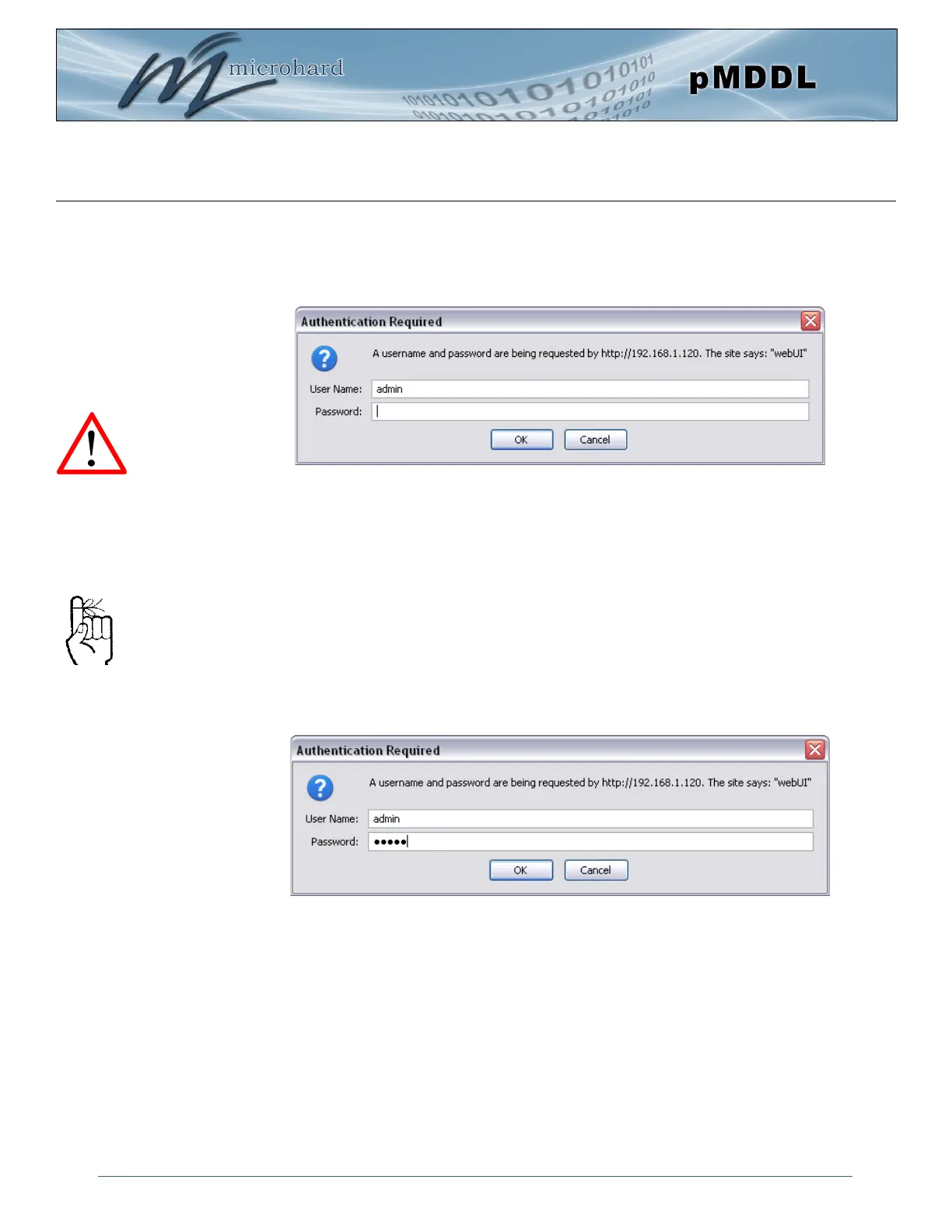
Upon successfully accessing the pMDDL using a Web Browser, the Logon window will appear.
The factory default User Name is: admin
The default password is: admin
Note that the password is case sensitive. It may be changed (discussed further along in this section), but
once changed, if forgotten, may not be recovered.
When entered, the password appears as ’dots’ as shown in the image below. This display format prohibits
others from viewing the password.
The ‘Remember my password’ checkbox may be selected for purposes of convenience, however it is
recommended to ensure it is deselected - particularly once the unit is deployed in the field - for one
primary reason: security.
Image 4-0-2: Logon Window
For security, do not allow the
web browser to remember the
User Name or Password.
It is advisable to change the
login Password. Do not
FORGET the new password
as it cannot be recovered.
Image 4-0-3: Logon Window : Password Entry
After successfully logging into the Pico DDL for the first time, you will be forced, and prompted to
change the admin password.



 To Next Page