© Microhard 87
4.0 Configuration
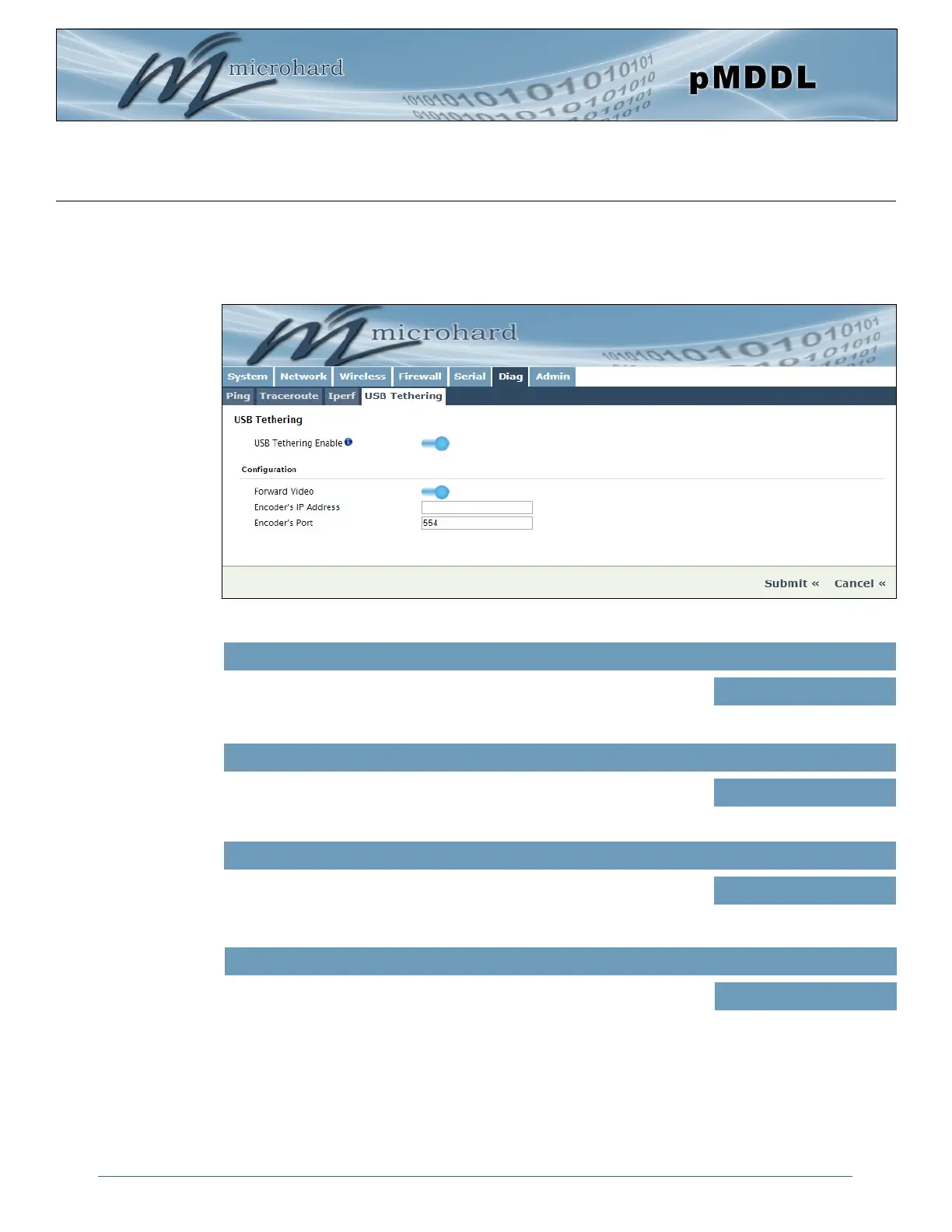
Image 4-6-4: Diag > USB Tethering
4.6.4 Diag > USB Tethering
The pMDDL can be Tethered to certain Android Mobile Devices to view a video stream from a remote
video encoder. This is a preliminary feature that has limited support at this time. Contact Microhard
for more information.
USB Tethering Mode
Enable USB Tethering. Enabling USB Tethering with open all WAN
requests on the firewall to allow for proper operation
Values (selection)
ON/OFF
Forward Video
If enabled the pMDDL will allow video to be viewed from an attached
android device from an remote video source.
Values (selection)
Enable / Disable
Encoder’s Address
Enter the IP address of the external encoder of which the video source Is
located.
Values (IP Address)
(no default)
Encoder’sPort
Enter the port number for the video encoder’s.
Values (IP Address)
554



 To Next Page