LVS-95XX Series Barcode Quality Station Operations Manual
LVS-95XX Series Barcode Quality Station Operations Manual - English Page 32 of 94
Application Standard Shortcut Keys
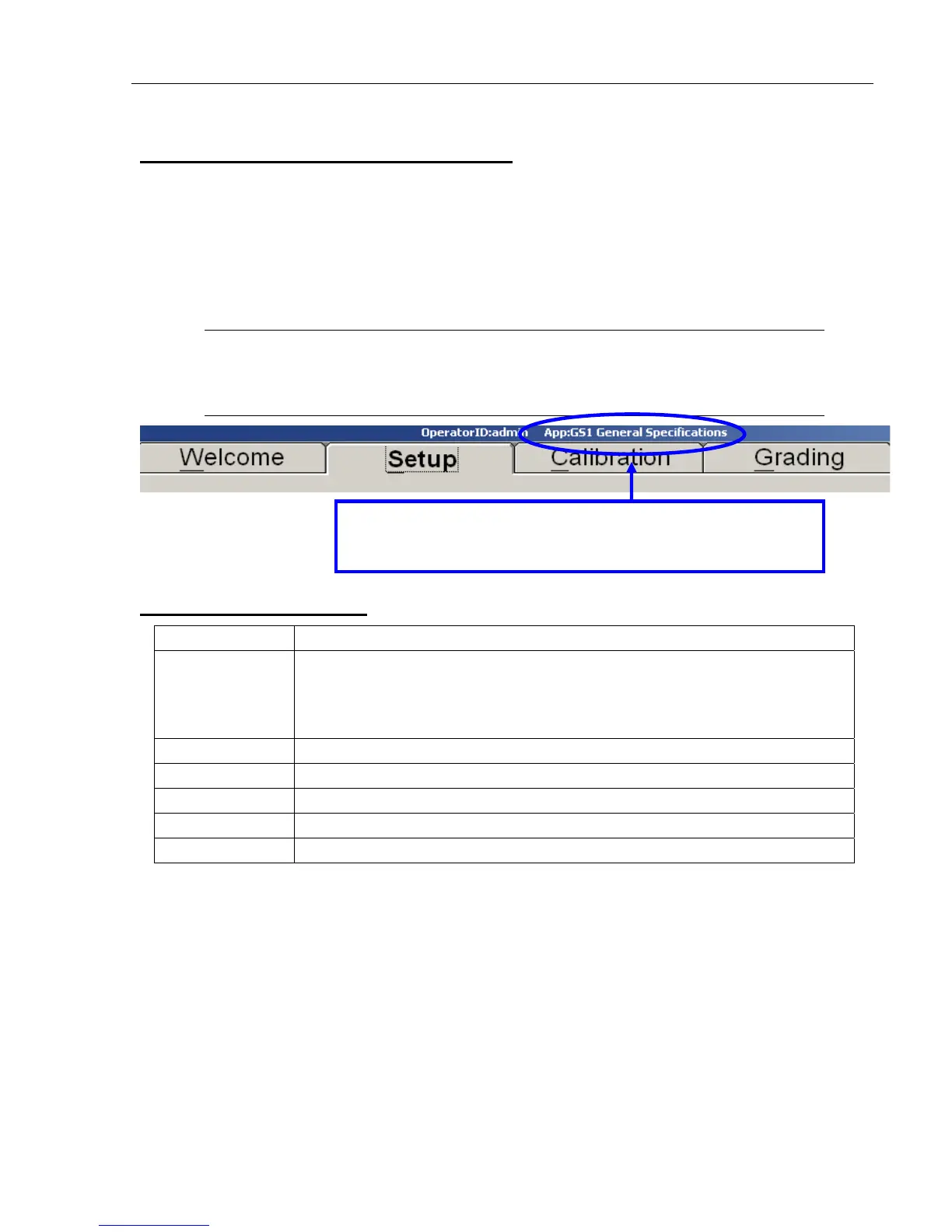
The application standard currently in use is displayed in the title bar (see below). To use a different
application standard, you can click the “Setup” tab and select an application standard from the “Application
Standards” drop-down box, or use the keyboard shortcut keys listed in the table below to change application
standards from any tab or screen. The application standards listed in the table below are the default
assigned shortcut keys. See the “Application Standard Shortcut Keys” section in “Appendix G: Special
Features” for instructions on assigning a shortcut key to an application standard or reassigning the default
shortcut keys listed below. Appendix G is not included in this manual; it is included on the installation flash
drive that arrives with your LVS-95XX system.
Note: If a sector is drawn on the “Grading” tab and you wish to change application
standards, use the application standard shortcut key to switch application standards.
The verification results are automatically updated using the new application standard.
Default Shortcut Keys
Shortcut Key Application Standard
SHIFT+A Automatic GS1 or ISO
After pressing SHIFT + A, the “Confirm Automatic GS1 or ISO” message
appears. You must read the message, type “OK” in the text field, and then click
the “OK” button to proceed.
SHIFT+F FPMAJ
SHIFT+G GS1 General Specifications
SHIFT+I ISO/IEC 15415/15416
SHIFT+P Postal (Intelligent Mail, PostNet, Japan Post)
SHIFT+U USPS Code 128
The title bar displays the current application standard. This
example shows “GS1 General Specifications” as the application
standard in use.



 To Next Page