LVS-95XX Series Barcode Quality Station Operations Manual
LVS-95XX Series Barcode Quality Station Operations Manual - English Page 80 of 94
Use the Data Structure Analysis
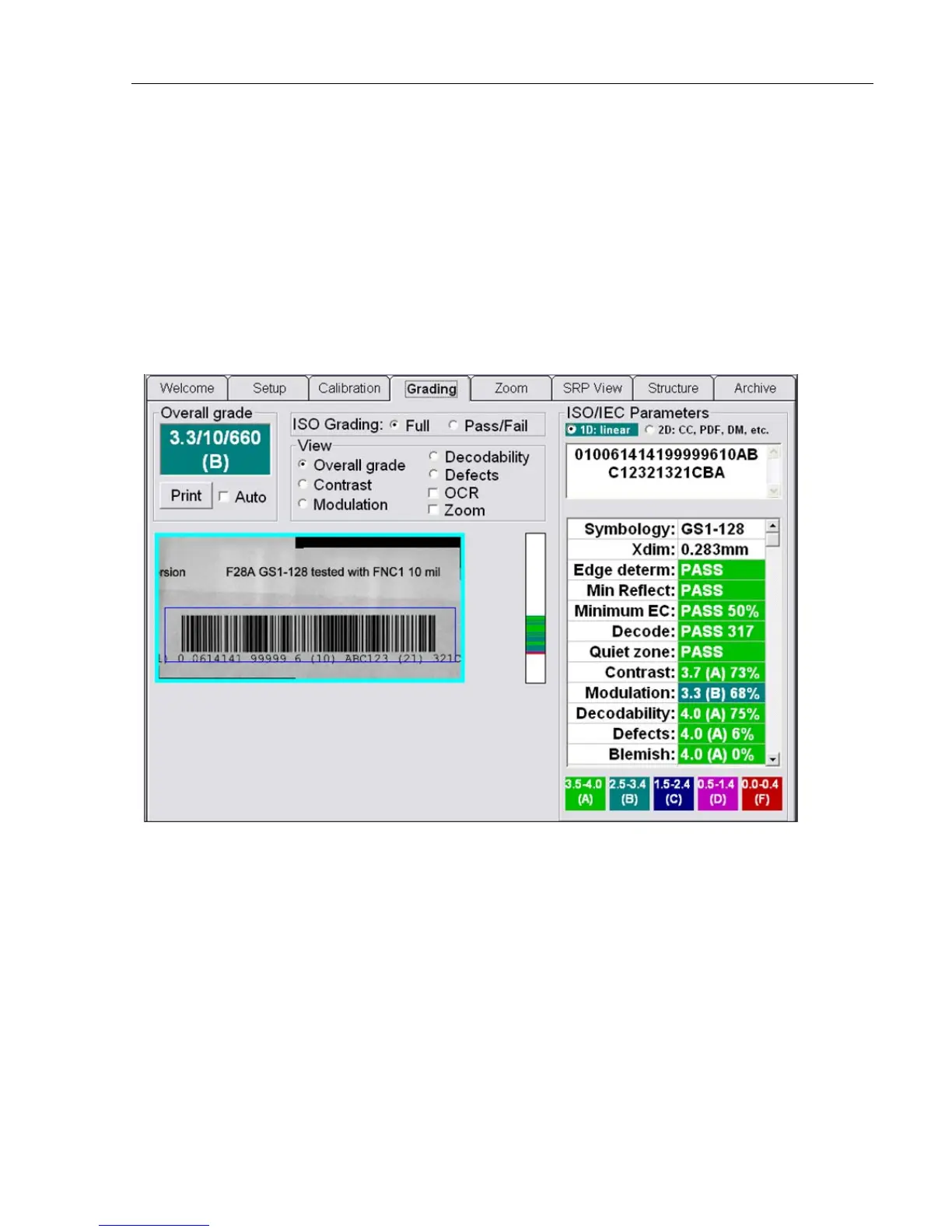
1. Go to the Grading Tab screen and grade the target label as you normally would (certain labels have
two parts to their barcode: 1D (the linear part) and 2D (the composite part). The Data Structure
Analysis software analyzes only which part you have selected.
2. After a grade has been established, select the Structure Tab. The analysis will be completed
shortly.
Generally speaking, the Structure Tab screen is used by personnel who are familiar with Application
Identifiers and with data semantics. It is not the intention of this manual nor Microscan to educate an
operator how to translate the meaning of the structure analysis. It is only Microscan’s intention to divide
the information into sections in accordance with industry standards.
Example of an EAN/UCC barcode label using an Application Identifier.



 To Next Page