LVS-95XX Series Barcode Quality Station Operations Manual
LVS-95XX Series Barcode Quality Station Operations Manual - English Page 47 of 94
1. Overall Grade
The Overall Grade box represents the final results obtained from all the data listed on the screen. Options
include:
• Auto checkbox: Selecting this option automatically sends the Grading report to the default printer each
time a new barcode is graded.
• Print Button: Clicking this button sends the Grading report to the default printer.
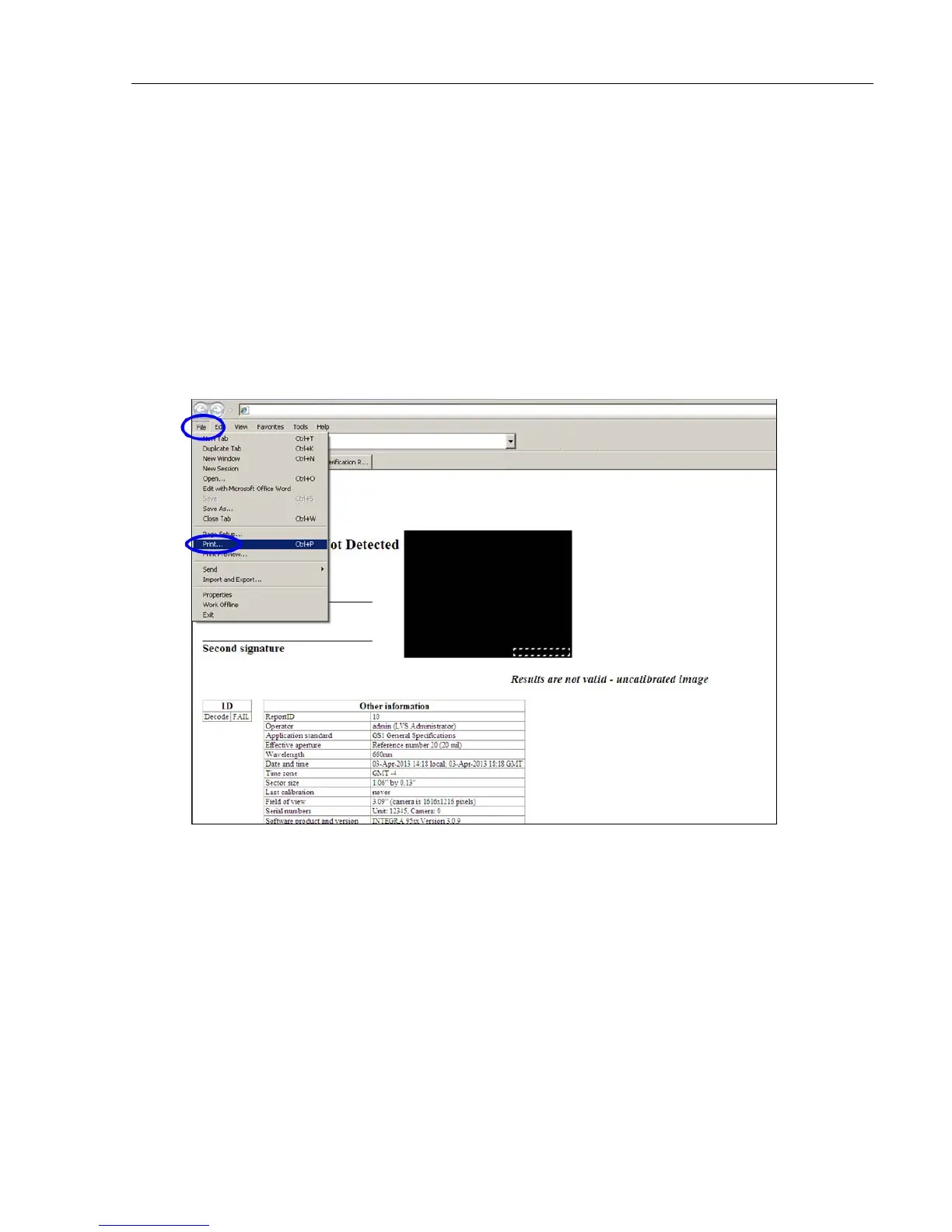
Right-click on the Print button to view an HTML version of the Verification report. The HTML version
can be saved as a PDF file by downloading free PDF convertor software from the Internet to the
computer.
If PDF convertor software is downloaded to the computer, follow the steps below:
1. Click File, and then Print from the Verification report.



 To Next Page