LVS-95XX Series Barcode Quality Station Operations Manual
LVS-95XX Series Barcode Quality Station Operations Manual - English Page 49 of 94
2. ISO Grading
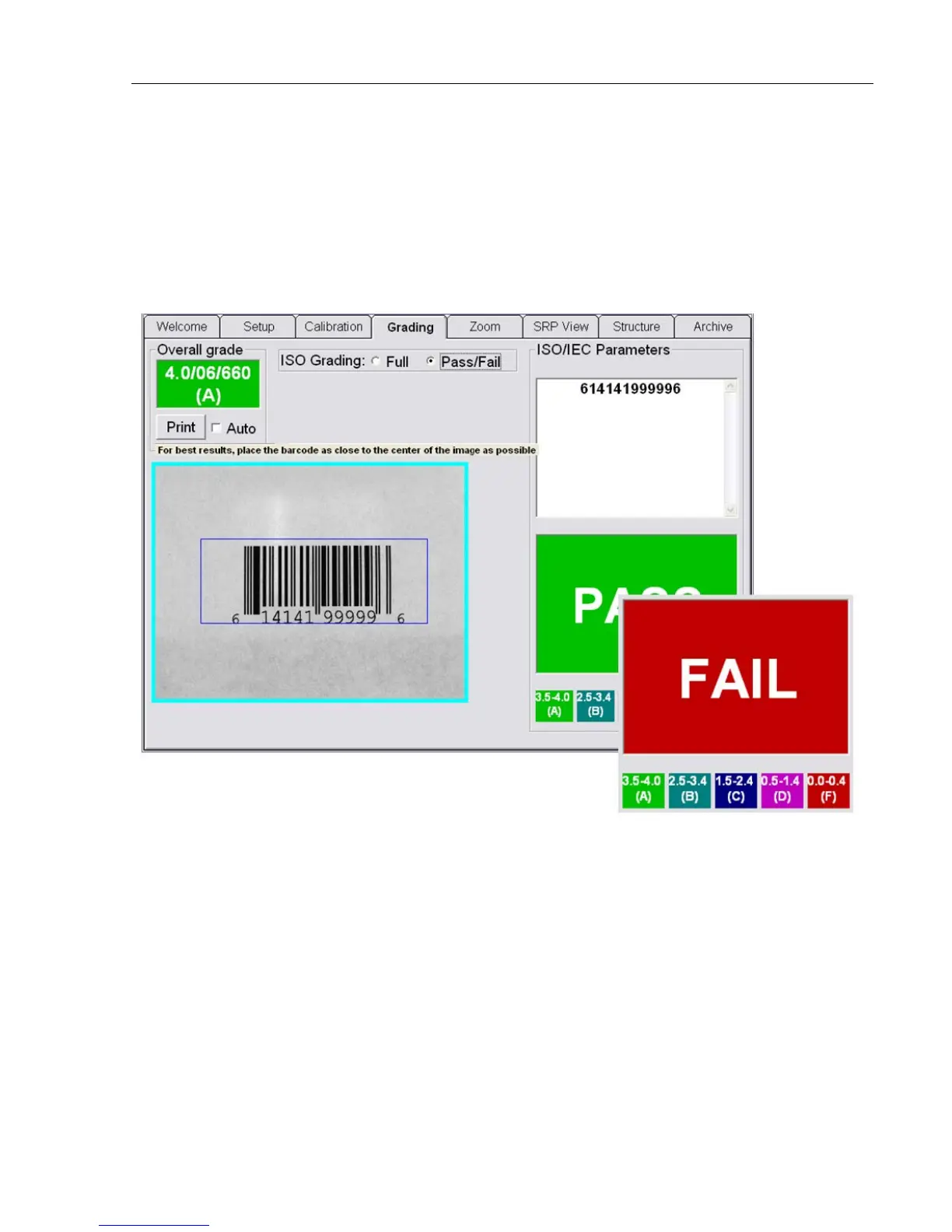
Two ways to verify a barcode include:
• Full – Select this option to analyze a barcode in detail. This option displays the ISO parameters in detail.
• Pass/Fail – Select this option if you are not interested in the detailed analysis of the barcode. This option
indicates whether the barcode meets your company’s minimum ISO grade requirements. In other words,
this option indicates whether the barcode is good or bad.
A PASS and FAIL screen is displayed instead of the ISO parameters.
The minimum passing score for Pass / Fail is set up via the Minimum passing score parameter on the
Setup tab. Changes to the grade can be restricted by unchecking the Allow Change Setup Options box
under Setup Operators for each operator.



 To Next Page