LVS-95XX Series Barcode Quality Station Operations Manual
LVS-95XX Series Barcode Quality Station Operations Manual - English Page 91 of 94
Create Backup Database
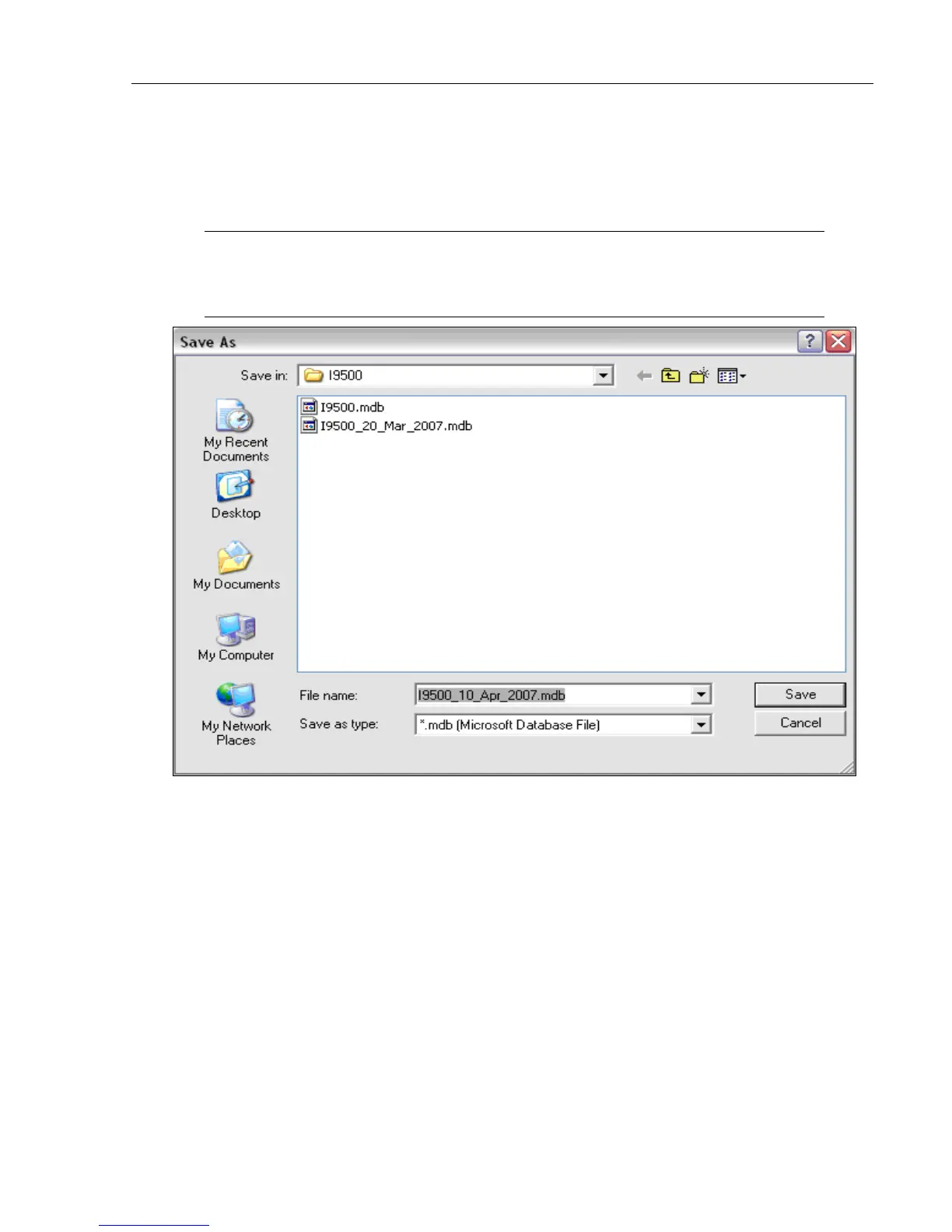
1. To create a backup database, click this button. The Save As window appears.
2. Select the desired location to store the database, then click the Save button.
Note: A default file name appears in the File name field (for example:
I9500_10_Apr_2007.mdb). If desired, change the name of the file name by typing a new
name in the File name field.



 To Next Page