LVS-95XX Series Barcode Quality Station Operations Manual
LVS-95XX Series Barcode Quality Station Operations Manual - English Page 33 of 94
Override Aperture
ISO 15415 and ISO 15416 outline rules regarding what aperture should be used based on symbology and
cell size / x-dimension. ISO 15415 and ISO 15416 also state that apertures can be overridden by an
Application Standard and that the Application Standard rules shall take precedence over the ISO standards.
While the LVS-95XX Series supports a number of common Application Standards, it is conceivable that an
aperture other than those stated either in the ISO standards or the supported Application Standards may be
desired.
If an Application standard other than those specified is desired, you may override the aperture by clicking the
Override aperture checkbox. Enter the diameter of the aperture expressed in one thousandths of an inch
(.0254 mm); use this value even when using metric. If the aperture has been overridden, a clear warning is
displayed on the Grading screen as well as on the Grading Report.
Creating Custom Reports
GS1 1D Report.doc and GS1 2D Report.doc are the default custom reports. You can create your own
custom report(s) by following the steps outlined in Appendix G: Special Features. Refer to the section
entitled “Custom Reports.”
Appendix G is not included in this manual; it is included on the installation flash drive that arrives with your
LVS-95XX system.
Current Information
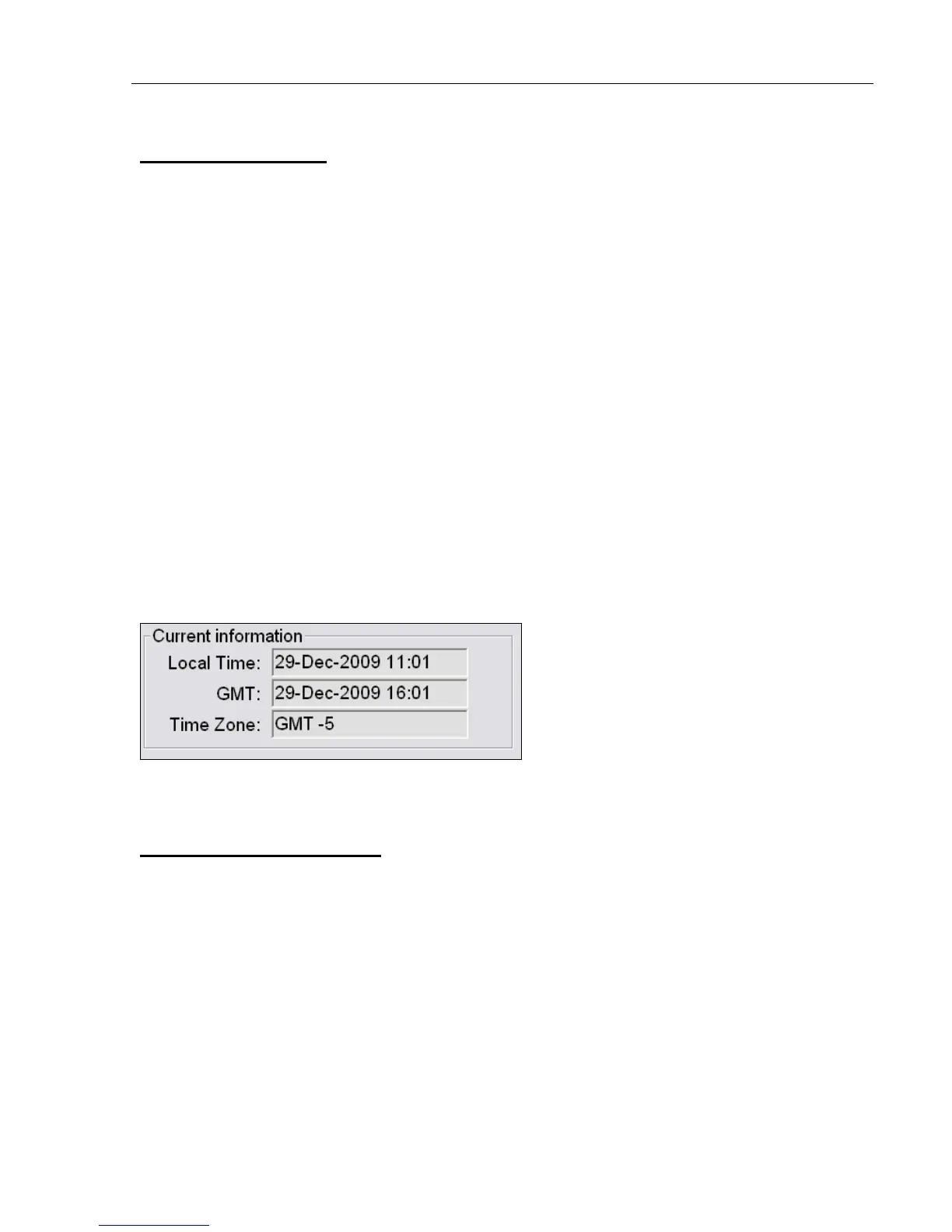
The top-right of the Setup Tab screen contains a box of information indicating the local time of day, date,
Greenwich Mean Time (GMT), and time zone.
GMT is defined as the local time at the 0 meridian passing through Greenwich, England and is the same as
UT (Universal Time). GMT remains the same throughout the year and does not change in the Spring or
Autumn. This information is attached to all Calibration Reports.
Change the Time Zone:
• Minimize the LVS-95XX screen and right click on the time box at the lower right corner of the computer
screen.
• Choose Adjust Date/Time.
• Click the Time Zone tab and change the time zone to the correct time zone.
• Push the Apply button.



 To Next Page