LVS-95XX Series Barcode Quality Station Operations Manual
LVS-95XX Series Barcode Quality Station Operations Manual - English Page 92 of 94
Browse Backup Database
1. To locate and browse a backup database,
click the Browse Backup Database button.
2. Select the database from the list of
backup databases.
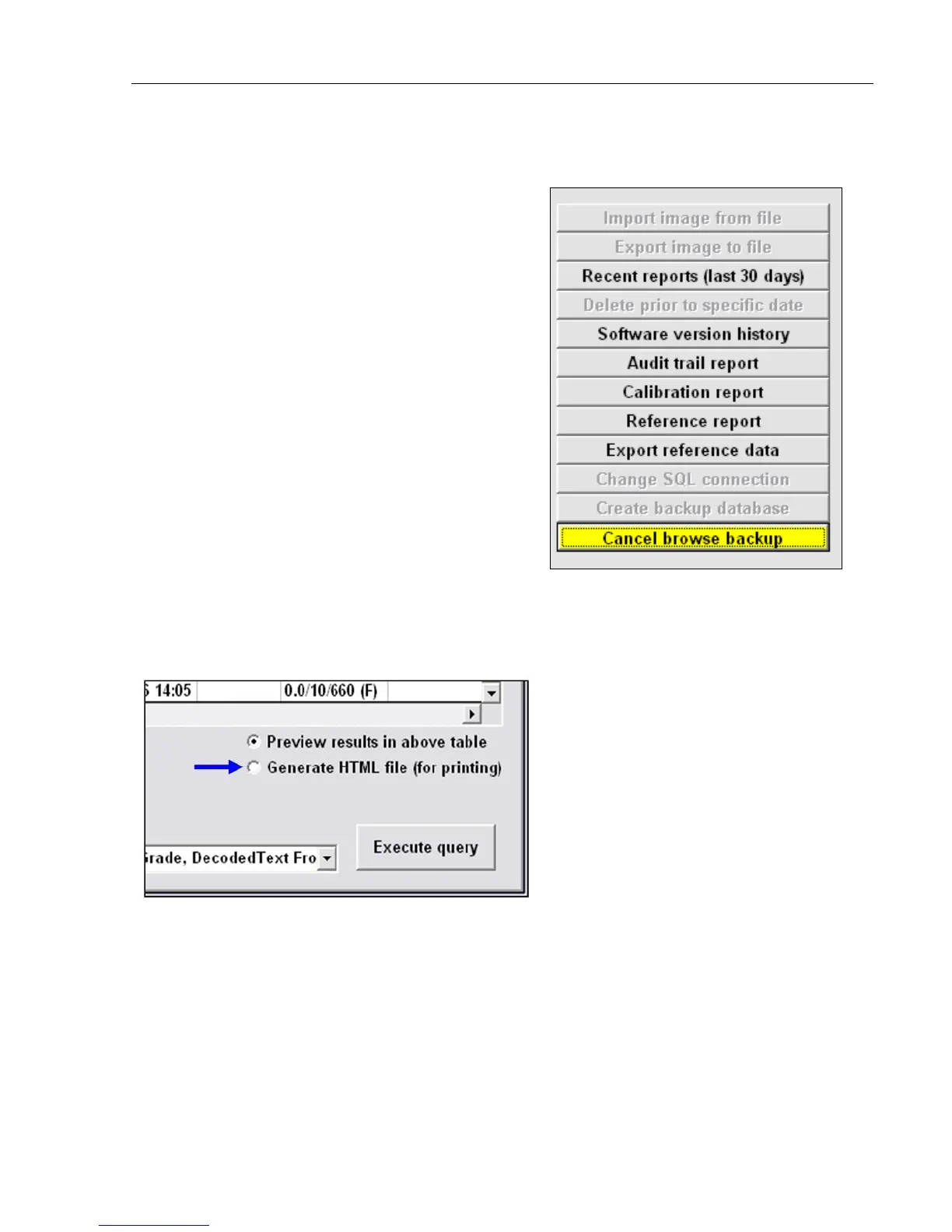
Available options include:
• Recent reports (last 30 days)
• Software version history
• Audit trail report
• Calibration report
• Reference report
• Export reference data
• Cancel browse backup
Print an Archived Report
At the bottom right of the Archive Tab screen is the Generate HMTL file (for printing) option. When this
option is activated, the Archived Report will print.



 To Next Page