5.6 The STATUS Page
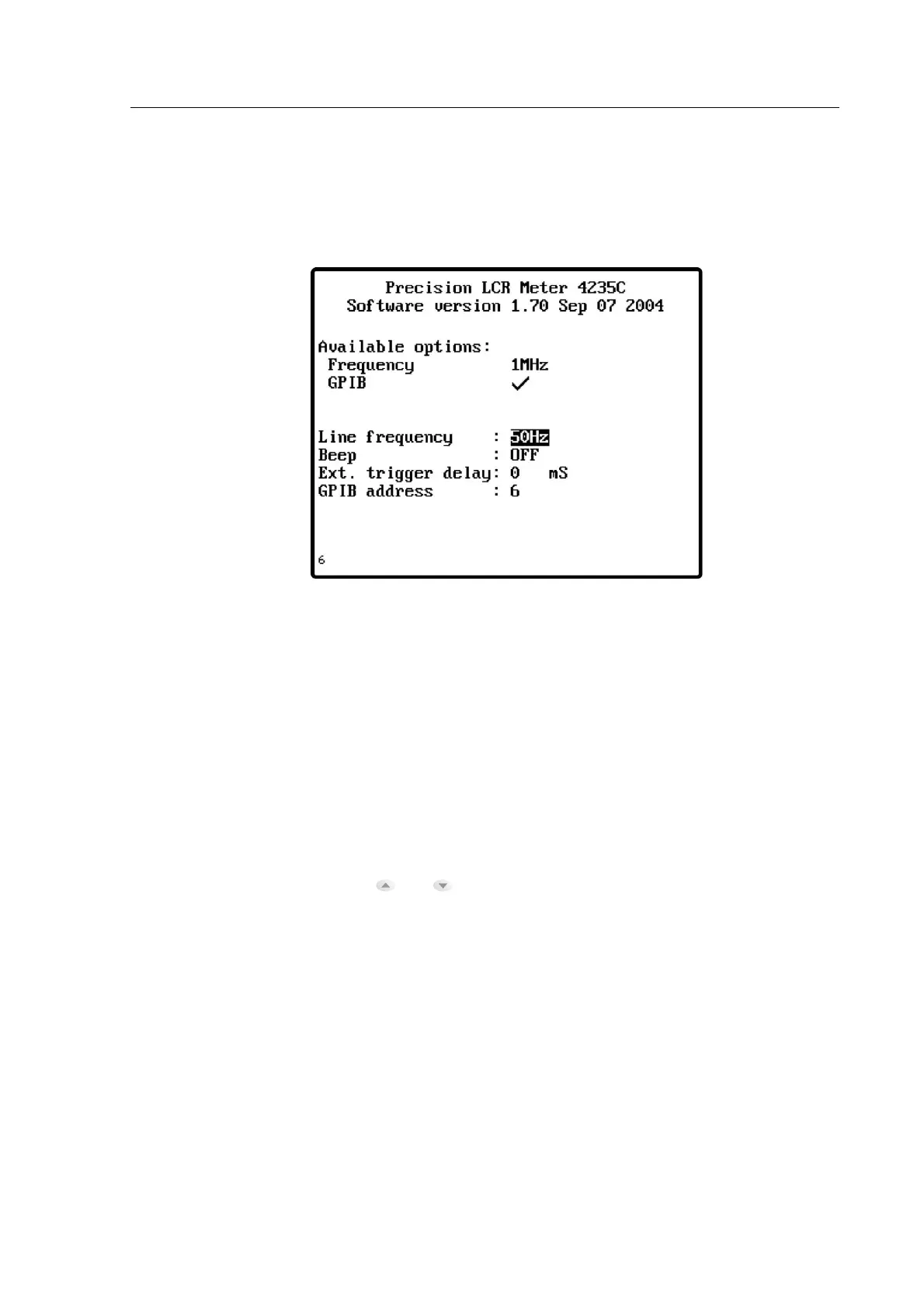
The status page is displayed by pressing the STATUS soft key from the MAIN MENU.
Figure 5-3 The STATUS Page
There are four parameters which may be altered from within the status page: Line frequency,
Beep , External trigger delay and GPIB address.
5.6.1 The STATUS Page Parameters
Selection of Either 50Hz or 60Hz power line frequency.
Sets the external trigger delay time for external trigger control.
The meter’s default GPIB address is 6. This may be changed by
highlighting the status page GPIB address parameter with the
and navigation keys, then altering the address with data
entry keypad. Allowable addresses are 0 to 30 inclusive.



 To Next Page