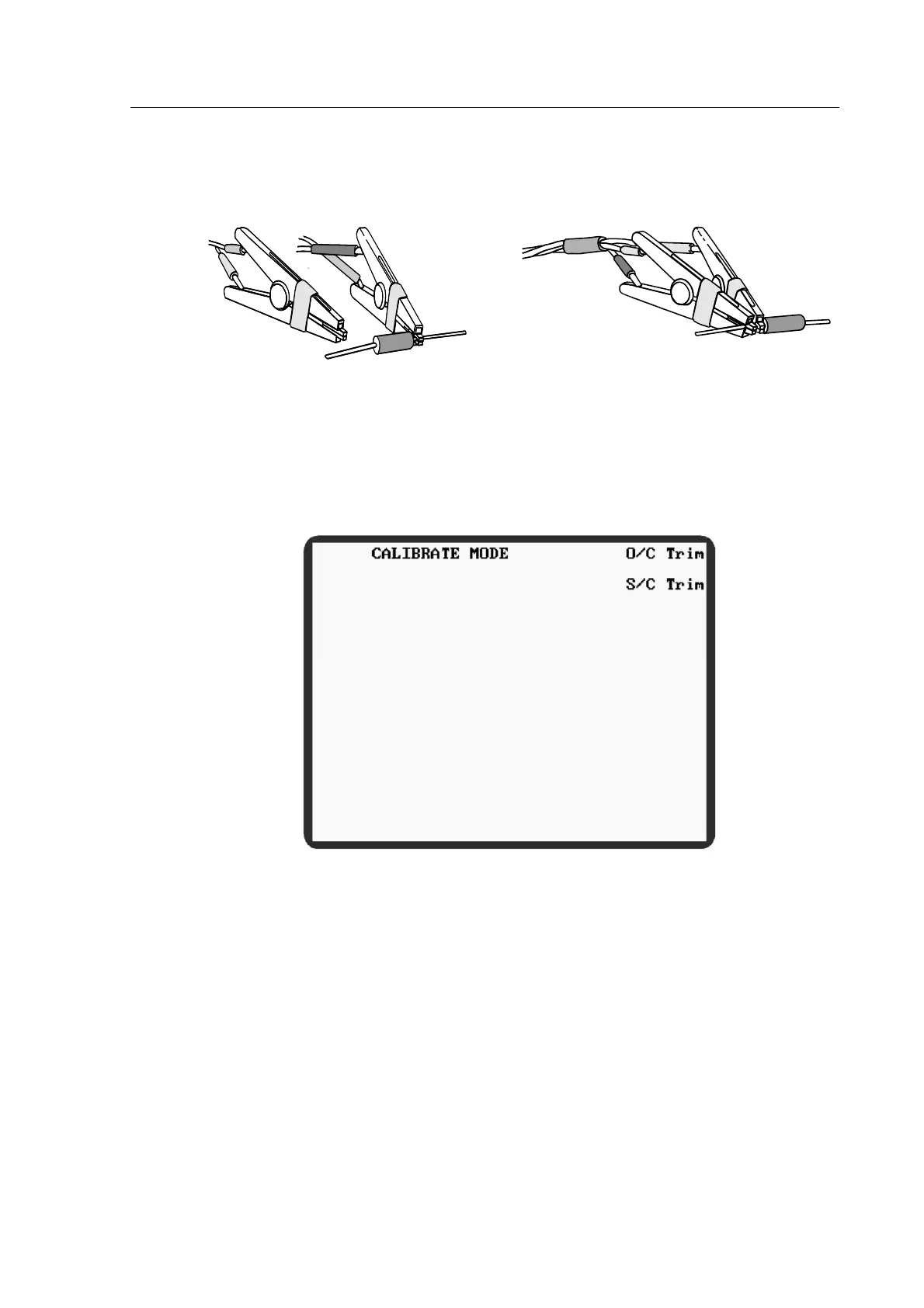
For S/C Trim the connector jaws should be clipped to a piece of wire or a component lead as
close together as possible. Do not connect the clips directly together: this does not provide the
necessary 4-terminal short circuit and will lead to trim errors.
Figure 4-10 Connections for O/C trimming of Kelvin clips
Figure 4-11 Connections for S/C trimming of Kelvin clips
4.3.1 Performing an O/C Trim or S/C Trim..
Figure 4-12 6375 Series Calibrate Mode
1) Select CALIBRATE, either from the MAIN MENU, or from a mode which has
CALIBRATE as an option (in which case pressing the RETURN soft key will return the
meter to the original mode). The meter will enter CALIBRATE MODE.
2) Select O/C Trim or S/C Trim
3) Open- or short-circuit the Kelvin clips or fixture jaws as appropriate.
4) Select the trim option required and wait until the meter has finished trimming. The trim
options are described below.



 To Next Page