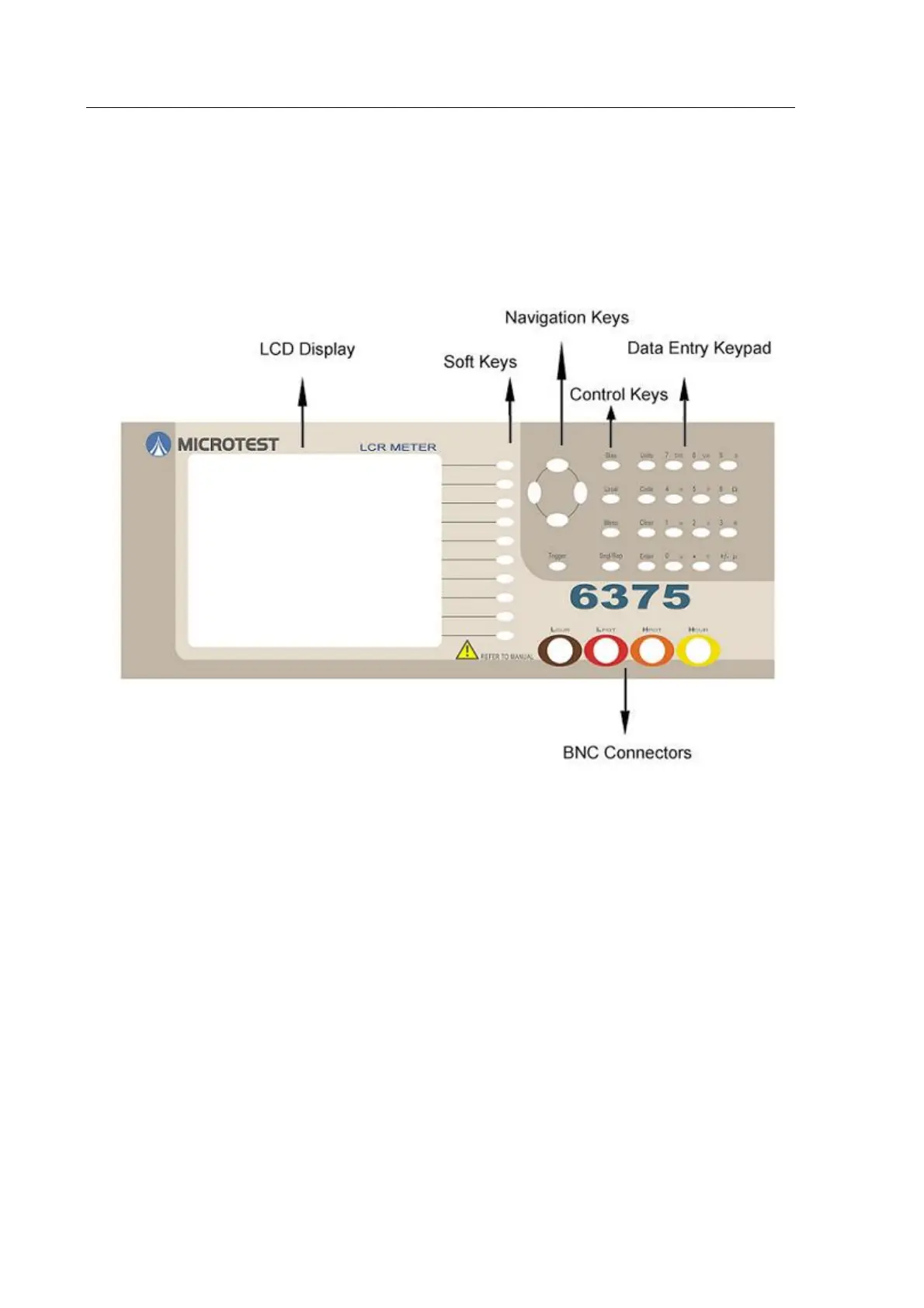
4.2 The Front Panel
Figure 4-2 The6375 Series Front Panel
4.2.1 The Soft Keys
The general protocol is that soft keys labelled with UPPER CASE letters select the labelled
mode and soft keys labelled with lower case letters select settings within the current mode.
The functions of the ten soft keys change according to the mode selected. For example, when
the MAIN MENU is displayed by pressing the Menu key, the soft keys relate to the various
modes available, e.g. MEASURE, STATUS, etc. Once a mode has been selected, the soft keys
labelled with small letters select settings within the mode, while the soft keys labelled with
capital letters select the labelled modes.



 To Next Page