COMMUNICATION
55
3
SYSTEM
55
4
PERSONALIZE
55
5
DATA MANAGEMENT
55
6
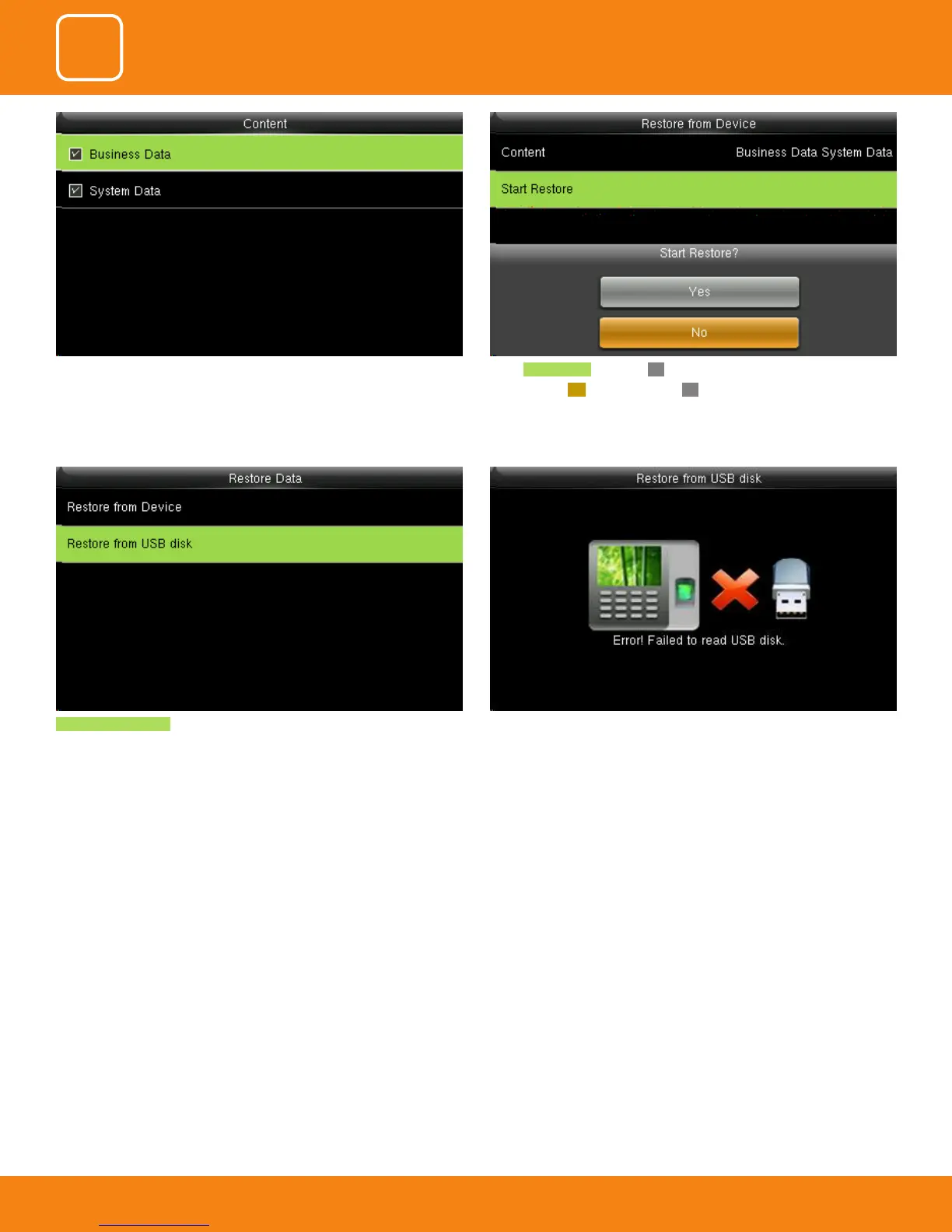
Restore from USB Disk the operations are similar to those performed to
restore from Device.
If the USB disk is not properly inserted the above scdreen will be displayed.
You can either change the USB or insert it properly again.
select Start Restore and press OK.
select Yes or NO Device and press OK.
You can select the content you want to restore.



 To Next Page