AUTOTEST
97
14
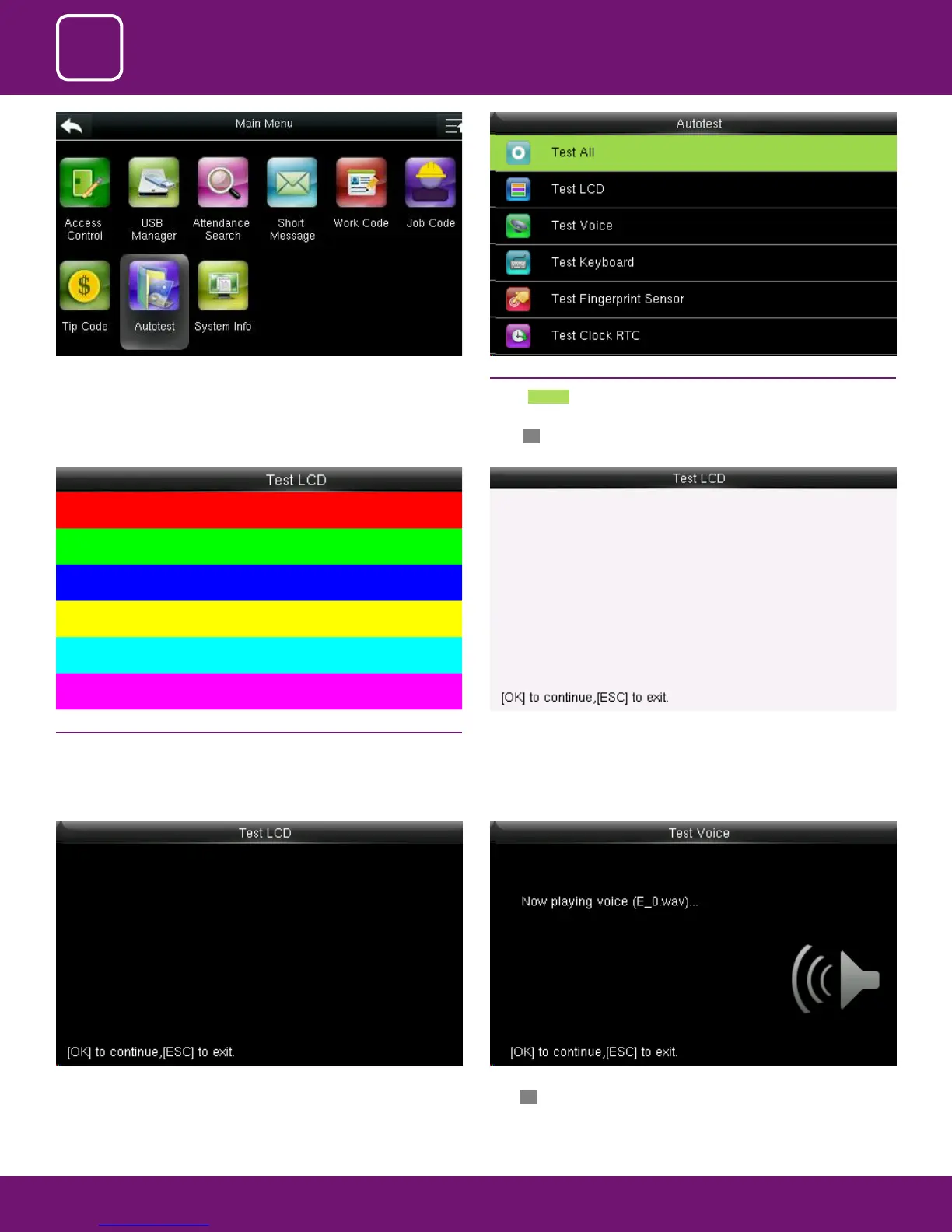
The terminal automatically tests the display eect of the color TFT display by
pure black
Here you can test the dierent voice wav le. To continue the voice test
press OK and to exit press ESC
14.2 TEST LCD
The terminal automatically tests the display eect of the color TFT display
by displaying full color, pure white and pure black and checks whether the
screen displays properly.
You can continue the test by touching the screen or exit it by pressing [ESC]
Select “Auto test” . 14.1 ALL TEST
Select Test All .
The terminal automatically tests the LCD, voice, sensor, keyboard and clock,
press OK to continue and press ESC to exit



 To Next Page