English-29
004-1055-00
TP210 Rev. A
© 2013 Midmark Corp. | 60 Vista Drive Versailles, OH 45380 USA | 1-800-643-6275 | 1-937-526-3662 |
[Revised: mo/dd/yr]
ID Code 05 (Foot / Motor Control Hub Board) - continued
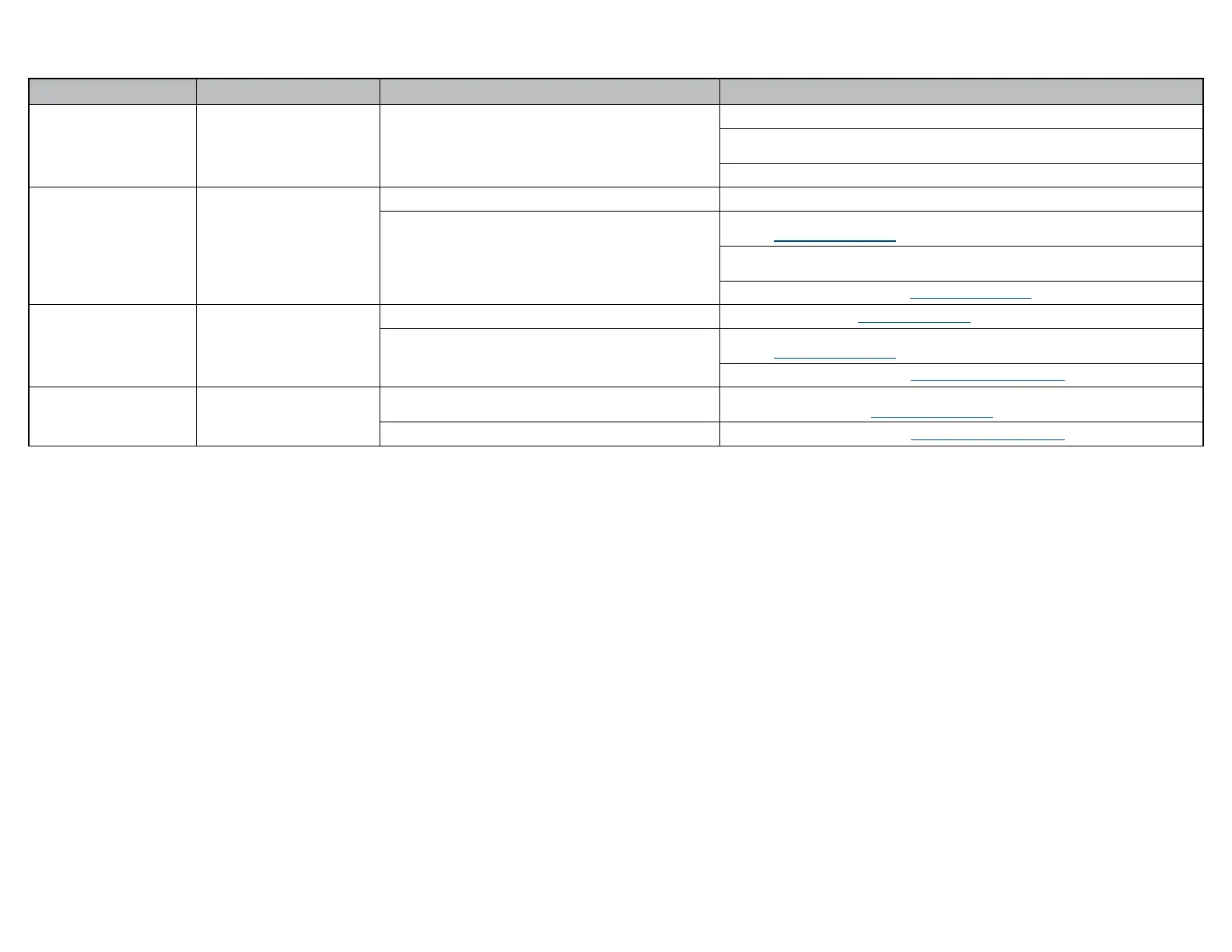
Error Code Error Denition Probable Cause Correction
06
Temperature Out of Range Board Malfunction.
Disconnect power cord for at least ve seconds, then plug back in.
Remove power for ve minutes to allow Motor Control Hub PC Board to cool,
then reapply power.
Replace Motor Control Hub PC Board.
07
Active Sensing Technology
TM
activated.
Active Sensing Technology
TM
activated. Remove object from under the foot section.
Foot Smart Sensor Switches.
Check and secure wire connections at J18 on Machine Control PC Board and at switches.
Refer to: Fuses and Connections
Check and secure Green and White wire connections at four pin inline connection next to
Motor Control Hub PC Board.
Test / Replace switch(es). Refer to: Smart Sensor Switches
08
Position Out of Range
Not calibrated. Calibrate Table. Refer to: Calibration Procedure
Limit Switch.
Check and secure wire connections for Up limit switches.
Refer to: Fuses and Connections
Test / Replace switch(es). Refer to: Foot Actuator / Limit Switches
09
Limit Switch
Loose wire connection.
Check and secure wire connections at J4 on Motor Control Hub PC Board and
at limit switch(es). Refer to: Fuses and Connections
Foot limit switch(es). Test / Replace switch(es). Refer to: Foot Actuator / Limit Switches



 To Next Page