English-2
004-1055-00
TP210 Rev. A
© 2013 Midmark Corp. | 60 Vista Drive Versailles, OH 45380 USA | 1-800-643-6275 | 1-937-526-3662 |
[Revised: mo/dd/yr]
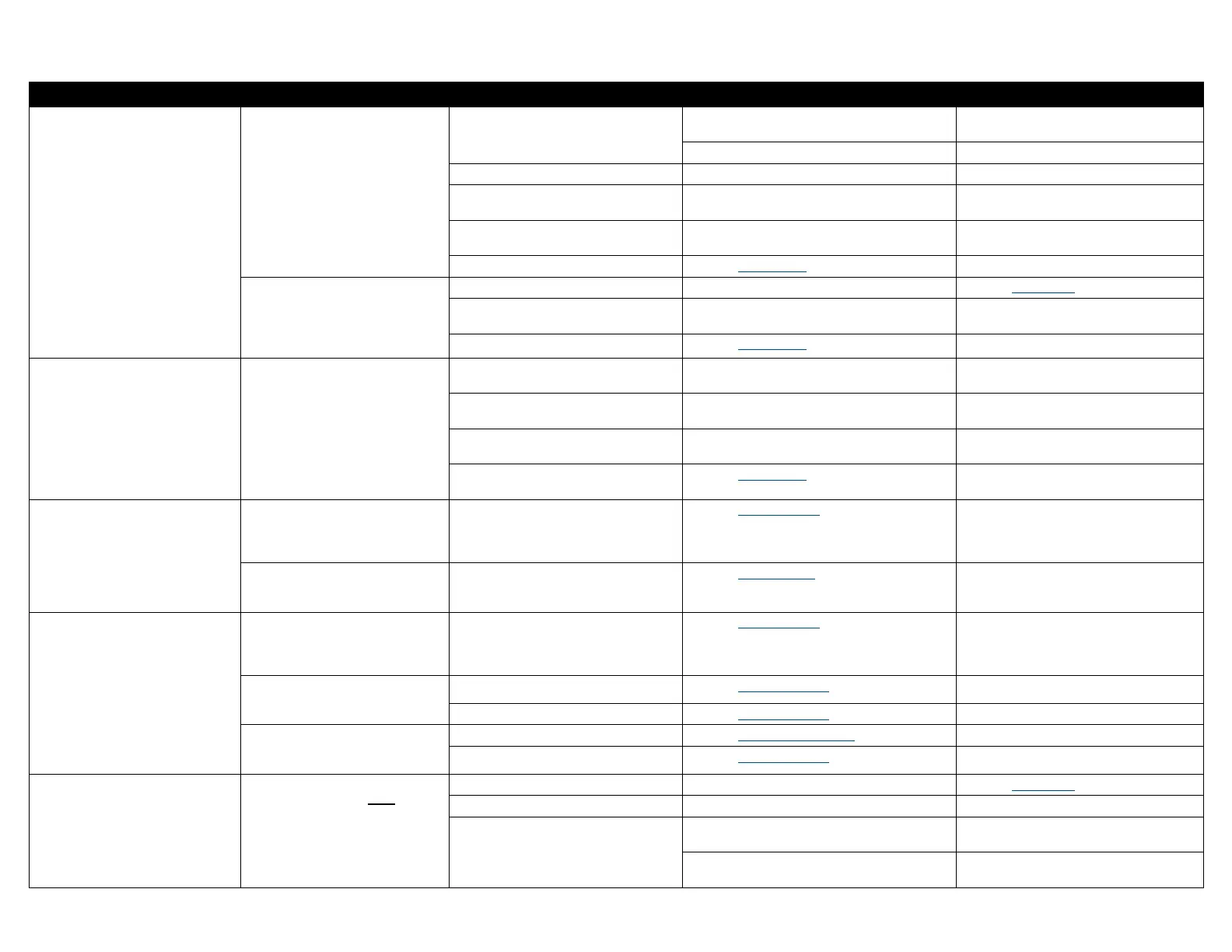
Troubleshooting Chart
Problem Symptom Probable Cause Check Solution
Table has no power.
No functions will operate.
(No power at table receptacles)
Facility supply voltage. Power cord connections at wall outlet
and Power Entry Module at base of table.
Secure power cord connections.
Facility circuit breaker. Reset facility circuit breaker if necessary.
Power Supply PC Board fuse(s) blown. Test F1 & F2 fuses on Power Supply PC Board. Replace faulty fuse(s).
Loose wire connection. Wire connection between Power Entry Module
and Power Supply PC Board.
Secure loose wire connections.
Loose Power Toroid wire connections. Wire connections at J9 and J10 on Power Supply
PC Board.
Secure loose wire connections.
Power Toroid malfunctioning. Refer to: Power Toroid Replace Power Toroid.
No functions will operate.
(Power at table receptacles)
System malfunction. Error code on Machine Control PC Board. Refer to: Error Codes
Foot / Hand control. Try activating functions from both foot and hand
controls.
Replace faulty hand / foot control.
Power Toroid malfunctioning. Refer to: Power Toroid Replace Power Toroid.
Table Receptacle(s)
malfunctioning.
No power at table receptacle(s).
(All other functions work)
Table circuit breaker. If table circuit breaker is tripped. Reset table circuit breaker located at the
base of table, press to reset.
Loose wire connection. Wire connections at J11 on Power Supply
PC Board and table receptacle.
Secure loose wire connections.
Table Receptacle. Voltage at receptacle. Replace faulty receptacle.
Power Toroid malfunctioning. Refer to: Power Toroid Replace Power Toroid.
Wired Controls
malfunctioning.
When any control button is pressed,
the table sounds a series of three
beeps. (No functions operate)
Control Lockout is enabled. Refer to: Control Lockout Press and hold the Stop and Back Down
buttons simultaneously for two seconds.
You will hear a single “Beep” to indicate
control lockout is enabled / disabled.
When any control button is pressed,
nothing happens.
(No “beeps”, no movement, ect.)
Faulty controller. Refer to: Wired Controls Replace faulty controller.
Wireless Controls
malfunctioning.
When any control button is pressed,
the table sounds a series of three
beeps. (No functions operate)
Control Lockout is enabled. Refer to: Control Lockout Press and hold the Stop and Back Down
buttons simultaneously for two seconds.
You will hear a single “Beep” to indicate
control lockout is enabled / disabled.
When any control button is pressed,
that controller sounds a single “beep”.
(All functions operate)
Low battery. Refer to: Wireless Controls Replace batteries. (size: AA)
Faulty controller. Refer to: Wireless Controls Replace faulty controller.
When any control button is pressed,
nothing happens.
(No “beeps”, no movement, ect.)
Controller not associated to table. Refer to: Association Procedure Perform Association Procedure.
Faulty controller. Refer to: Wireless Controls Replace faulty controller.
Tilt, Back, and Foot
functions not operating.
Tilt, Back, and Foot functions will not
operate. Base function does operate.
System malfunction. Error code on Machine Control PC Board. Refer to: Error Codes
Power Supply PC Board fuse(s) blown. Test F3 & F4 fuses on Power Supply PC Board. Replace faulty fuse(s).
Loose wire connection. Wire connections at J3 on Power Supply
PC Board and J13 on Motor Control Hub Board.
Secure loose wire connections.
Wire connections at J16 on Machine Control PC
Board and J14 on Motor Control Hub PC Board.
Secure loose wire connections.


 To Next Page
 Loading...