English-37
004-1055-00
TP210 Rev. A
© 2013 Midmark Corp. | 60 Vista Drive Versailles, OH 45380 USA | 1-800-643-6275 | 1-937-526-3662 |
[Revised: mo/dd/yr]
D3
Wireless Controls - continued
Foot / Hand Control Test
Testing - continued
• Whenanycontrolbuttonispressed,nothinghappens.- continued
(No “beeps”, no movement, etc.)
(see previous page for Checks 1 & 2)
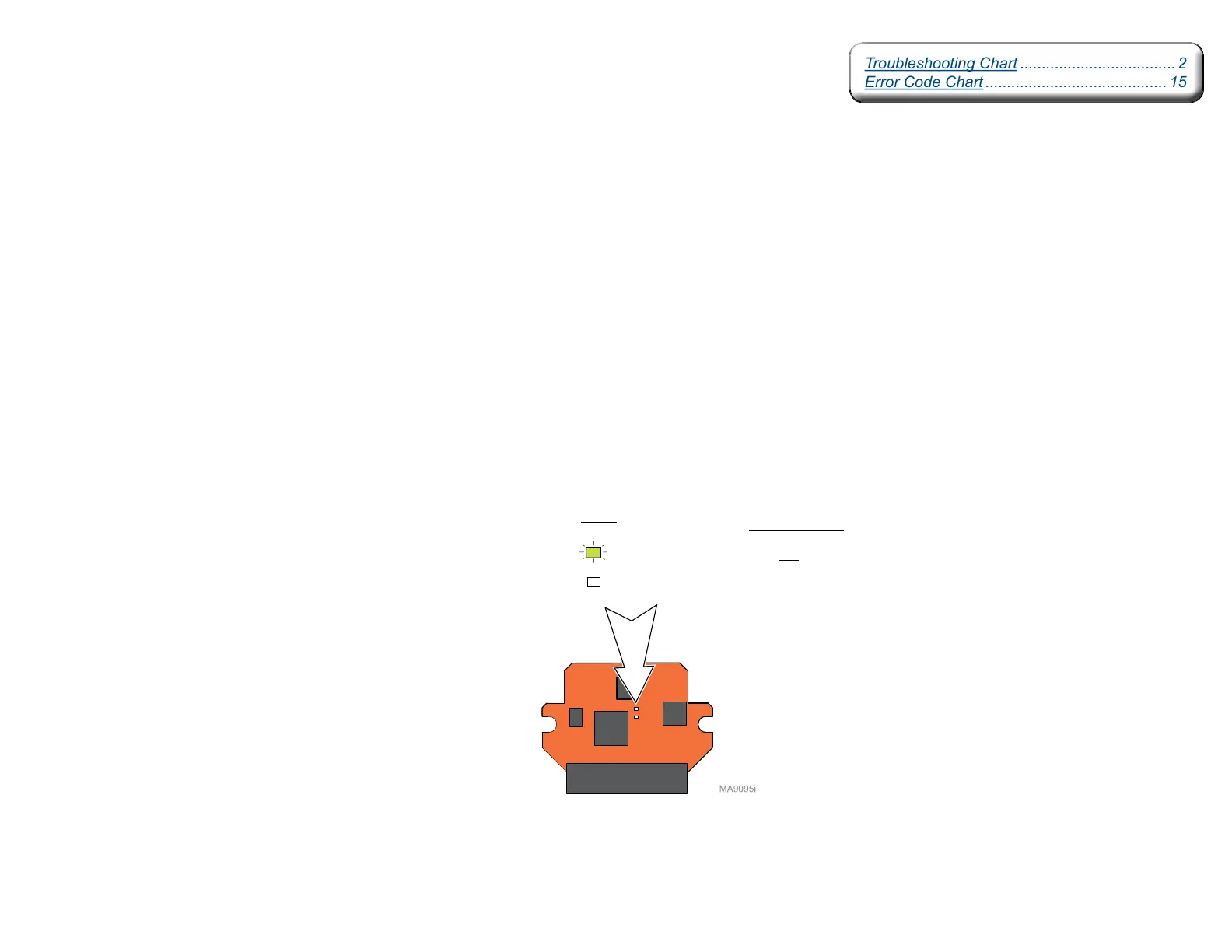
Check: 3. LEDs on hand / foot control PC board
(press any button on hand / foot control)
If LEDs function properly (see illustration):
•Checkantennaconnection.(seepartslistfordetail)
•Replaceantennaifnecessary
If LEDs do not function properly:
•Replacebatteriesincontroller(size:AA)
•Replacecontrollerifnecessary
LEDs
Normal Status
(ON - only when a button on controller is pressed)
(OFF - except during Association Procedure)
Hand / Foot Control PC Board
(Located in controller)
Troubleshooting Chart .................................... 2
Error Code Chart .......................................... 15
Troubleshooting Chart .................................... 2
Error Code Chart .......................................... 15



 To Next Page