Preva Installation/Service Manual, 00-02-1577, Revision E01
31
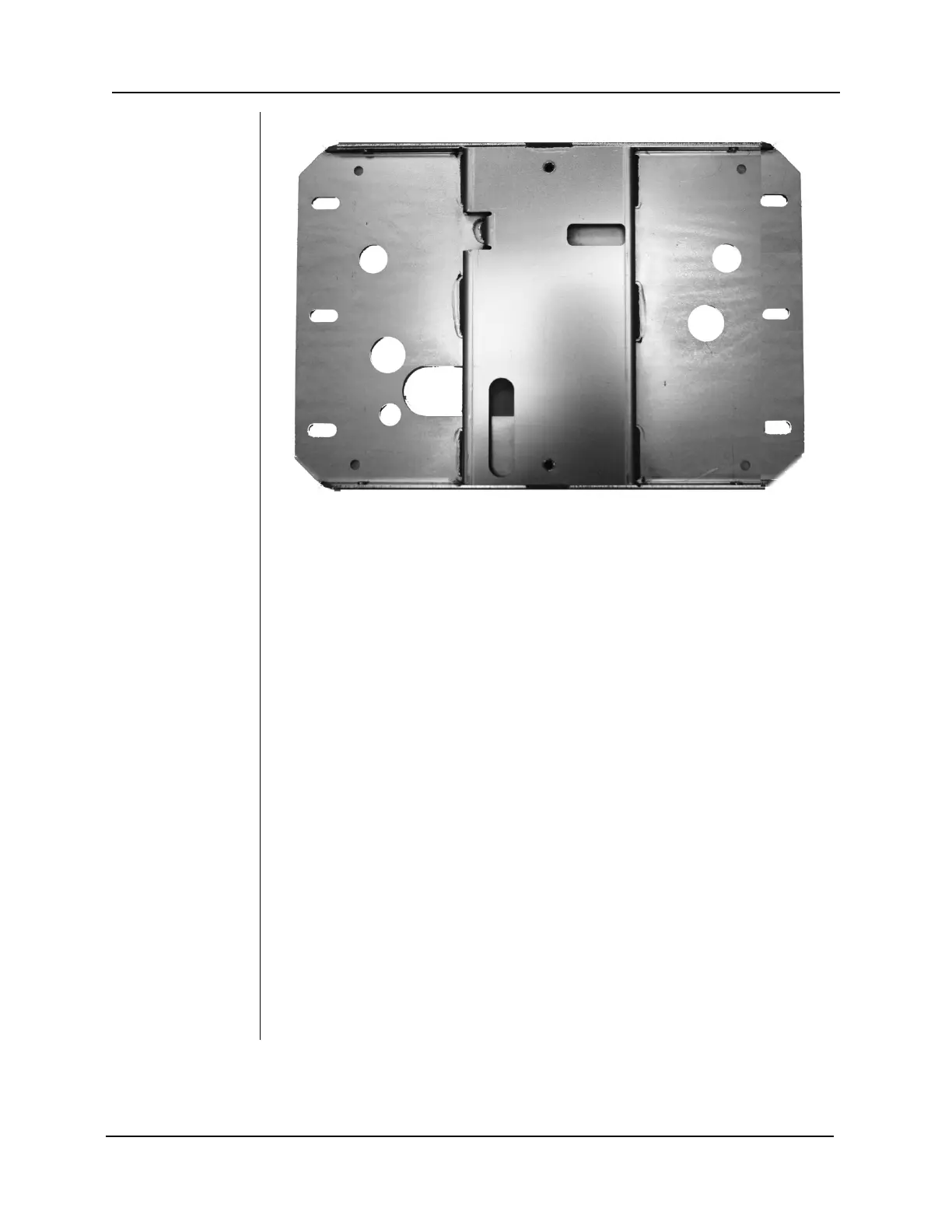
Figure 16
Mounting Plate for
Dual Stud Wall
Mounts
Unit Front Cover
1. Open the shipping carton and locate the Control Unit in the first level of the
carton.
2. Remove the Phillips screw from the front cover of the Control Unit.
3. Carefully remove the front cover.
4. Place the front cover and the screw in a safe location for later reassembly.
Control Unit
1. Select the 5/16”-18 x 7/8” long socket cap screws [H1-15-S23088-01] and
washers [H1-NA-S12000-01].
2. Put the one screw and washer through the upper mounting hole of the
Control Unit.
3. Place the Control Unit on the wall and loosely tighten the upper screw.
4. Put the other screw and washer through the lower mounting hole of the
Control Unit and loosely tighten. Be sure that the power wire extends
through the opening at the bottom of the Control Unit.
5. Place a level on the Control Unit bearing parallel to the wall. Level the
Control Unit.
6. Tighten the upper and lower screws.
7. After the Preva is installed, slide covers on the wall plate and fasten with the
provided (8) screws [H1-64-S17050-01].



 To Next Page