Preva Installation/Service Manual, 00-02-1577, Revision E01
68
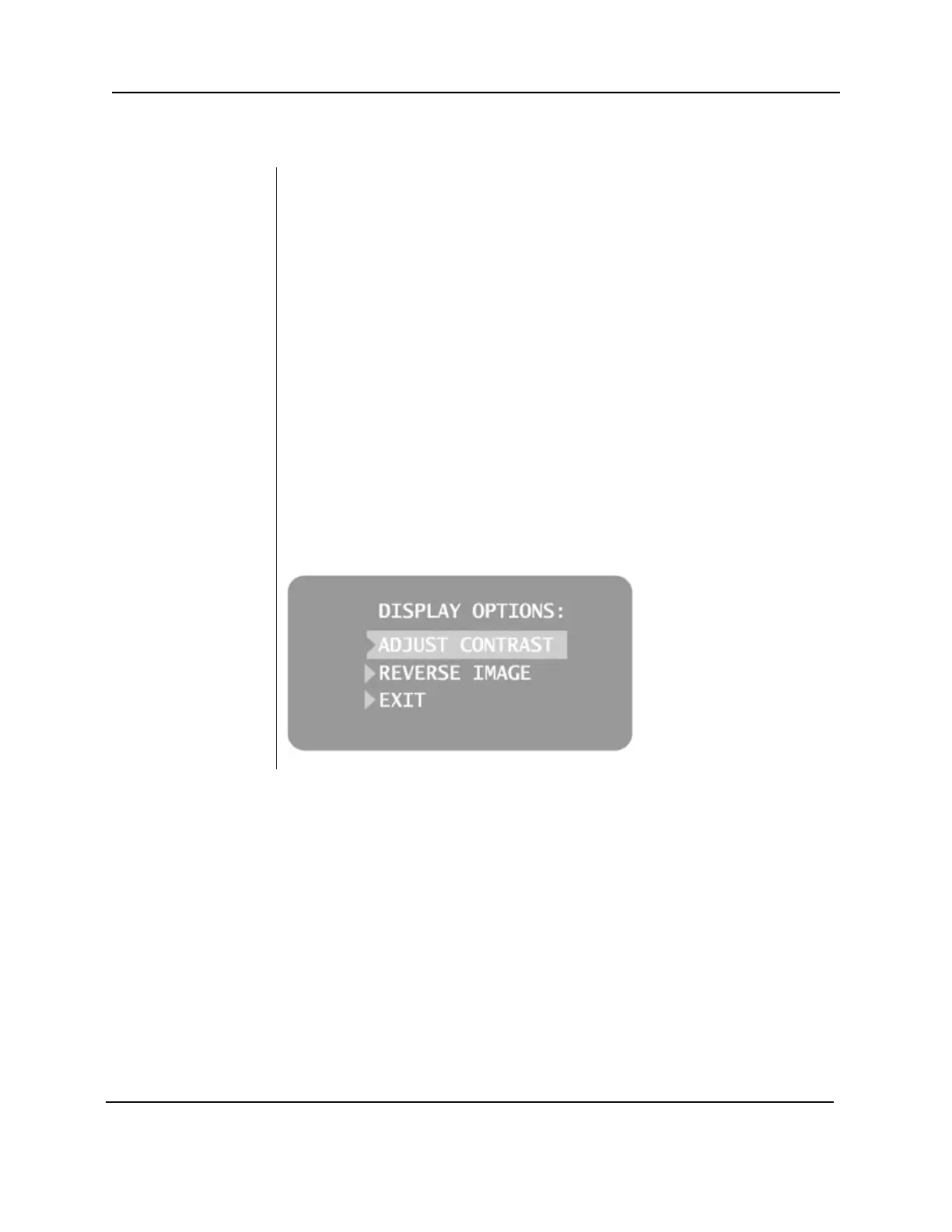
The Preva Dental X-ray System allows the operator to adjust the display
image.
1. From the Main System Configuration menu, Figure 49, select ADJUST
DISPLAY. The Display Options menu shown in Figure 50 will be displayed.
2. Selecting EXIT returns the display to the Main System Configuration
menu.
Contrast
1. Select ADJUST CONTRAST from the menu. The Progeny
®
logo will be
displayed.
2. Use the up and down arrows to increase or decrease the contrast
between the menu text and the display background.
3. Press the right arrow to save the settings.
Image
1. Select REVERSE IMAGE from the menu. The text and display background
colors will be swapped.
2. Press the right arrow to save the settings.
Figure 50
Display Options
Menu



 To Next Page