Preva Installation/Service Manual, 00-02-1577, Revision E01
54
Preva Operator Panel
Settings
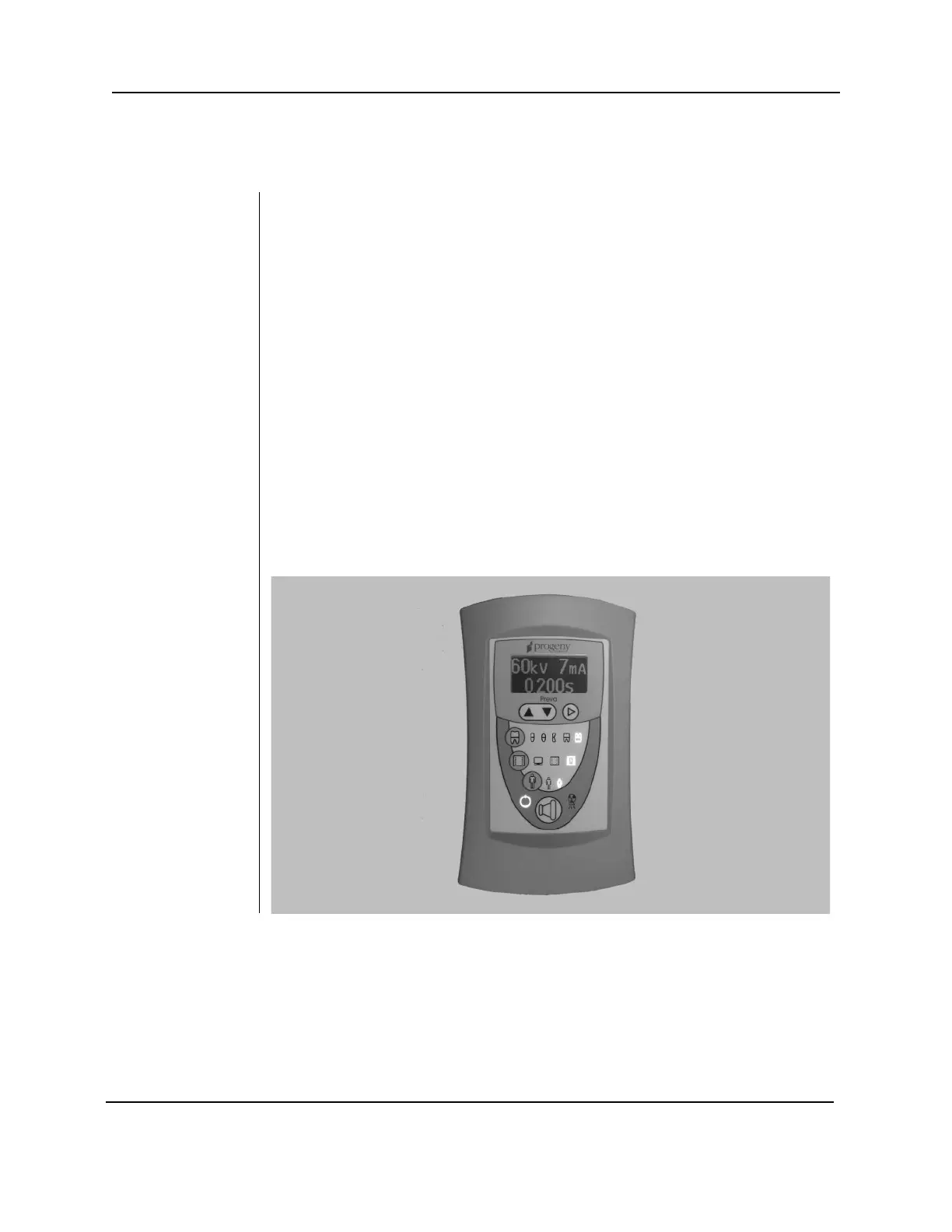
When the Preva Dental X-ray System is powered on, the Operator Panel, shown
in Figure 40, displays the selections that were in use when the system was last
Exposure
Settings
The Operator Panel displays the exposure settings (kV, mA, and seconds) for the
currently selected tooth, image receptor type, and patient size. Use the Tooth
Selection, Image Receptor Type, and Patient Size buttons to select other
Exposure
Settings
Preset exposure settings can be adjusted prior to making an exposure.
Exposure time can be easily changed by simply using the up and down buttons.
To adjust kV and mA, use the right arrow to select the exposure setting to
adjust. Then use the up and down arrow buttons to adjust the value. To save
new presets, use the System Configuration mode described on page 67 in this
Button and
Ready
Indicator
The Exposure button is used to initiate an X-ray exposure. For a complete
exposure, the button must be pressed and held until the Radiation Indicator no
longer illuminates and the audible signal is no longer heard. Releasing the
Exposure button immediately terminates the X-ray exposure.
Figure 40
Preva Operator
Panel



 To Next Page