Preva Installation/Service Manual, 00-02-1577, Revision E01
72
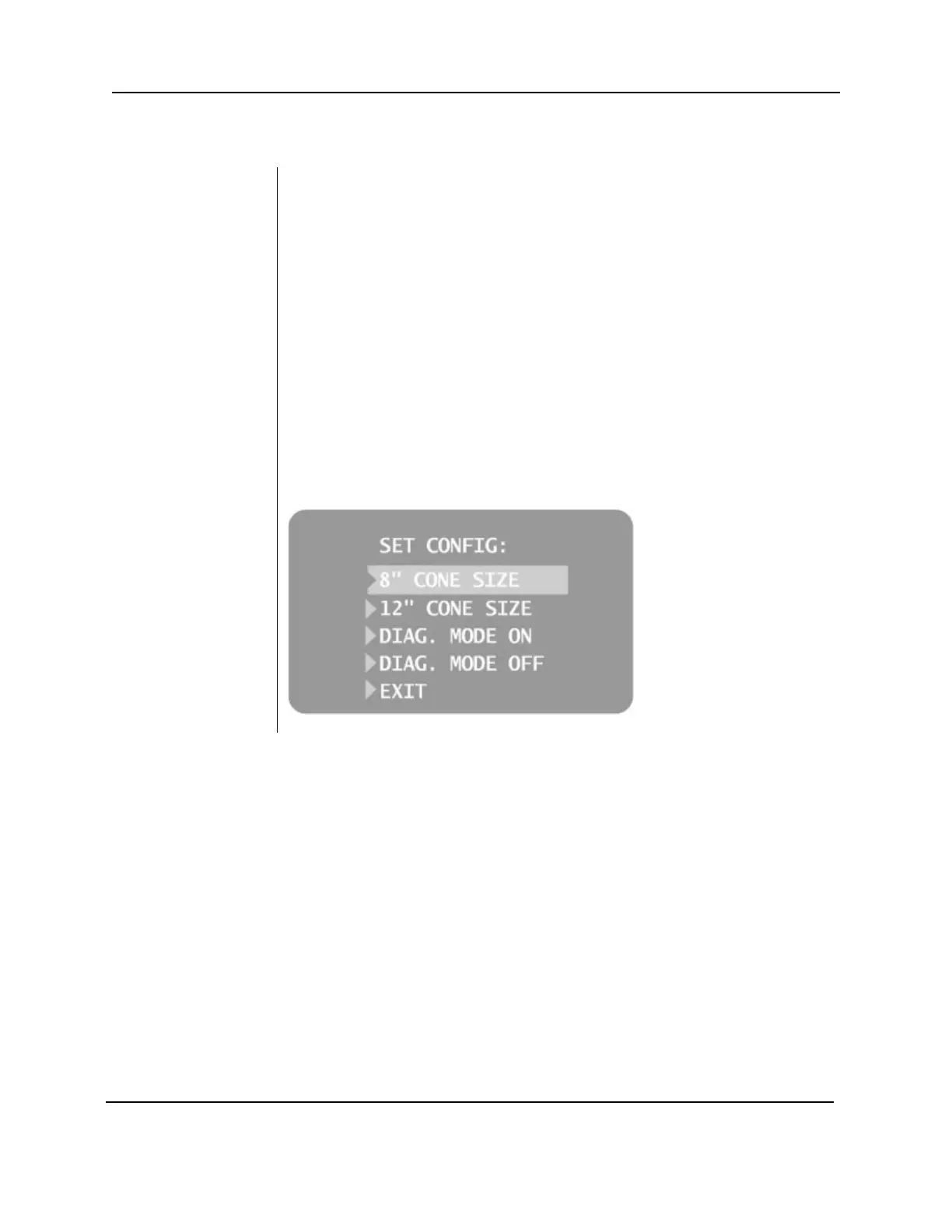
Selecting SET CONFIG from the Configuration menu, Figure 52, displays the
Set Configuration menu, Figure 53, with options to change the cone size. The
Preva Dental X-ray System is preset for use with the standard supplied 8” [20
cm] Cone. The 12” [30 cm] Cone (30-A2033) is available. Using the longer
Cone requires longer exposure times, which the Preva automatically selects
when the Cone size is changed in the Set Configuration menu.
Using a 12 inch
[30 CM] Cone
1.
From the Main System Configuration menu,
, select
CONFIGURE UNIT. The Configuration menu shown in Figure 52 will be
displayed.
2. Select SET CONFIG. The Set Configuration menu, shown in Figure 53 will
be displayed.
3. From the Set Configuration menu, use the up and down arrows to
highlight the 12” CONE SIZE.
4. Press the right arrow button to select the 12” Cone. The display warns
that selecting the 12” Cone will override custom presets with the default
factory settings for the 12” Cone.
5. Using the up arrow, select YES to install presets for the 12” Cone.
Figure 53
Set Configuration
Menu



 To Next Page