Preva Installation/Service Manual, 00-02-1577, Revision E01
70
Presets
Individually
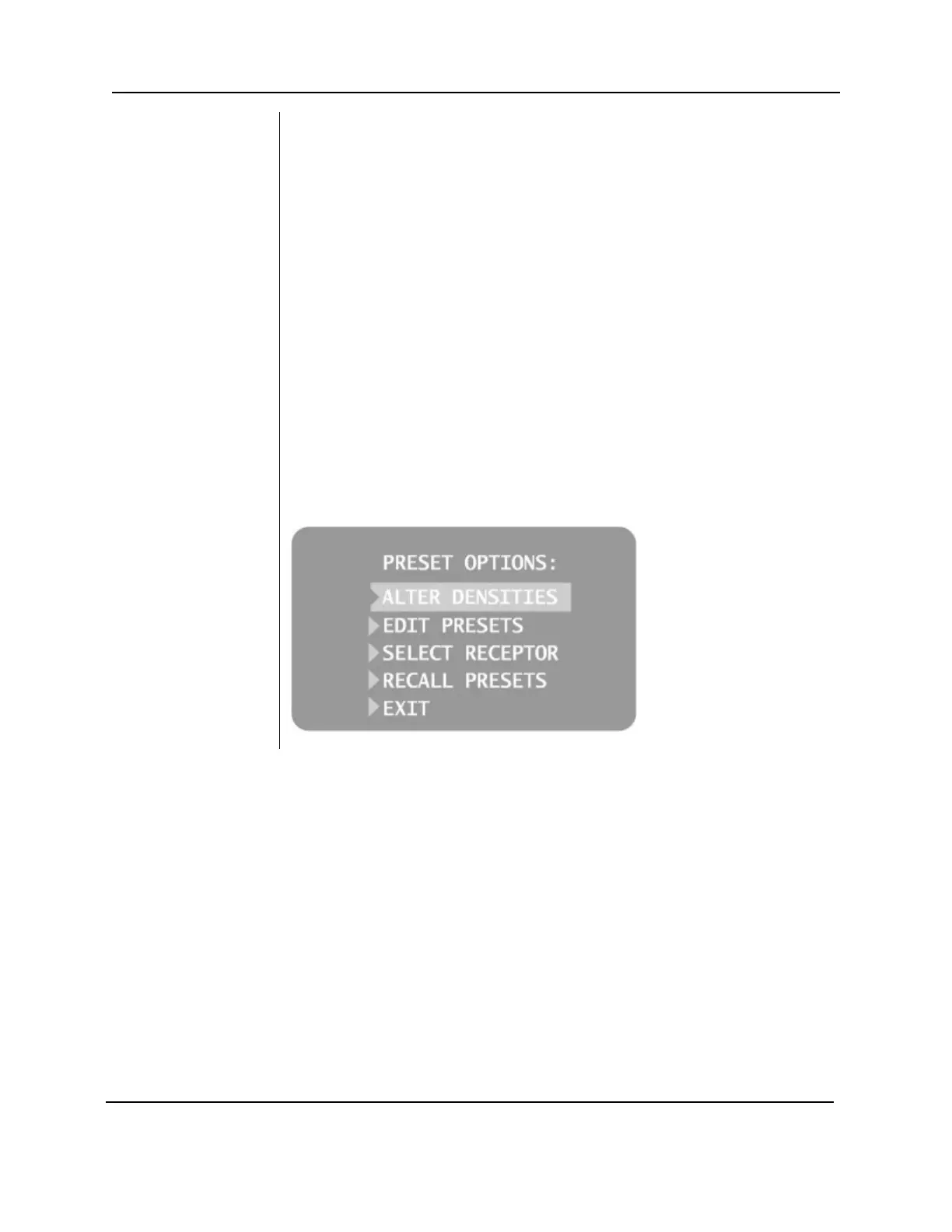
1. Select EDIT PRESETS from the Preset Options menu. The display
announces that Edit Preset Mode is being entered. Tooth Size, Image
Receptor Type and Patient Size are illuminated.
2. Use the Tooth Selection, Image Receptor Type and Patient Size Selection
buttons to select the preset to change. The display shows the current
values for the preset.
3. Use the right arrow button to display the technique factor to change.
4. Use the up and down arrow buttons to set the value for the selected
technique factor and preset.
5. Repeat steps 2-4 to change additional presets.
6. When all changes have been completed, press the Tooth Selection and
Patient Size Selection buttons simultaneously for 5 seconds to record the
1. To return all presets to factory defaults, select RECALL PRESETS from
the Preset Options menu. The menu will ask that the choice be
confirmed.
2. Select YES using the up arrow button and return all presets to factory
default settings. Selecting YES will erase any custom presets that have
been set up.
3. Select NO using the down arrow button and retain current presets.
Figure 51
Preset Options
Menu



 To Next Page