Operation 2-3
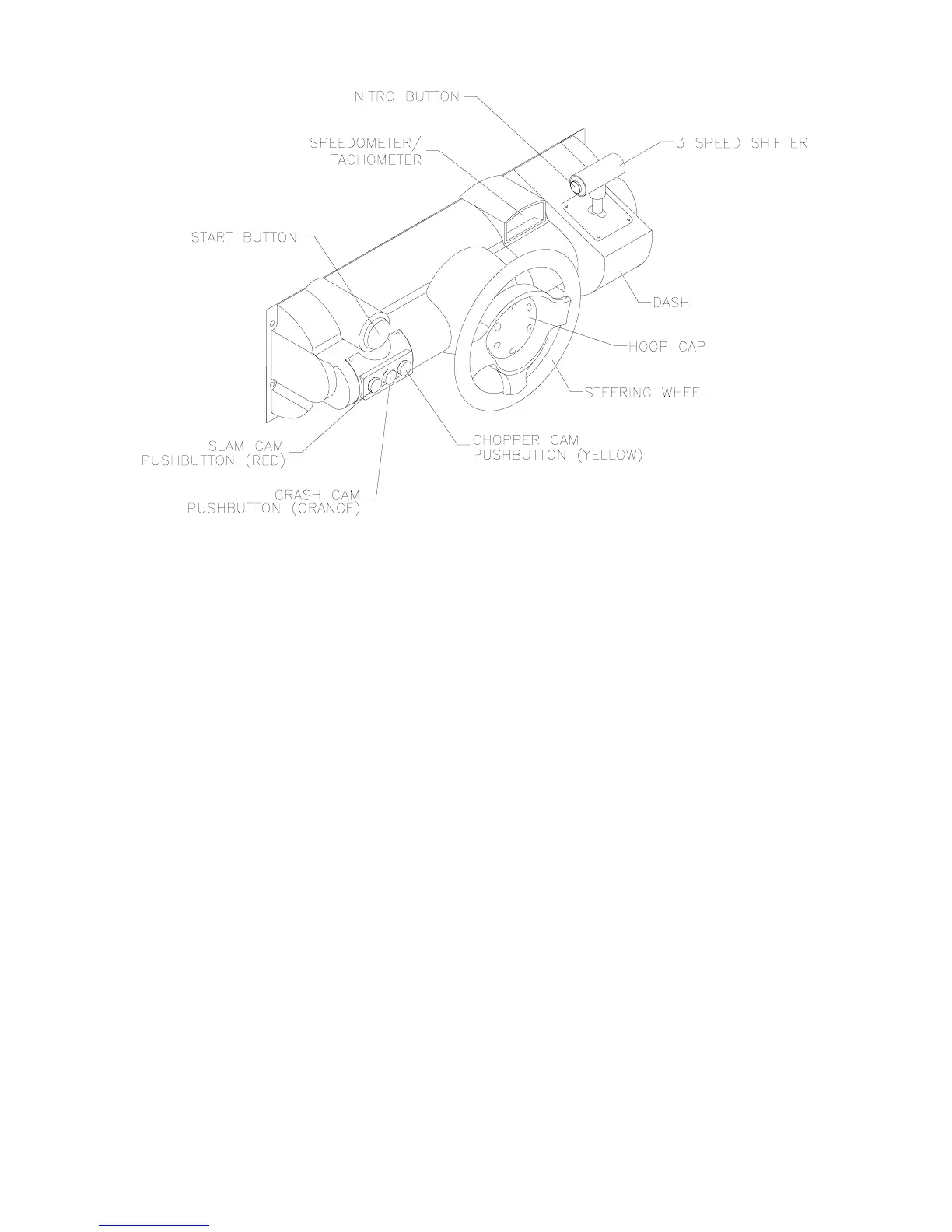
Player Panel Controls
OPERATOR CONTROLS
CABINET CONTROLS
•
DIP Switches
on the MagicBus
Board set some system variables. These DIP switches are for
factory use only. Keep them set at their default value, all off. You can adjust game variables, check
bookkeeping totals and perform diagnostics with diagnostic control switches.
•
The Monitor Remote Control
Board
allows you to
adjust the video display for optimum viewing.
•
The Cabinet POWER Switch
turns off the game, but does not reset game variables.
•
The Computer POWER Switch
turns off the computer. It is on the Arcade Computer. During service
procedures, leave this switch on. Use the main power switch to control the power.
DIAGNOSTIC CONTROL SWITCHES
•
The SERVICE CREDITS Button
allots credits without changing the game's bookkeeping total. The
Menu System occasionally assigns a function to SERVICE CREDITS. Check screen directions for
these additional functions.
•
The TEST MODE Button
causes the game to enter the menu system. To access the Menu System,
press and hold TEST MODE until the Main Menu appears. Within the menu system, check screen
directions for additional TEST MODE functions.
•
VOLUME DOWN and VOLUME UP Buttons
set game sound levels. To make minor volume
changes, press either button briefly. To make major changes, press and hold a button. In the menu
system, VOLUME UP moves the item highlight bar up the menu. VOLUME DOWN moves the item
highlight bar downward.












 To Next Page