Diagnostic, Audit & Adjustment Menu System 3-16
Operator Menu (continued)
Adjustments Menu
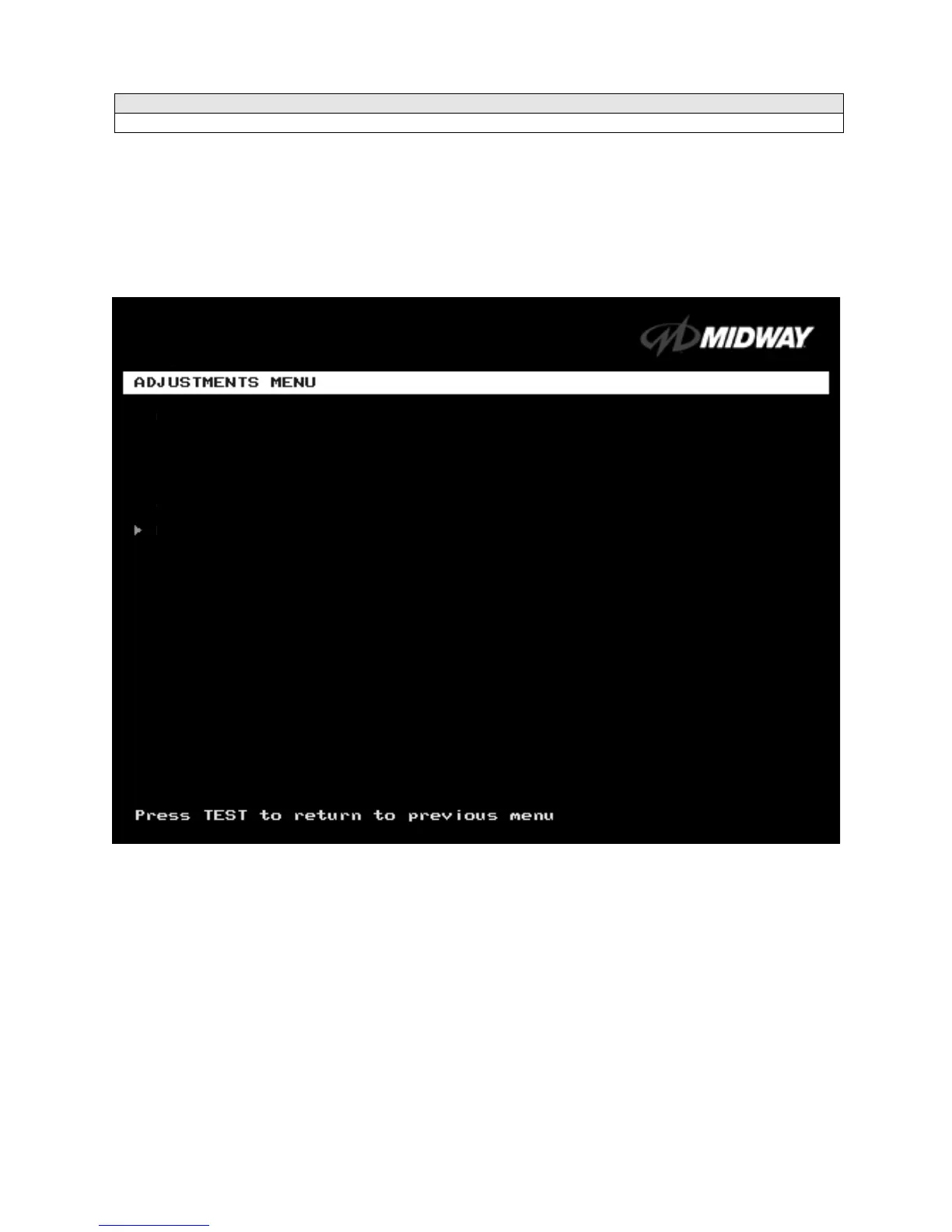
ADJUSTMENTS MENU
Select ADJUSTMENTS MENU at the Operator Menu. The Adjustments Menu allows you to set game and
player variables. Use these screens to optimize game performance and earnings.
Highlight an option with the middle two diagnostic buttons inside the coin door. Select the option with the
TEST MODE button.
ADJUSTMENTS MENU
GENERAL ADJUSTMENTS MENU
LINKED –PLAY ADJUSTMENTS MENU
TRACK DIFFICULTY ADJUSTMENTS MENU
PRICING MENU
VOLUME ADJUSTMENT
FORCE FEEDBACK ADJUSTMENT
CALIBRATE STEERING, GAS AND BRAKE
SET TIME AND DATE
RETURN TO PREVIOUS MENU












 To Next Page