Diagnostic, Audit & Adjustment Menu System 3-10
Operator Menu (continued)
Audits Menu
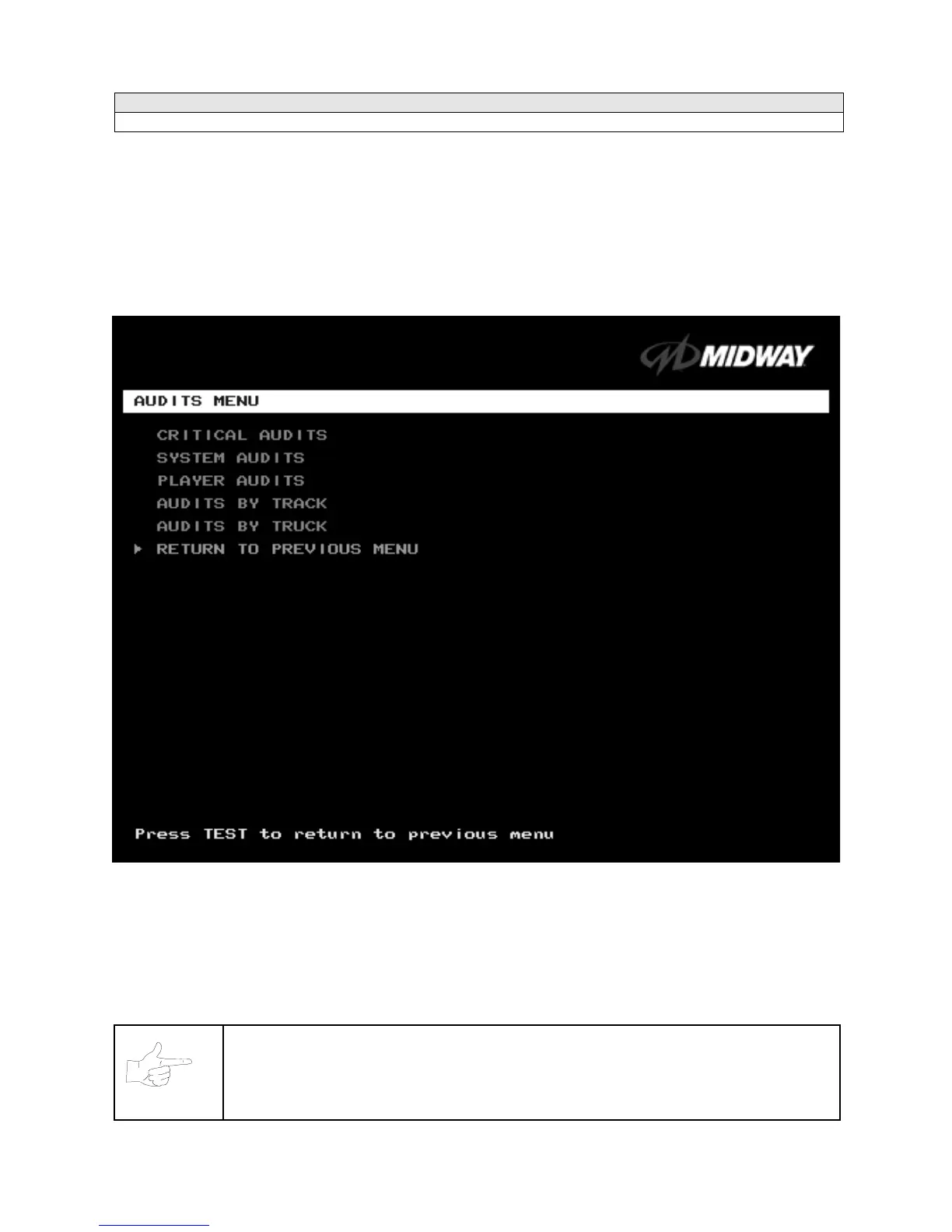
AUDITS MENU
Select AUDITS MENU at the Operator Menu. The Audits Menu permits you to review game play statistics.
Additional menus provide detailed reports for each player position on game starts, ends, cabinet abuse,
fault conditions, etc.
Highlight a line item with the middle two diagnostic buttons inside the coin door. Select the option with the
TEST MODE button.
GAME AUDITS MENU
Use the auditing information to help you to keep records of the game’s popularity and earnings. You may
also analyze favorite tracks, most frequently used vehicles, and other statistics. These screens report
information, but don’t permit changes.
Examine and record all game audit values before doing service or making repairs on this game.
NOTICE:
Take care when clearing audit information. You can’t restore cleared data. If your audit
data is important to you, back it up before proceeding. Use the OPTION SAVE AUDITS
TO FLOPPY DISK on the Utilities Menu. To clear audits, use the Utilities Menu.












 To Next Page