Diagnostic, Audit & Adjustment Menu System 3-35
Operator Menu (continued)
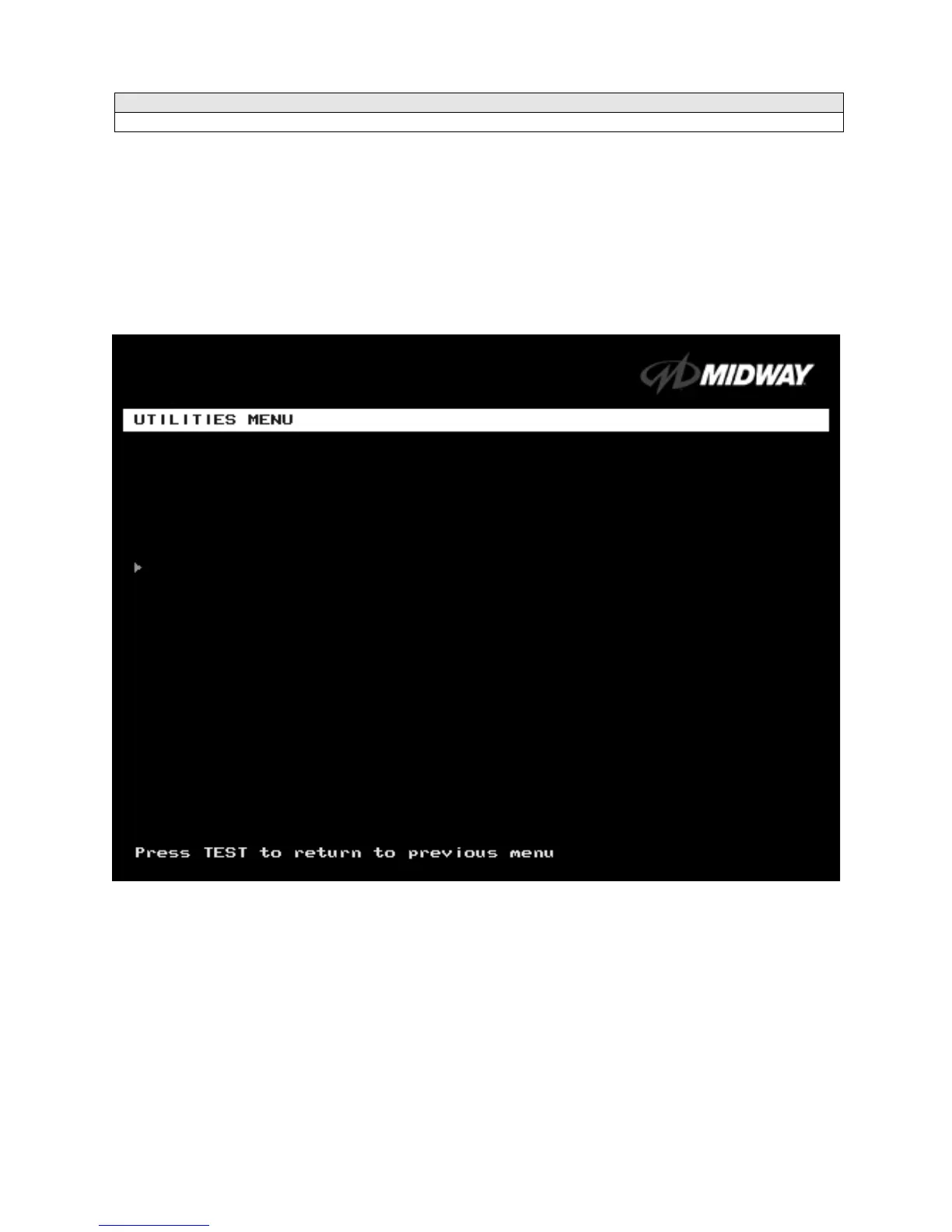
Utilities Menu
UTILITIES MENU
Select UTILITIES MENU at the Operator Menu.
The Game Utilities Menu permits you to clear game
credits, player statistics, and game audits. Here, you restore game settings to factory defaults or save
audit data. A confirmation screen appears before you finalize changes.
Highlight an option with the middle two diagnostic buttons inside the coin door. Press TEST MODE to
enter Change Mode. Use the diagnostic switches to change the variable. Then press TEST MODE to save
changes and exit the variable.
UTILITIES MENU
CLEAR CREDITS
zeros all credit variables.
RESET OPERATOR SETTINGS
returns Adjustments Menu variables to factory default values.
RESET HIGH SCORES AND SPLIT TIMES
overwrites the player high scores with factory default data.
RESET AUDIT STATS
zeros track and truck audit values.
FULL FACTORY RESTORE
resets all variables above to factory default values. A confirmation screen
appears before you finalize changes.
CLEAR CREDITS
RESET OPERATOR SETTINGS
RESET HIGH SCORES AND SPLIT TIMES
RESET AUDIT STATS
FULL FACTORY RESTORE
SAVE AUDITS TO FLOPPY DISK
RETURN TO PREVIOUS MENU












 To Next Page