Diagnostic, Audit & Adjustment Menu System 3-36
SAVE AUDITS TO FLOPPY DISK
allows you to copy game data to a disk. Comparing audit data over
time demonstrates the effect of game variable changes on profits. Use a formatted, 1.44MB high-density
diskette. The floppy drive is in the CPU cabinet.
NOTICE:
Be careful when clearing audit information. Once you clear data, you can’t
restore it.
Use the Save Audits to Floppy Disk option to save data for analysis. To clear
audit registers, use the Reset or Full Factory Restore functions
.
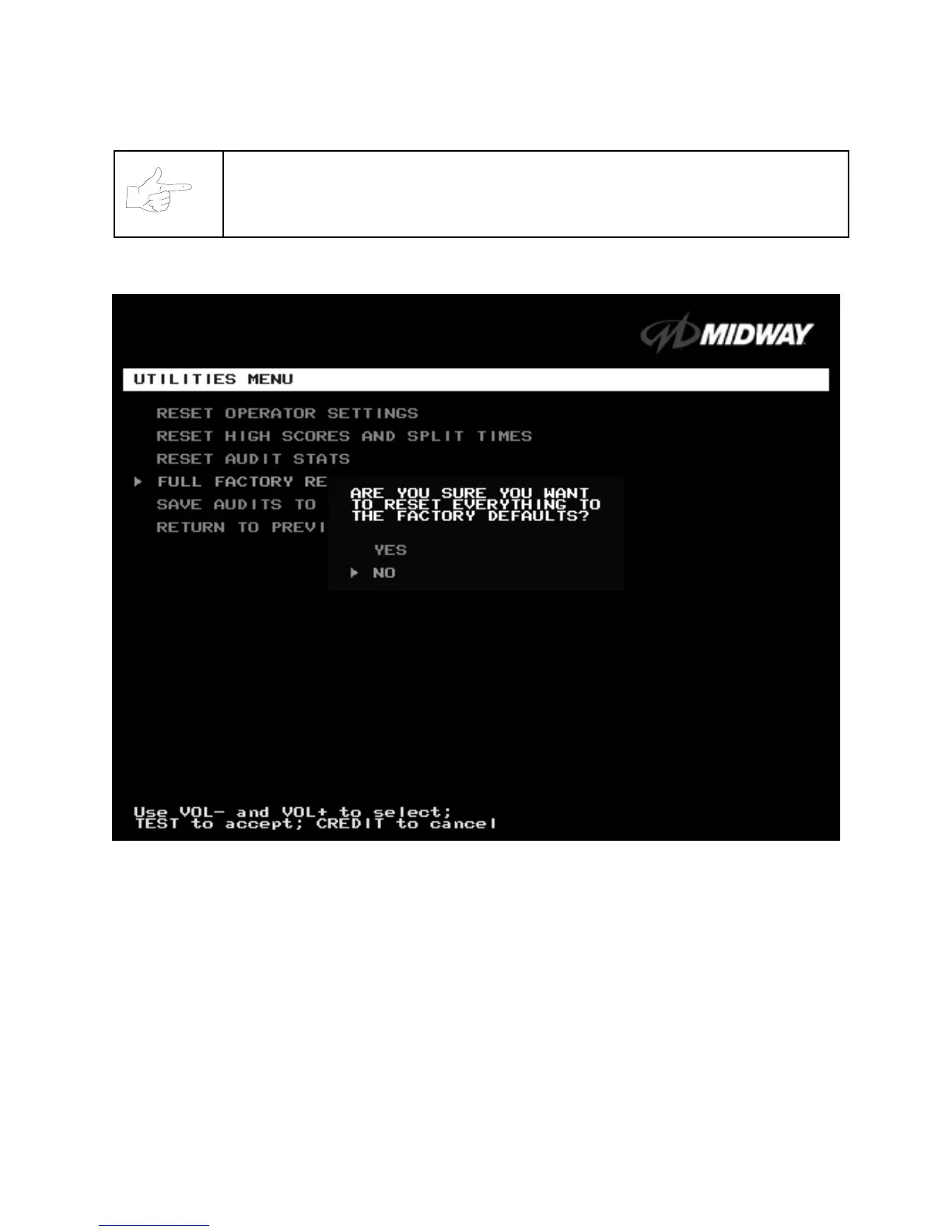
A CONFIRMATION SCREEN APPEARS BEFORE YOU FINALIZE CHANGES












 To Next Page