Diagnostic, Audit & Adjustment Menu System 3-30
Operator Menu (continued)
Adjustments Menu (continued)
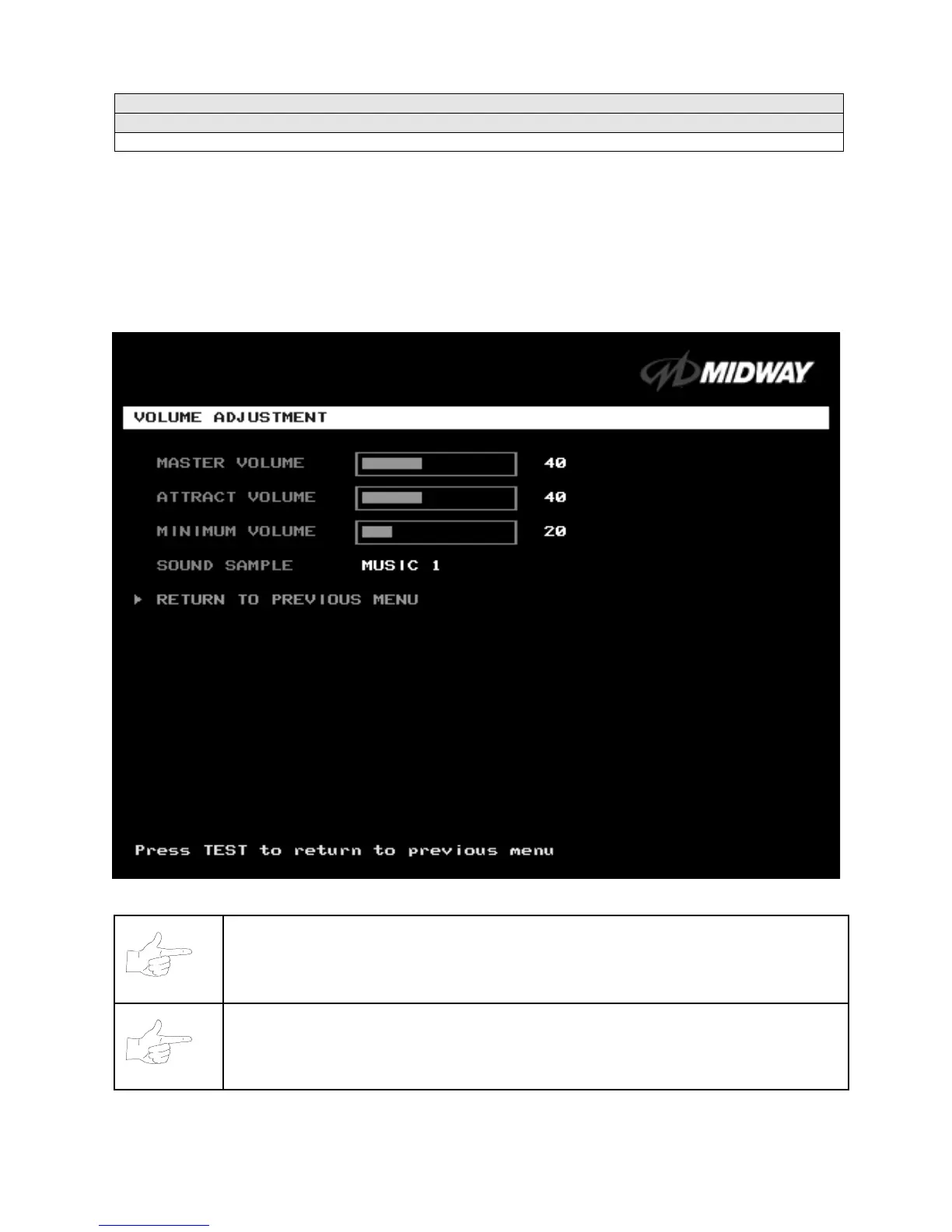
Volume Adjustment Menu
VOLUME ADJUSTMENT MENU
Select VOLUME ADJUSTMENT at the Adjustments Menu.
(You can also access this menu from the
Operator Menu.) The Volume Adjustment Menu allows you to adjust relative sound loudness levels.
Highlight an option with the middle two diagnostic buttons inside the coin door. Press TEST MODE to
enter Change Mode. Use the diagnostic switches to change the variable. Then press TEST MODE to save
changes and exit the variable.
VOLUME ADJUSTMENT MENU
NOTICE:
The Master Volume setting affects all other volume adjustments. You can still
alter Attract sounds in relation to normal game sound. For example, suppose that you
set Attract Mode volume to 50%. Then Attract Mode sounds are half as loud as normal
game sounds.
NOTICE:
Check the Master Volume setting before testing. Increase Master Volume to
fully test speakers. Restore Master Volume to its previous level before returning to
Game-Over Mode.












 To Next Page