Diagnostic, Audit & Adjustment Menu System 3-34
Operator Menu (continued)
Adjustments Menu (continued)
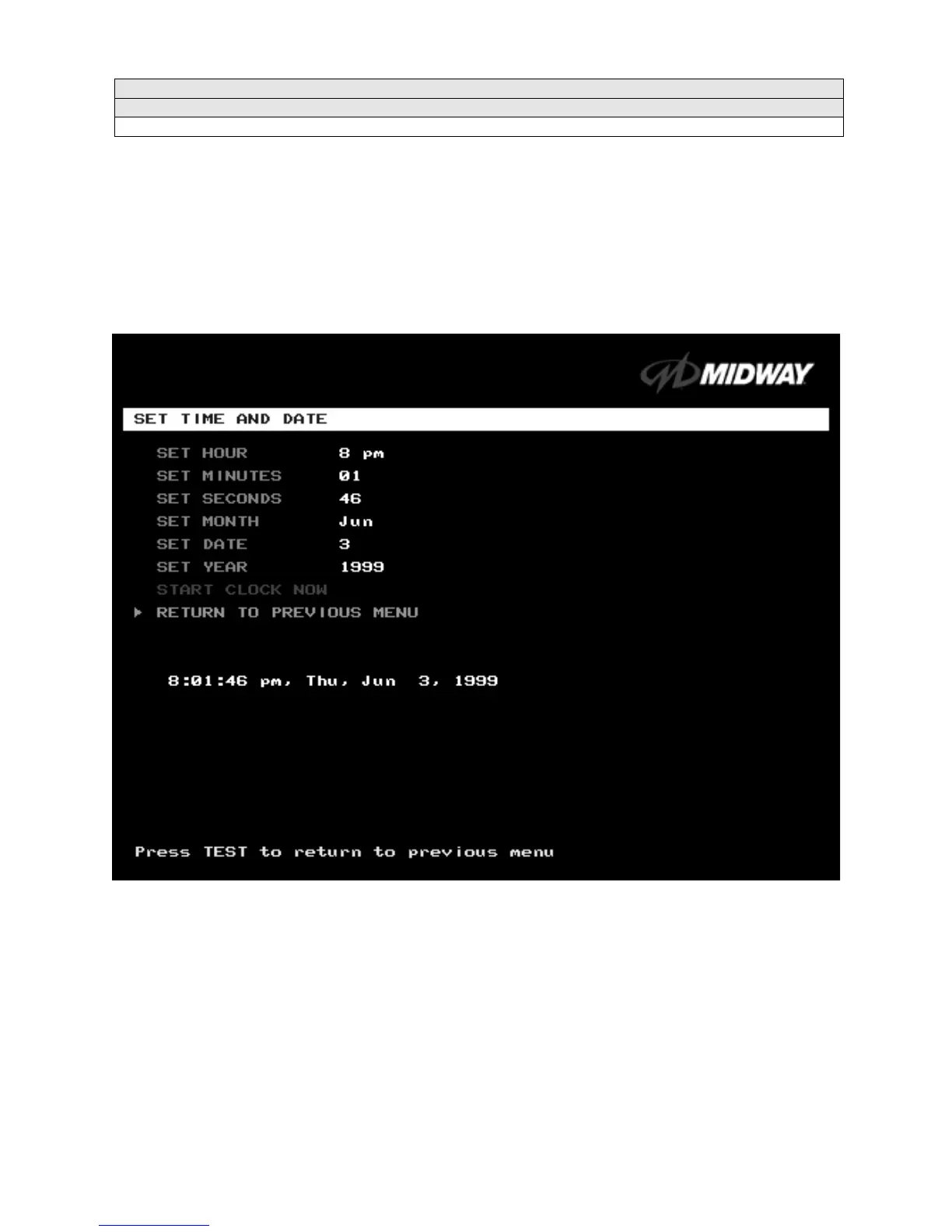
Set Time and Date Menu
SET THE TIME AND DATE
Select SET TIME AND DATE at the Adjustments Menu. The Set Time and Date Menu provides the
current date and time for the game. This screen also allows clock adjustments for time zone changes and
seasonal time changes.
Highlight an option with the middle two diagnostic buttons inside the coin door. Press TEST MODE to
enter Change Mode. Use the diagnostic switches to change the variable. Then press TEST MODE to save
changes and exit the variable.
SET TIME AND DATE MENU
The clock assists in providing accurate game statistics. It doesn’t affect game operation. When the circuit
board isn’t receiving external power, the clock runs until the battery fails.












 To Next Page