Diagnostic, Audit & Adjustment Menu System 3-4
Operator Menu (continued)
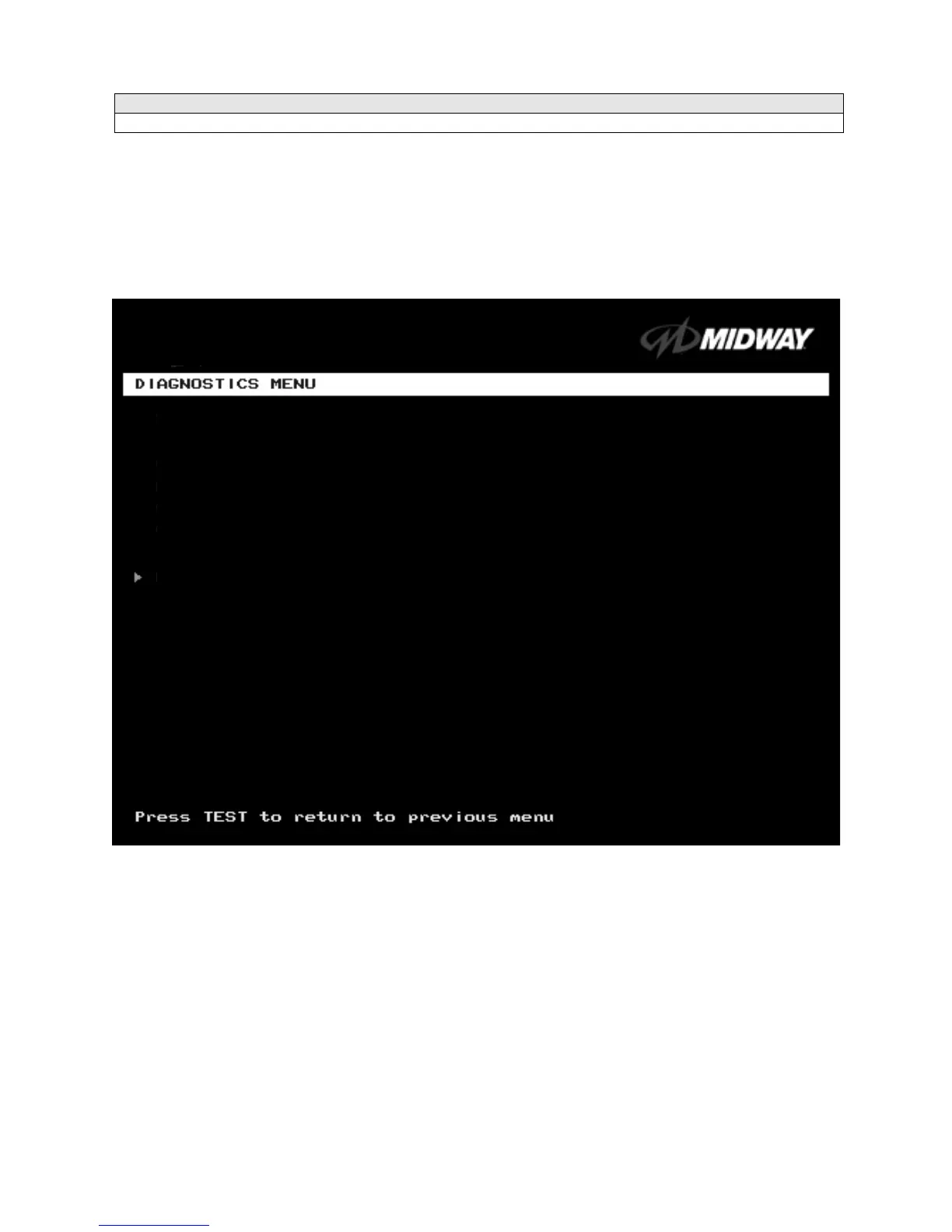
Diagnostics Menu
DIAGNOSTICS
Select DIAGNOSTICS MENU at the Operator Menu. The Diagnostics Menu helps you to verify the
electrical and electronic condition of the game.
Highlight a line item with the middle two diagnostic buttons inside the coin door. Select the option with the
TEST MODE button.
DIAGNOSTICS MENU
SWITCH TEST
LAMP TEST
MONITOR PATTERNS MENU
SOUND TEST
RETURN TO PREVIOUS MENU












 To Next Page